
How to Generate FAQ Schema Markup in Seconds for Better Search Rankings
Struggling to create structured data for your FAQ pages? An FAQ schema generator creates valid JSON-LD markup instantly without coding, giving search engines and AI assistants a clean, machine-readable version of your questions and answers. Google retired FAQ rich results in May 2026, so this markup no longer produces the expandable dropdown in search listings, but it remains valid Schema.org and is still parsed for comprehension.

Why Your FAQ Pages Need Structured Data
You've spent hours crafting the perfect FAQ section for your website, answering every question your customers might have. But there's a problem, search engines can't tell which parts of your page are questions and which are answers. Without proper structured data markup, you're missing out on valuable search visibility that could drive more traffic to your site.
FAQ schema markup is the solution. It's a specific type of structured data that tells search engines exactly where your questions and answers are located. When implemented correctly, your FAQs can appear directly in Google search results as rich snippets, taking up more real estate on the search results page and attracting more clicks from potential customers.
Studies have shown that implementing FAQ schema can increase organic traffic by 3-8%, with some websites experiencing even higher gains. The key is proper implementation, which traditionally required coding knowledge and manual formatting.
The Problem with Manual Schema Implementation
Creating FAQ schema markup manually is tedious, error-prone, and time-consuming. You need to:
- Understand JSON-LD syntax and Schema.org specifications
- Format each question and answer pair according to strict guidelines
- Ensure there are no syntax errors that could invalidate the entire markup
- Manually escape special characters and quotation marks
- Test and validate the code before implementation
Even experienced developers can make mistakes when hand-coding schema markup. A single misplaced comma or unclosed bracket can render the entire structured data invalid, preventing your FAQs from appearing in rich results. For marketers and content creators without coding experience, this technical barrier often means FAQ schema never gets implemented at all.
The Fast, Code-Free Solution: FAQ Schema Generator
An FAQ schema generator eliminates all the technical complexity and creates perfect, valid JSON-LD markup in seconds. Simply enter your questions and answers into the tool, and it automatically generates properly formatted structured data that you can paste directly into your website.
The FAQ Schema Generator is a free, browser-based tool that requires no signup, downloads, or coding knowledge. It follows Google's official guidelines and Schema.org specifications to ensure your markup is search engine ready. Whether you're optimizing a single page or multiple FAQ sections across your site, this tool streamlines the entire process.
How to Use the FAQ Schema Generator: Step-by-Step Guide
Step 1: Access the Tool Navigate to the FAQ Schema Generator page. No registration or login is required the tool is completely free and ready to use immediately.
Step 2: Add Your First Question In the question field, type your FAQ question exactly as it appears (or will appear) on your webpage. Use natural language that matches how real users search. For example: "How long does shipping take?" or "What is your refund policy?"
Step 3: Add the Corresponding Answer In the answer field below each question, provide a clear, concise answer. Keep answers between 1-3 sentences (approximately 30-80 words) for optimal display in search results. Make sure your answers are helpful and directly address the question.
Step 4: Add More FAQ Items Click the "Add FAQ" button to create additional question-answer pairs. You can add as many as needed, though 3-10 FAQs per page typically works best for most content.
Step 5: Copy the Generated Code Copy the complete JSON-LD code snippet that appears. It will be properly formatted with all the necessary Schema.org specifications, including the @context, @type, mainEntity, Question, and Answer fields.
Step 6: Add Code to Your Website Paste the copied code into the <head> section of your webpage HTML, or just before the closing </body> tag. If you're using WordPress, you can use a plugin like "Insert Headers and Footers" or "SOGO Header Footer" to add the code without editing theme files.
Step 7: Validate Your Schema Visit Google's Rich Results Test (search.google.com/test/rich-results) and paste your page URL to verify that Google can detect and process your FAQ schema correctly. Fix any errors if they appear.
Key Benefits of Using an FAQ Schema Generator
- Lightning-Fast Implementation: Create complete FAQ schema markup in under 60 seconds, compared to 15-30 minutes of manual coding
- Zero Coding Required: No technical knowledge needed simply fill in questions and answers using a simple form interface
- Error-Free Markup: Automatically generates syntactically correct JSON-LD that follows Schema.org standards, eliminating common formatting mistakes
- Improved Search Visibility: Qualify for FAQ rich snippets that display directly in Google search results, increasing your SERP presence
- Higher Click-Through Rates: Rich snippets with visible questions and answers attract more attention and clicks from searchers
- 100% Free and Secure: No signup, no data storage, no hidden costs generate unlimited FAQ schemas safely in your browser
- Instant Validation: Generated code is Google-compliant and ready to pass Rich Results Testing
- Mobile and Desktop Compatible: Works perfectly on any device with a web browser
- Time-Saving for Bulk Content: Quickly create schema for multiple pages without repetitive manual formatting
Real-World Use Cases for FAQ Schema
E-commerce Product Pages Add FAQ schema to product pages answering common questions about shipping, returns, sizing, materials, and product features. This helps customers make purchasing decisions directly from search results.
Service Business Websites Local businesses can use FAQ schema to answer questions about pricing, service areas, appointment scheduling, and business hours, making it easier for potential customers to find essential information.
SaaS and Software Companies Technical products benefit from FAQ schema that addresses questions about features, pricing plans, integrations, security, and implementation processes.
Blog Posts and Articles Content creators can add FAQ schema to comprehensive guides and tutorials, helping their articles appear for question-based searches and "People Also Ask" features.
Support and Help Centers Customer support pages with FAQ sections become more discoverable when marked up with structured data, reducing support tickets by answering common questions in search results.
Landing Pages and Sales Pages Marketing teams use FAQ schema to address objections, explain value propositions, and build trust by proactively answering visitor concerns.
Expand Your Structured Data Strategy
While FAQ schema is powerful on its own, combining it with other schema types creates a comprehensive structured data strategy that maximizes your search visibility across multiple result types. Consider implementing:
- Breadcrumb Schema Generator: Improve site navigation in search results and help users understand your site hierarchy
- Organization Schema Generator: Establish your brand identity with logos, social profiles, and contact information in knowledge panels
- Article Schema Generator: Mark up blog posts and news content for enhanced article features
- Product Schema Generator: Display pricing, availability, and ratings for e-commerce products
- Local Business Schema Generator: Boost local SEO with location, hours, and service area information
- Review Schema Generator: Showcase star ratings and customer reviews in search snippets
- Video Schema Generator: Help videos appear in video carousels and search features
- HowTo Schema Generator: Mark up instructional content for step-by-step rich results
- Recipe Schema Generator: Optimize cooking content for recipe carousels and search features
- Events Schema Generator: Promote events with dates, locations, and ticket information
Each schema type serves a specific purpose and can work together to create a fully optimized page. For example, a local restaurant might use Organization, Local Business, FAQ, Review, and Events schemas on different pages to maximize visibility across all relevant search features.
Best Practices for Maximum Impact
To get the most from your FAQ schema implementation, ensure that:
- Questions and answers visible in your schema also appear visibly on the page for users
- Questions are phrased naturally, matching how real people search (e.g., "How much does it cost?" not "Pricing information")
- Answers are concise, informative, and directly address the question without promotional fluff
- You use 3-10 FAQ pairs per page for optimal balance between comprehensiveness and relevance
- Each question is unique and genuinely valuable to your audience
- The FAQ content is relevant to the main topic of the page
Start Generating FAQ Schema Today
Stop letting technical barriers prevent you from implementing powerful structured data on your website. The FAQ Schema Generator makes it simple for anyone marketers, content creators, developers, or business owners to create professional, Google-compliant FAQ markup in seconds.
Visit the FAQ Schema Generator now and start improving your search visibility. Copy your first FAQ schema code, add it to your website, and watch as your content becomes more discoverable in search results. With zero cost, no signup required, and instant results, there's no reason to delay implementing FAQ schema on your most important pages.
Boost your SEO, increase your click-through rates, and provide better search experiences for your audience all with a few simple clicks.
Share this article:
Frequently Asked Questions
Yes, the FAQ Schema Generator is 100% free with no hidden costs, subscription fees, or usage limits. You can generate unlimited FAQ schema markup without creating an account or providing any payment information.
No coding skills are required. Simply enter your questions and answers into the form fields, click generate, and copy the ready-to-use JSON-LD code. The tool handles all the technical formatting automatically.
While FAQ schema makes your content eligible for rich snippets, Google determines which pages to show enhanced results based on relevance, quality, and authority. Implementing proper schema significantly increases your chances but doesn't guarantee rich snippet display. However, it always helps search engines better understand your content.
Google recommends multiple questions per page, with 3-10 FAQ pairs being optimal for most content. Include enough to be helpful without overwhelming the page. Quality and relevance matter more than quantity.
Yes, FAQ schema works excellently on product pages, service pages, blog posts, landing pages, and any page where you answer common customer questions. Just ensure the questions and answers are visible to users on the page, not hidden or schema-only content.
Copy the JSON-LD code from the generator and paste it into the <head> section or just before the closing </body> tag of your HTML. WordPress users can use plugins like "Insert Headers and Footers" to add the code without editing theme files. The code works with all website platforms including WordPress, Shopify, Wix, and custom HTML sites.

Related Articles
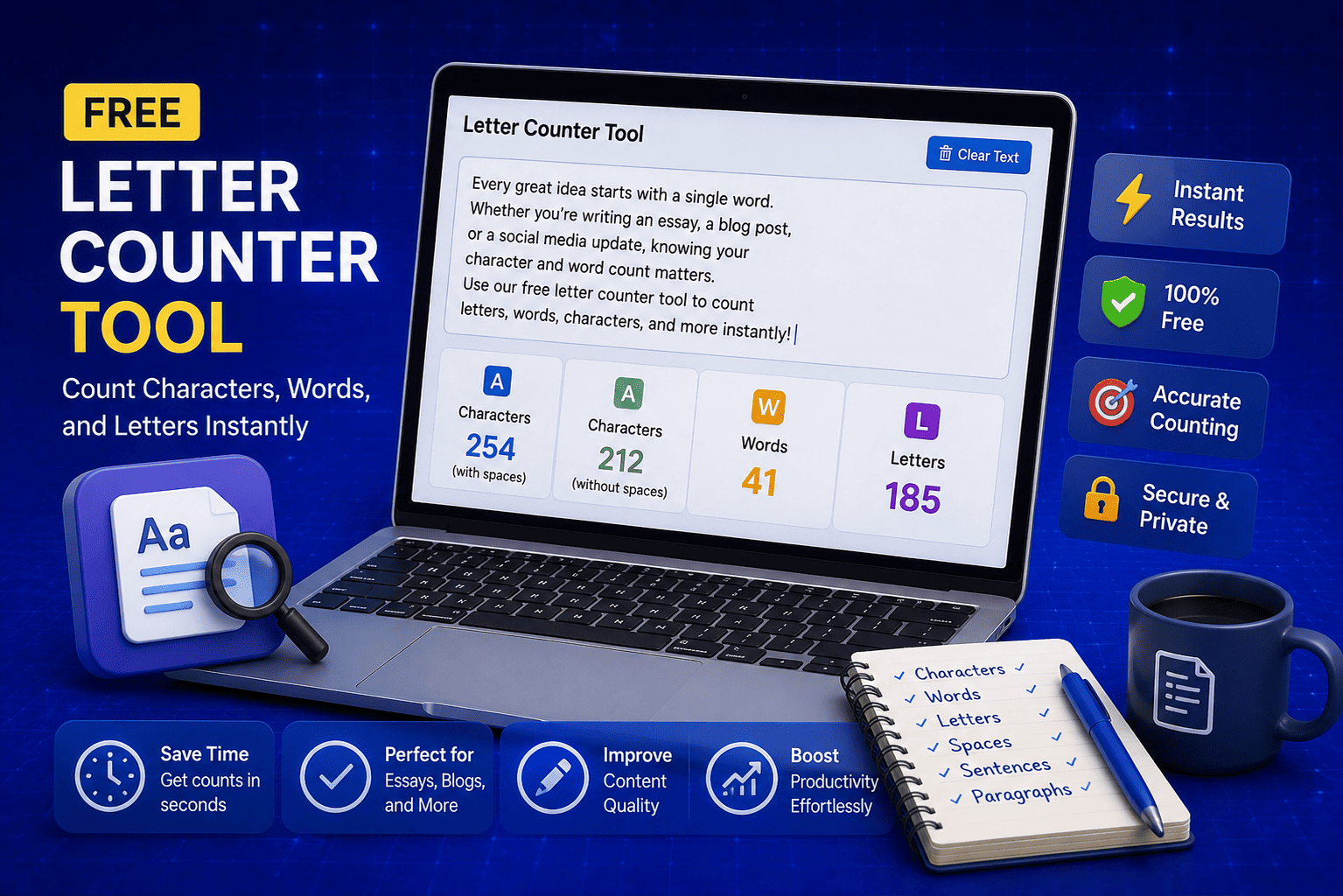
Free Letter Counter Tool: How to Count Characters, Words, and Letters Instantly
Most people do not think about character counts until they absolutely have to. Your tweet gets rejected for being too long. Your Meta description gets cut off in Google search results. Your college application essay goes over the limit and you have no idea by how much. These are the moments when a free letter counter tool becomes genuinely useful. The good news is you do not need a complicated piece of software or a paid subscription to count letters, characters, and words accurately. A free online tool does it all instantly, in real time, right in your browser. In this guide, I am going to show you exactly what a letter counter tool does, who needs it, and how to use it to get accurate text statistics in seconds.
Read Article
How to Check Your Domain DNS Health for Free and Fix Issues Fast
Most website owners set up their domain once and never look at the DNS settings again. Everything seems fine until emails stop delivering, the website goes down after a hosting change, or Google flags the domain for missing security records. By that point the damage is already done. A quick domain DNS health check takes less than thirty seconds and tells you exactly whether your DNS records are correctly configured or quietly causing problems you have not noticed yet. In this guide I am going to show you exactly how to run a free DNS health check on any domain, what the results mean, and what to do if something needs fixing.
Read Article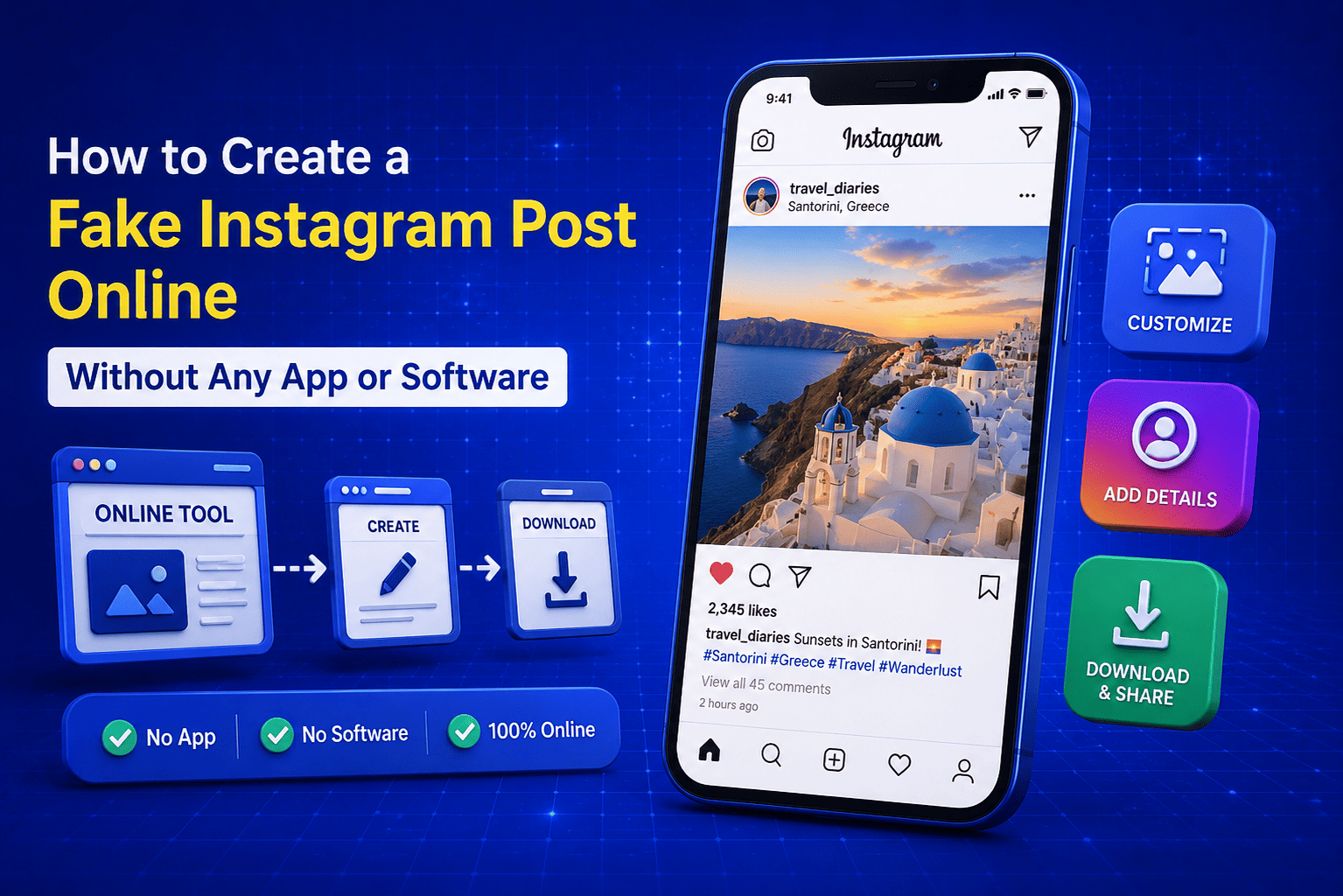
How to Create a Fake Instagram Post Online Without Any App or Software
If you have ever searched for a way to create a fake Instagram post online, you already know how hard it is to find a tool that actually works well. Most options are either too complicated, full of watermarks, or ask you to download software you never wanted in the first place. The good news is you do not need any of that. A free online fake Instagram post generator lets you create a realistic looking Instagram post right in your browser, in under two minutes, with no app, no login, and no design skills required. Whether you need it for a school project, a marketing mockup, or just for fun with friends, this guide will show you exactly how to do it step by step.
Read Article