
How to Check Your Domain DNS Health for Free and Fix Issues Fast
Most website owners set up their domain once and never look at the DNS settings again. Everything seems fine until emails stop delivering, the website goes down after a hosting change, or Google flags the domain for missing security records. By that point the damage is already done. A quick domain DNS health check takes less than thirty seconds and tells you exactly whether your DNS records are correctly configured or quietly causing problems you have not noticed yet. In this guide I am going to show you exactly how to run a free DNS health check on any domain, what the results mean, and what to do if something needs fixing.
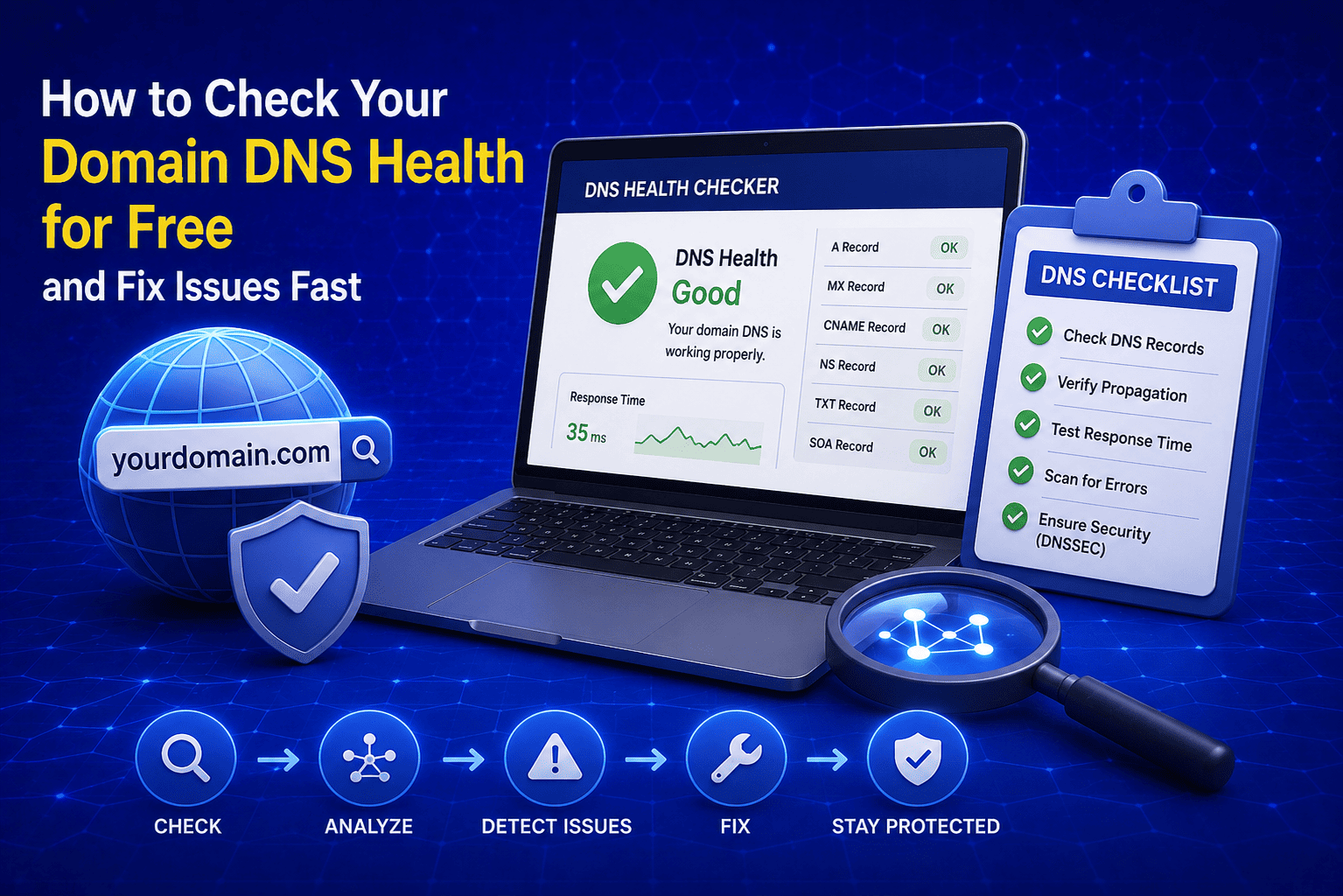
What Is a Domain DNS Health Check?
A domain DNS health check is a diagnostic process that scans all critical DNS records associated with your domain and indicates whether they are correctly configured or missing. Think of it like a medical checkup for your domain. Everything might look fine on the surface but a quick scan can reveal problems that are silently affecting your website performance, email delivery, and domain security.
When I built the DNS Health Checker on EveryWebTool.com, I wanted it to be useful for both complete beginners and experienced developers. You do not need to understand every technical detail of DNS to get value from it. The tool does the analysis and gives you a clear result in plain language.
A full DNS health check typically examines the following records:
- A Record: Confirms your domain is correctly pointing to your hosting server IP address
- NS Records: Verifies your nameservers are properly configured and responding
- MX Records: Checks that your mail exchange records are set up to receive emails correctly
- SPF Record: Confirms your domain has an email authentication record to prevent spoofing
- DMARC Record: Verifies your email policy protection record is in place and active
Each of these records plays a specific role in keeping your domain healthy. A missing or misconfigured record in any one of these areas can cause real problems that directly affect your business.
Why Your Domain DNS Health Matters More Than You Think
I have seen business owners spend thousands on website design, SEO, and paid advertising only to discover their emails were never reaching customers because of a missing MX record. Or their domain was being used to send spam emails because they never set up an SPF record. These are not rare edge cases. They happen to websites of all sizes every single day and the frustrating part is that most of them are completely preventable with a simple DNS health check.
Your domain DNS configuration sits at the foundation of everything your website and email system depends on. When it is wrong, the consequences show up in places you least expect them.
Here is a clear picture of what happens when DNS records are healthy versus when they are not:
|
DNS Record |
When Healthy |
When Missing or Broken |
|
A Record |
Website loads correctly for all visitors |
Website becomes unreachable or shows errors |
|
NS Records |
Domain resolves properly across all networks |
Intermittent website downtime and slow loading |
|
MX Records |
Emails reach your inbox reliably |
Incoming emails bounce or get lost completely |
|
SPF Record |
Your emails land in inbox not spam folder |
Emails flagged as spam or rejected by mail servers |
|
DMARC Record |
Domain protected from email spoofing attacks |
Spammers can send fake emails pretending to be you |
The last two rows in that table are the ones that surprise people the most. A lot of website owners have no idea their domain is being actively used to send spam emails to thousands of people simply because they never set up an SPF or DMARC record. Running a regular DNS health check is the simplest way to make sure none of these problems are affecting your domain right now.
What DNS Records Does a Health Check Analyze?
This is the section where I want to give you a solid understanding of each DNS record type so that when you run your health check and see the results, you know exactly what you are looking at. You do not need to be a network engineer to understand this. I am going to explain each one in plain language the way I would explain it to a client sitting across the table from me.
A complete domain DNS health check analyzes five core record types. Here is what each one does and why it matters:
|
DNS Record |
What It Does |
Why It Matters |
Who Needs It |
|
A Record |
Maps your domain name to your server IP address |
Without it your website is completely unreachable |
Every website owner |
|
NS Records |
Tells the internet which nameservers manage your domain DNS |
Missing or wrong NS records cause your domain to stop resolving |
Every domain owner |
|
MX Records |
Directs incoming emails to the correct mail server |
Without correct MX records nobody can email you at your domain |
Anyone using domain email |
|
SPF Record |
Lists which servers are authorized to send email from your domain |
Prevents spammers from faking your email address |
Every business with email |
|
DMARC Record |
Sets the policy for how receiving servers handle emails that fail SPF or DKIM checks |
Protects your domain reputation and blocks phishing attacks |
Every business with email |
One thing worth knowing is that SPF and DMARC records are stored as TXT records in your DNS. So if you ever need to verify them manually or dig deeper into what they contain, you can use the TXT Record Checker on EveryWebTool.com to pull the raw record data for any domain instantly.
For email specific issues, checking your MX records separately using the MX Lookup tool gives you a more detailed breakdown of your mail server configuration than a general health check provides.
Common DNS Health Problems and What They Mean
Running a DNS health check is only useful if you understand what the problems it finds actually mean in practice. Over the years I have seen the same DNS issues come up again and again across all kinds of websites. Here are the most common ones and exactly what they mean for your domain:
- Missing A Record: This is the most critical problem a DNS health check can find. If your A record is missing or pointing to the wrong IP address, your website is either completely unreachable or loading from the wrong server. This usually happens after a hosting migration where the DNS was not updated correctly.
- Incorrect or Missing Nameservers: If your nameservers are not configured correctly, your entire domain stops resolving properly. Visitors may see inconsistent results where some can reach your site and others cannot. This is a common problem after transferring a domain between registrars.
- Missing MX Records: No MX records means no incoming emails. If someone tries to send an email to your domain address it will bounce back to them with a delivery failure message. This is one of the most damaging DNS problems for any business that relies on email communication.
- Missing SPF Record: Without an SPF record, receiving mail servers have no way to verify whether an email claiming to come from your domain is legitimate. This leads to your genuine emails landing in spam folders and opens your domain up to being used for spoofing attacks.
- Missing DMARC Record: A missing DMARC record means there is no policy telling receiving mail servers what to do with emails that fail authentication checks. If you already have an SPF record in place, adding a DMARC record is the natural next step. You can generate one instantly using the free DMARC Generator on EveryWebTool.com.
- DNS Propagation Delays: Sometimes a health check shows issues that are actually caused by DNS changes that have not fully propagated across the internet yet. DNS propagation can take anywhere from a few minutes to 48 hours depending on your TTL settings and DNS provider.
- Conflicting DNS Records: Having duplicate or conflicting records of the same type can confuse mail servers and cause unpredictable behavior with both website loading and email delivery. This happens most often when switching between hosting providers without cleaning up old records first.
How to Check Your Domain DNS Health for Free (Step by Step)
This is the practical part of the guide and I promise it is much simpler than everything I have explained so far might suggest. The free Domain DNS Health Checker on EveryWebTool.com does all the technical analysis for you. Your only job is to enter your domain name and read the results.
Step 1: Open the Free Domain DNS Health Checker
Go to the Domain DNS Health Checker on EveryWebTool.com. No account required, no sign up, no login needed. The tool opens instantly in your browser and works on any device including mobile phones and tablets.
Step 2: Enter Your Domain Name
Type your domain name into the input field. Enter it in its simplest form for example everywebtool.com without any www prefix or https at the beginning. The tool automatically handles any formatting variations so you do not need to worry about getting the format exactly right.
Step 3: Run the DNS Health Check
Click the Check button and the tool immediately begins analyzing your domain. It simultaneously checks all five core DNS record types in real time. The entire process takes under thirty seconds for most domains regardless of where they are registered or hosted.
Step 4: Read Your DNS Health Score
Once the analysis is complete your results appear in a clear and easy to read format. Here is what each status indicator means:
- Green checkmark: That DNS record is present and correctly configured. No action needed.
- Red X mark: That DNS record is missing or has a configuration problem that needs attention.
- Good status: Your domain has at least 4 out of 5 core DNS records correctly configured.
- Needs Attention status: One or more critical DNS records are missing or broken and require immediate action.
Take note of every red X mark in your results. Each one represents a specific DNS record that needs to be added or fixed through your domain registrar or DNS hosting provider control panel.
Step 5: Fix Any Issues Found
For each red X mark in your results here is the recommended action:
- Missing A Record: Log into your domain registrar or hosting control panel and add or update your A record to point to your correct server IP address.
- Missing MX Records: Contact your email provider for the correct MX record values and add them through your DNS management panel. Use the MX Lookup tool to verify them after adding.
- Missing SPF Record: Add a TXT record to your DNS with the correct SPF value provided by your email hosting provider.
- Missing DMARC Record: Generate a proper DMARC record instantly using the free DMARC Generator and add it as a TXT record in your DNS settings.
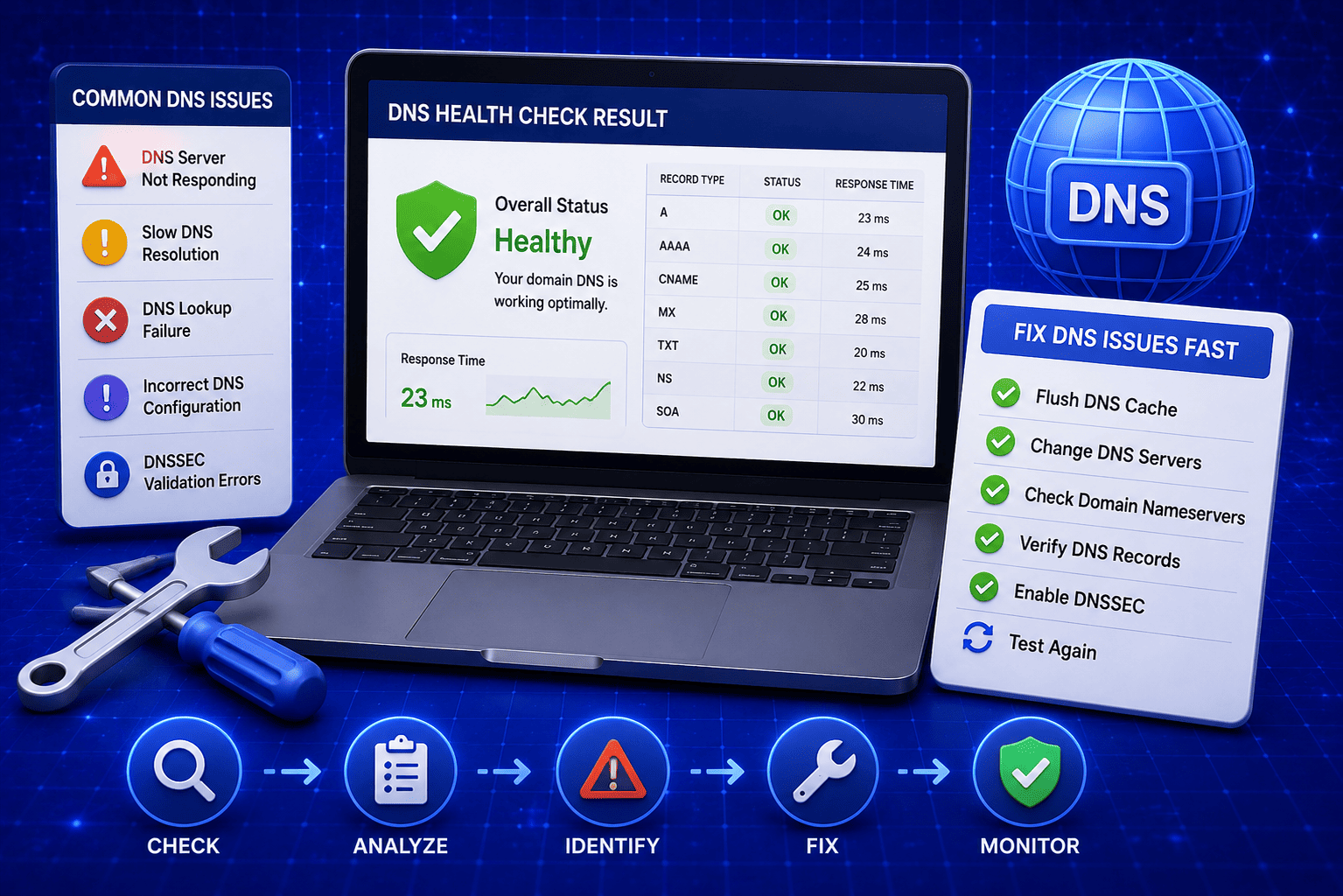
After making any DNS changes, wait for propagation and then run the health check again to confirm everything is showing green.
When Should You Run a Domain DNS Health Check?
A lot of people treat DNS as a set it and forget it task. They configure it once during their initial domain setup and never look at it again. From my experience that approach causes more problems than it solves because DNS settings can be affected by a surprisingly wide range of common website and hosting activities.
Here are all the situations where running a domain DNS health check is not just recommended but genuinely necessary:
- Before launching a new website: Always run a DNS health check before going live. A missing A record or misconfigured nameserver on launch day means your website is unreachable to real visitors from the very first moment.
- After switching hosting providers: Moving your website to a new host almost always involves updating your A record and sometimes your nameservers too. A DNS health check after migration confirms everything is pointing correctly to the new server.
- After transferring your domain to a new registrar: Domain transfers can sometimes reset or overwrite existing DNS records. Running a health check immediately after a transfer catches any records that got lost in the process.
- When emails start bouncing or landing in spam: If customers or colleagues are suddenly not receiving your emails or your outgoing emails are going to spam, a DNS health check will immediately tell you whether a missing MX, SPF, or DMARC record is the cause.
- Before running a major email marketing campaign: Sending a large volume of emails from a domain without SPF and DMARC records in place is one of the fastest ways to destroy your sender reputation. Check your DNS health before hitting send on any bulk email campaign.
- After making any DNS changes: Any time you add, edit, or delete a DNS record, run a health check afterward to confirm the change went through correctly and did not accidentally affect any other records.
- During routine quarterly maintenance: Even if nothing has changed on your end, DNS records can be affected by provider updates, server migrations on your host's side, or domain renewal issues. A quick quarterly check takes thirty seconds and gives you complete peace of mind.
- When setting up a new business email address: Adding a new email account on your domain is the perfect time to verify that your MX records, SPF, and DMARC are all correctly configured to support reliable email delivery. You can explore all the free networking and DNS tools on EveryWebTool.com to cover every aspect of your domain configuration in one place.
Final Thoughts
DNS problems are one of those things that stay completely invisible until they suddenly cause a serious issue with your website or email. By that point you have already lost visitors, missed emails, or had your domain reputation damaged by spammers taking advantage of missing authentication records.
Running a DNS health check takes thirty seconds and costs nothing. It is honestly one of the lowest effort, highest value checks any website owner can do for their domain. I built the free Domain DNS Health Checker on EveryWebTool.com specifically so that anyone, technical or not, can get a clear and accurate picture of their domain health without needing to hire a developer or dig through complicated DNS dashboards.
Enter your domain name, run the check, and know exactly where you stand in under thirty seconds.
Share this article:
Frequently Asked Questions
A good DNS health score means at least 4 out of 5 core DNS records are correctly configured. The free Domain DNS Health Checker on EveryWebTool.com displays a clear Good status when your domain meets this threshold and a Needs Attention status when critical records are missing or broken.
Log into your domain registrar or DNS hosting provider control panel and add or update the specific records flagged in your health check results. For missing DMARC records you can generate the correct record value instantly using the free DMARC Generator. After making any changes run the health check again to confirm everything is correctly configured.
The entire check takes under thirty seconds for most domains. The tool simultaneously analyzes all five core DNS record types in real time and displays your full results instantly without any waiting or page refreshing required.
No technical knowledge is required at all. You only need to enter your domain name and click the Check button. The tool handles all the technical analysis and presents your results in plain language with clear green checkmarks and red X marks so anyone can understand the results immediately.

Related Articles

Free Letter Counter Tool: How to Count Characters, Words, and Letters Instantly
Most people do not think about character counts until they absolutely have to. Your tweet gets rejected for being too long. Your Meta description gets cut off in Google search results. Your college application essay goes over the limit and you have no idea by how much. These are the moments when a free letter counter tool becomes genuinely useful. The good news is you do not need a complicated piece of software or a paid subscription to count letters, characters, and words accurately. A free online tool does it all instantly, in real time, right in your browser. In this guide, I am going to show you exactly what a letter counter tool does, who needs it, and how to use it to get accurate text statistics in seconds.
Read Article
How to Create a Fake Instagram Post Online Without Any App or Software
If you have ever searched for a way to create a fake Instagram post online, you already know how hard it is to find a tool that actually works well. Most options are either too complicated, full of watermarks, or ask you to download software you never wanted in the first place. The good news is you do not need any of that. A free online fake Instagram post generator lets you create a realistic looking Instagram post right in your browser, in under two minutes, with no app, no login, and no design skills required. Whether you need it for a school project, a marketing mockup, or just for fun with friends, this guide will show you exactly how to do it step by step.
Read Article
How to Estimate Your Road Trip Fuel Cost before You Leave Home
Road trips are exciting until you check your wallet halfway through and realize you completely underestimated how much fuel was going to cost you. I have been there and it is not a great feeling when you are three hours from home with an empty tank and an even emptier budget. The smart move is to calculate your fuel cost before you even start the engine. It takes less than two minutes, you do not need any special knowledge, and a free online tool does all the math for you. In this guide I am going to show you exactly how to estimate your road trip fuel cost accurately so you can plan your budget with confidence and actually enjoy the drive.
Read Article