
How to Create a Fake Instagram Post Online Without Any App or Software
If you have ever searched for a way to create a fake Instagram post online, you already know how hard it is to find a tool that actually works well. Most options are either too complicated, full of watermarks, or ask you to download software you never wanted in the first place. The good news is you do not need any of that. A free online fake Instagram post generator lets you create a realistic looking Instagram post right in your browser, in under two minutes, with no app, no login, and no design skills required. Whether you need it for a school project, a marketing mockup, or just for fun with friends, this guide will show you exactly how to do it step by step.
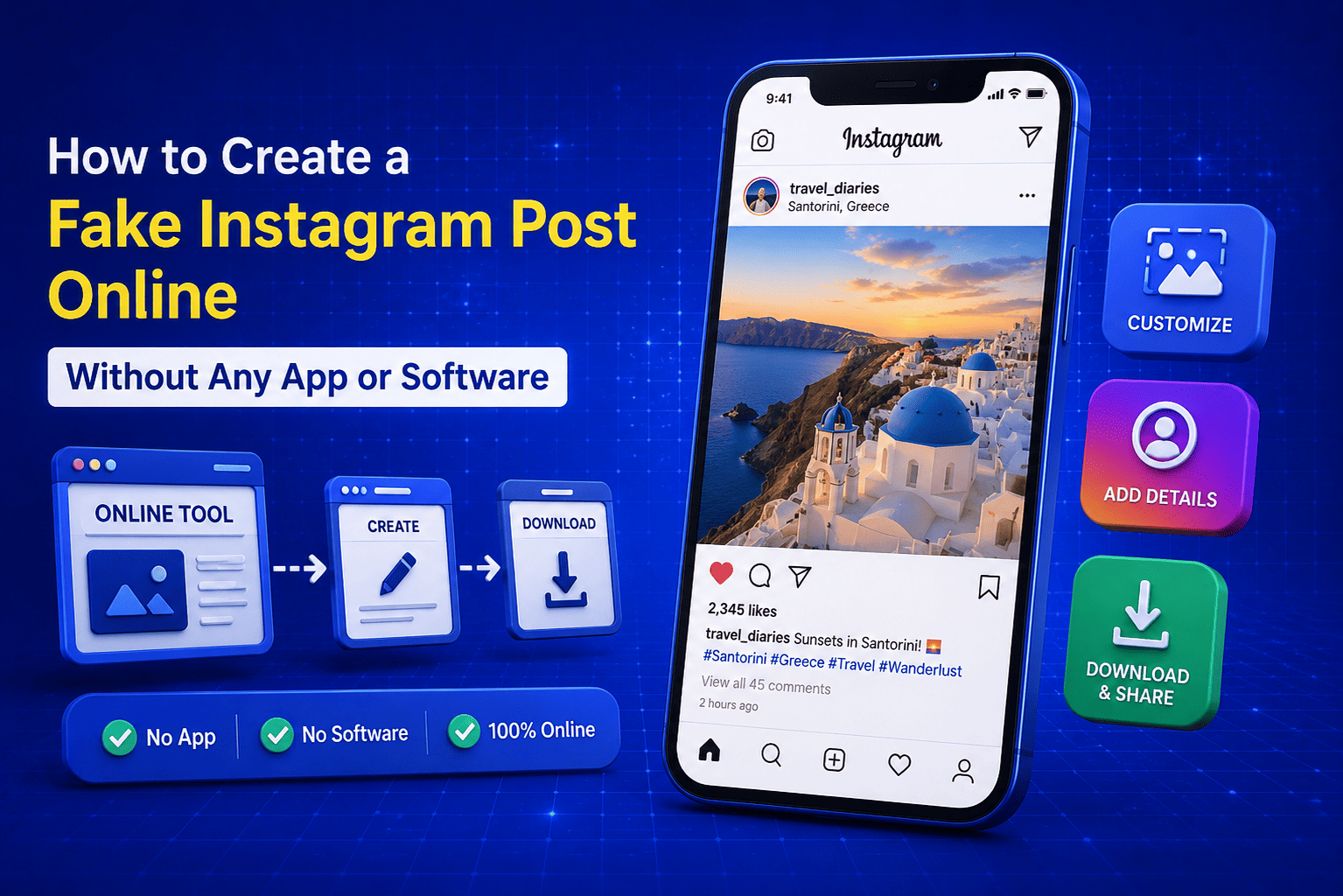
What Is a Fake Instagram Post Generator?
A fake Instagram post generator is a free online tool that lets you create a realistic looking Instagram post mockup without actually posting anything on Instagram. You fill in the details like a username, caption, image, and engagement numbers and the tool builds a post that looks exactly like a real Instagram screenshot.
What I find most useful about this kind of tool is that everything stays in your browser. You do not need an Instagram account, you do not need Photoshop, and you do not need to install anything on your device. Just open the tool, fill in your details, and your fake Instagram post is ready in minutes.
Here is what a good fake Instagram post generator typically lets you control:
- Username and display name of the account
- Profile picture of the fake account
- Post image that appears in the feed
- Caption text below the post
- Hashtags included in the caption
- Number of likes shown on the post
- Number of comments displayed
- Time stamp of when the post was published
- Verified badge on or off
All of these elements combine to create a post mockup that looks completely realistic. You can explore this yourself using the free Instagram Post Generator on EveryWebTool.com which gives you full control over every detail without any watermark or login required.
Why People Use a Fake Instagram Post Maker
A lot of people hear the words "fake Instagram post" and immediately assume something negative. The reality is most people using a fake Instagram post maker have completely legitimate and creative reasons for doing so. From students working on media assignments to marketers previewing content before it goes live, the use cases are much wider than most people expect.
In my experience building and maintaining tools like this on EveryWebTool.com, I have seen people from all kinds of backgrounds use a fake Instagram post generator for surprisingly practical purposes. Here is a breakdown of the most common ones:
|
Use Case |
Who Uses It |
Why |
|
Social media mockups |
Marketers and designers |
Preview how a post will look before publishing |
|
School and college projects |
Students |
Create sample social media content for presentations |
|
Prank posts for fun |
General users |
Share funny fake posts with friends privately |
|
Content creation examples |
Influencers and coaches |
Show followers what good post formatting looks like |
|
Training and workshops |
Social media trainers |
Demonstrate post strategies without a real account |
|
App and website prototyping |
Developers and UI designers |
Build realistic app mockups with sample Instagram content |
|
Advertising concept design |
Ad agencies |
Show clients a visual concept before production begins |
|
YouTube thumbnails and videos |
Content creators |
Create eye catching visuals featuring fake post screenshots |
As you can see the tool serves a genuinely wide range of users. The common thread across all of them is the need for a realistic Instagram post visual without the hassle of actually creating and publishing a real post on the platform.
Is It Legal to Create a Fake Instagram Post?
This is a question I get asked quite often and it is a fair one to ask. The short answer is yes, creating a fake Instagram post is completely legal as long as you use it responsibly and honestly.
Using a fake Instagram post generator for personal fun, school projects, marketing mockups, design presentations, or content creation examples is perfectly fine. These are creative and educational uses that do not harm anyone and do not violate any laws.
Where things become a problem is when someone uses a fake Instagram post to deliberately mislead or deceive other people. Here are the situations you should always avoid:
- Impersonating a real person or brand: Creating a fake post that pretends to be from a real celebrity, public figure, or business to spread false information is both unethical and potentially illegal in many countries.
- Spreading misinformation: Using a fake Instagram post to make false claims look real and sharing it publicly as genuine content can have serious legal consequences depending on your country.
- Fraud or scams: Using a fake post to trick people into sending money, clicking malicious links, or sharing personal information is illegal without question.
- Defamation: Creating a fake post that damages the reputation of a real person or organization can result in legal action against you.
As long as you stay within responsible and honest use, a fake Instagram post generator is simply a creative tool like any other. The free Instagram Post Generator on EveryWebTool.com is built for legitimate creative, educational, and professional purposes and that is exactly how the vast majority of users use it every single day.
What Makes a Good Fake Instagram Post Generator?
Not all fake Instagram post generators are created equal. I have tested quite a few of them over the years and the difference in quality between a good one and a poor one is very obvious the moment you start using it. A bad tool gives you a result that looks nothing like a real Instagram post. A good tool gives you something so realistic that you have to look twice to tell it apart from an actual screenshot.
Here are the features that separate a genuinely useful fake Instagram post generator from one that wastes your time:
- No watermark on the output: A watermark on your generated post makes it immediately obvious that it came from a third party tool. A good generator gives you a clean image with no branding overlaid on top of it.
- Full customization control: You should be able to edit every visible element of the post including the username, profile picture, post image, caption, hashtags, like count, comment count, and timestamp. Limited customization produces unrealistic results.
- Realistic design accuracy: The layout, fonts, spacing, and colors should match the actual Instagram interface as closely as possible. Even small design differences make a mockup look fake immediately.
- No login or account required: Having to create an account just to use a free tool is unnecessary friction. The best generators work instantly without any sign up.
- Works directly in the browser: No downloads, no software installations, no app permissions needed. A good tool opens in your browser and works on any device including mobile phones and tablets.
- Fast output generation: You should not have to wait more than a few seconds for your post to generate. Speed matters especially when you are working on a presentation or project with a deadline.
- Free to use: The best fake Instagram post generators are completely free with no hidden charges, no premium tier required for basic features, and no usage limits that force you to upgrade.
The free Instagram Post Generator on EveryWebTool.com meets every single one of these criteria. It also pairs well with the Instagram Filter Generator if you want to enhance your post image with a realistic filter before adding it to your mockup.
How to Create a Fake Instagram Post for Free (Step by Step)
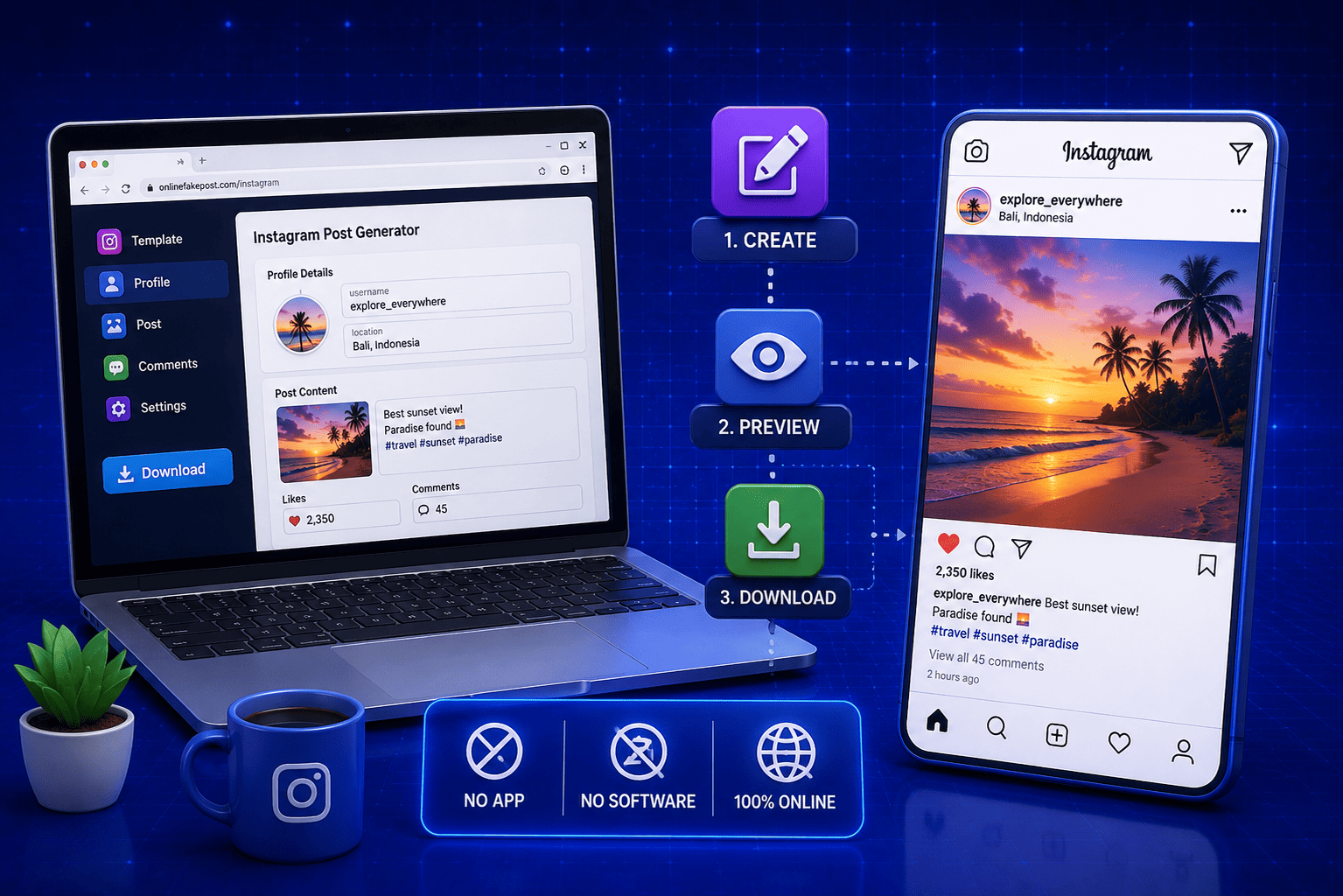
This is the part where everything becomes practical. I am going to walk you through every single step of using the free fake Instagram post generator on EveryWebTool.com. The whole process takes under two minutes and works on any device including your phone.
Step 1: Open the Free Instagram Post Generator
Go to the free Instagram Post Generator on EveryWebTool.com. No account needed, no sign up form, no email required. The tool loads instantly in your browser and is completely free to use.
Step 2: Enter the Username and Display Name
In the username field, type the Instagram handle you want to appear on the post. This is the name that shows at the top of the post with the @ symbol. In the display name field, enter the full name you want shown on the profile. You can use a real name, a brand name, or anything you need for your mockup.
Step 3: Add the Post Image
Upload the image you want to appear as the main post photo. This can be any image saved on your device. Choose a clear, high quality image for the most realistic result. The tool automatically fits the image into the standard Instagram post format so you do not need to resize or crop it manually beforehand.
Step 4: Write the Caption and Hashtags
Type your post caption in the caption field. Write it exactly the way you want it to appear on the finished post. Add your hashtags at the end of the caption or in a separate line depending on the style you are going for. The tool displays the caption exactly as you type it so you have full control over the formatting.
Step 5: Set Likes, Comments, and Shares Count
Enter the number of likes and comments you want displayed on the post. You can type any number you choose. This is one of the details that makes the mockup look completely realistic because real Instagram posts always show engagement numbers below the image.
Step 6: Generate and Download Your Post
Once all your details are filled in, click the generate button. Your fake Instagram post appears instantly in the preview panel. Review every detail to make sure everything looks exactly right. When you are happy with the result, click the download button to save the post image directly to your device as a clean image file with no watermark.
Fake Instagram Post Generator vs Other Social Media Mockup Tools
If you work with social media content regularly, you have probably come across several different mockup tools online. Some are general purpose design platforms, some are dedicated social media simulators, and some are simple screenshot editors. Knowing how a fake Instagram post generator compares to these other options helps you choose the right tool for the right job every time.
From my own experience testing different tools, here is how a dedicated fake Instagram post generator stacks up against the most common alternatives:
|
Tool Type |
Ease of Use |
Instagram Accuracy |
Free to Use |
No Login Required |
No Watermark |
Speed |
|
Fake Instagram Post Generator |
Very Easy |
Very High |
Yes |
Yes |
Yes |
Very Fast |
|
General Design Tools (Canva etc) |
Moderate |
Low |
Partly |
No |
No |
Moderate |
|
Screenshot Editors |
Difficult |
Moderate |
Yes |
Yes |
Yes |
Slow |
|
Social Media Schedulers |
Difficult |
Moderate |
No |
No |
No |
Slow |
|
Photoshop Templates |
Very Difficult |
High |
No |
No |
Yes |
Very Slow |
|
Browser Extensions |
Moderate |
Moderate |
Partly |
No |
Partly |
Fast |
The comparison makes it very clear that a dedicated fake Instagram post generator beats every other option when your goal is speed, accuracy, and simplicity. General design tools like Canva give you creative flexibility but they require significant manual work to make a post look realistically like Instagram. Photoshop templates produce high quality results but the learning curve and cost make them impractical for most users.
For anyone who needs a realistic Instagram post mockup quickly and without any technical skills, a dedicated generator is simply the smartest choice. And if you also need mockups for other platforms, the Tweet Generator on EveryWebTool.com works the same way for Twitter content. You can find all available options across the free social media tools section of the site.
Common Uses of a Fake Instagram Post in Real Life
I touched on use cases earlier in this guide but I want to go deeper here because this is where a lot of people find unexpected value in the tool. Once you understand all the ways a fake Instagram post can be used in real life, you start seeing opportunities you probably never considered before.
Here are the most practical and common real life uses I have come across:
- Marketing presentations and client pitches: Social media managers and marketing agencies use fake Instagram post mockups to show clients exactly how their content strategy will look before spending any budget on actual production. It saves time, sets expectations clearly, and makes presentations look far more professional.
- Social media training and workshops: Trainers who teach Instagram marketing use fake post generators to create example posts that demonstrate good caption writing, hashtag strategy, and visual content without needing a live Instagram account during the session.
- School and university projects: Students studying media, communications, digital marketing, or journalism regularly need to create sample social media content as part of their coursework. A fake Instagram post generator gives them a realistic output without needing a real account.
- YouTube video thumbnails: Content creators on YouTube frequently use fake Instagram post screenshots as visual elements in their thumbnails and video graphics. A realistic looking post mockup grabs attention far better than a plain text graphic.
- App and website UI prototyping: Developers and UX designers building apps or websites that display social media content use fake post generators to populate their prototypes with realistic looking Instagram content during the design phase.
- Humor and entertainment content: A large number of users simply create funny fake posts to share privately with friends and family for entertainment. As long as it stays private and does not impersonate real people harmfully, this is one of the most common everyday uses.
- Brand awareness concept testing: Before a brand launches a new Instagram campaign, the marketing team can generate fake post mockups to test different visual styles, caption tones, and hashtag approaches internally without publishing anything publicly.
- Journalism and media education: Educators and journalists use fake Instagram posts to illustrate stories about social media culture, misinformation awareness, and digital literacy without needing to reference or screenshot real user content.
The range of genuine practical applications for this tool is much broader than most people initially realize. Every one of these use cases is served quickly and easily by the free Instagram Post Generator on EveryWebTool.com.
Final Thoughts
Creating a fake Instagram post used to mean spending hours in Photoshop or settling for a low quality result covered in watermarks. That is simply not the case anymore. With the right free tool, the whole process takes under two minutes and the result looks completely realistic from every angle.
Whether you are building a marketing presentation, working on a college project, creating YouTube thumbnail graphics, or just making something fun to share with friends, the free Instagram Post Generator on EveryWebTool.com gives you everything you need in one place. No app, no login, no watermark, and no cost involved at any step.
Open the tool, fill in your details, and have your fake Instagram post ready before you finish your coffee.
Share this article:
Frequently Asked Questions
Yes. The free Instagram Post Generator on EveryWebTool.com generates your post with no watermark on the final image. You get a clean, download ready file that looks completely realistic with no third party branding anywhere on it.
Yes, it is completely free. No subscription, no hidden charges, and no premium tier required to access the full features. Simply open the tool, fill in your details, generate your post, and download it at no cost.
Absolutely. This is actually one of the most popular use cases for the tool. Students, marketers, and trainers use fake Instagram post mockups in presentations, pitch decks, and workshop materials all the time. The output looks realistic enough to use in any professional or academic setting.
No login is required at all. You do not need an Instagram account, an EveryWebTool account, or any kind of sign up to use the generator. Open the tool, create your post, and download it instantly without any registration or personal information needed.

Related Articles
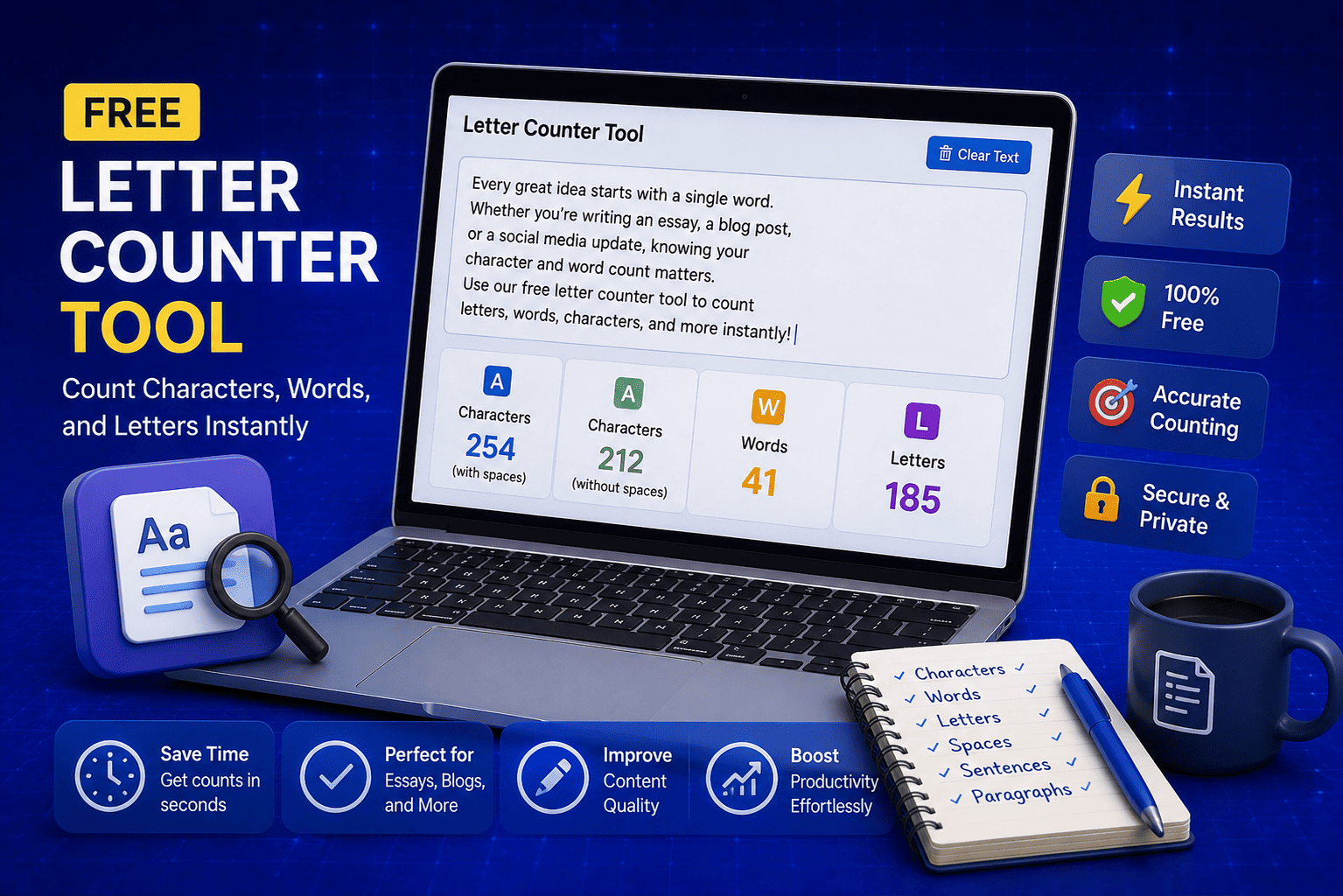
Free Letter Counter Tool: How to Count Characters, Words, and Letters Instantly
Most people do not think about character counts until they absolutely have to. Your tweet gets rejected for being too long. Your Meta description gets cut off in Google search results. Your college application essay goes over the limit and you have no idea by how much. These are the moments when a free letter counter tool becomes genuinely useful. The good news is you do not need a complicated piece of software or a paid subscription to count letters, characters, and words accurately. A free online tool does it all instantly, in real time, right in your browser. In this guide, I am going to show you exactly what a letter counter tool does, who needs it, and how to use it to get accurate text statistics in seconds.
Read Article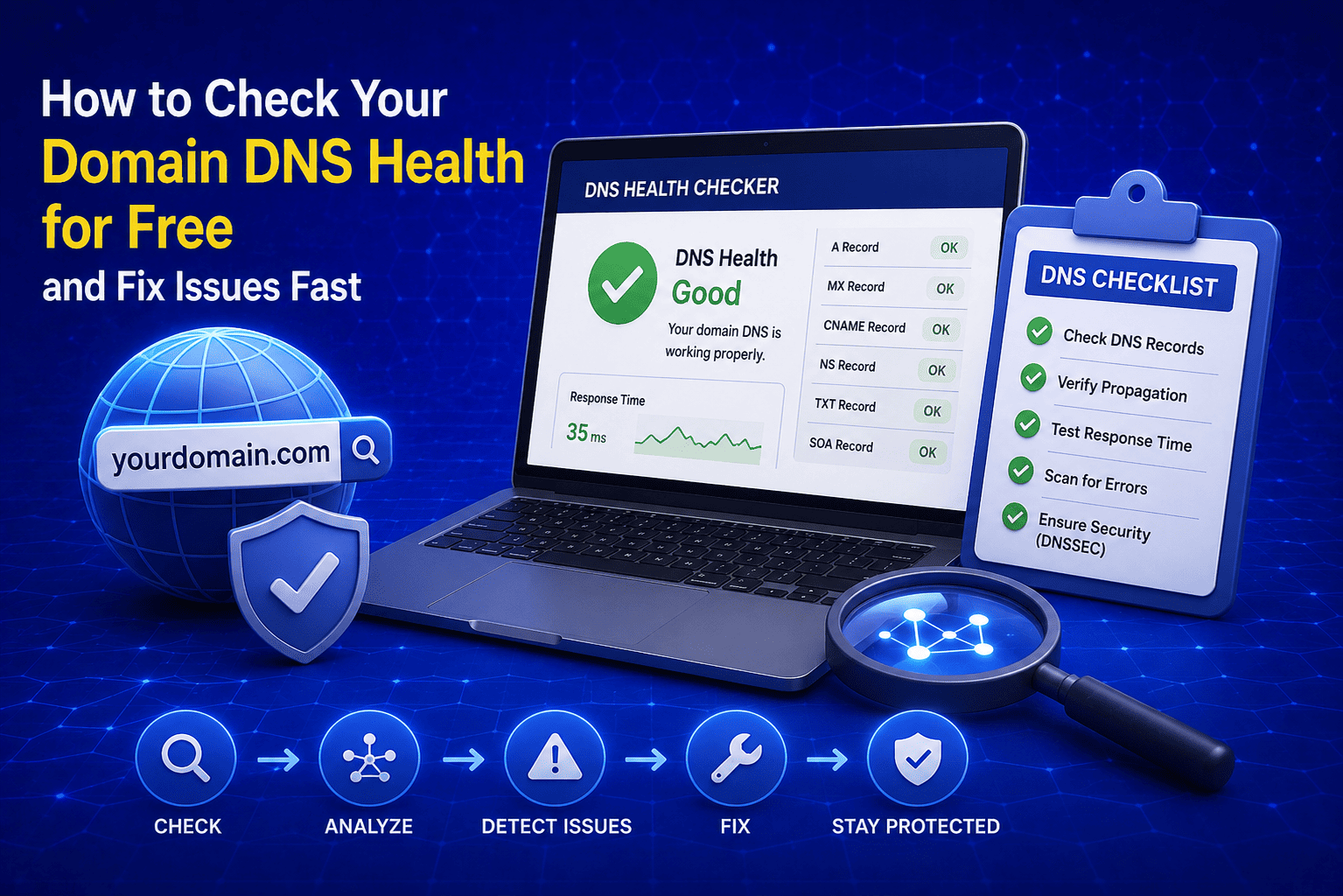
How to Check Your Domain DNS Health for Free and Fix Issues Fast
Most website owners set up their domain once and never look at the DNS settings again. Everything seems fine until emails stop delivering, the website goes down after a hosting change, or Google flags the domain for missing security records. By that point the damage is already done. A quick domain DNS health check takes less than thirty seconds and tells you exactly whether your DNS records are correctly configured or quietly causing problems you have not noticed yet. In this guide I am going to show you exactly how to run a free DNS health check on any domain, what the results mean, and what to do if something needs fixing.
Read Article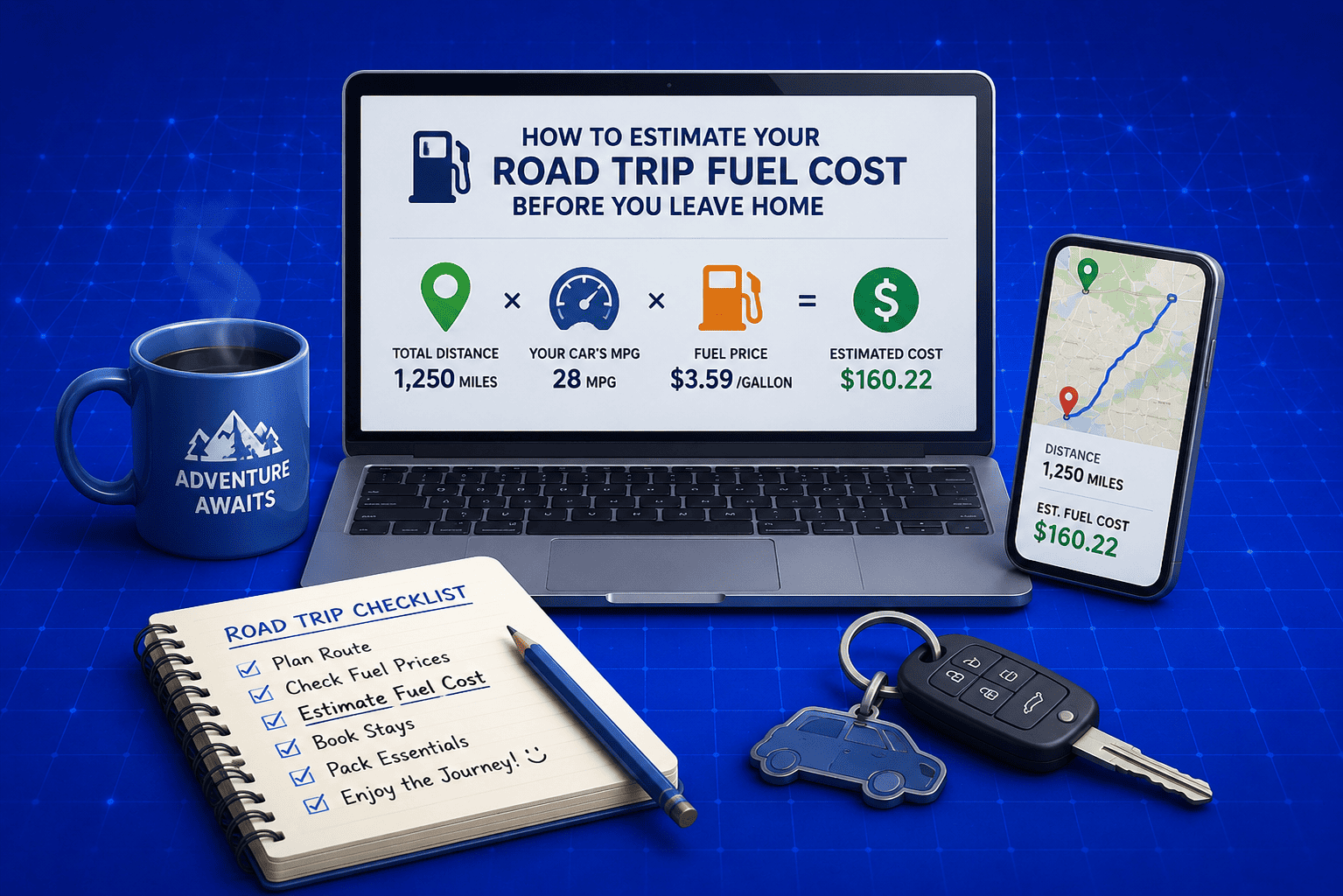
How to Estimate Your Road Trip Fuel Cost before You Leave Home
Road trips are exciting until you check your wallet halfway through and realize you completely underestimated how much fuel was going to cost you. I have been there and it is not a great feeling when you are three hours from home with an empty tank and an even emptier budget. The smart move is to calculate your fuel cost before you even start the engine. It takes less than two minutes, you do not need any special knowledge, and a free online tool does all the math for you. In this guide I am going to show you exactly how to estimate your road trip fuel cost accurately so you can plan your budget with confidence and actually enjoy the drive.
Read Article