
How to Create UTM Tracking Links in Seconds Using a Free UTM Link Generator
Not knowing which marketing campaign is driving traffic means you're spending budget blindly. The free UTM Link Generator at EveryWebTool.com lets you instantly build trackable campaign URLs with the right UTM parameters - no signup, no coding, no guesswork.
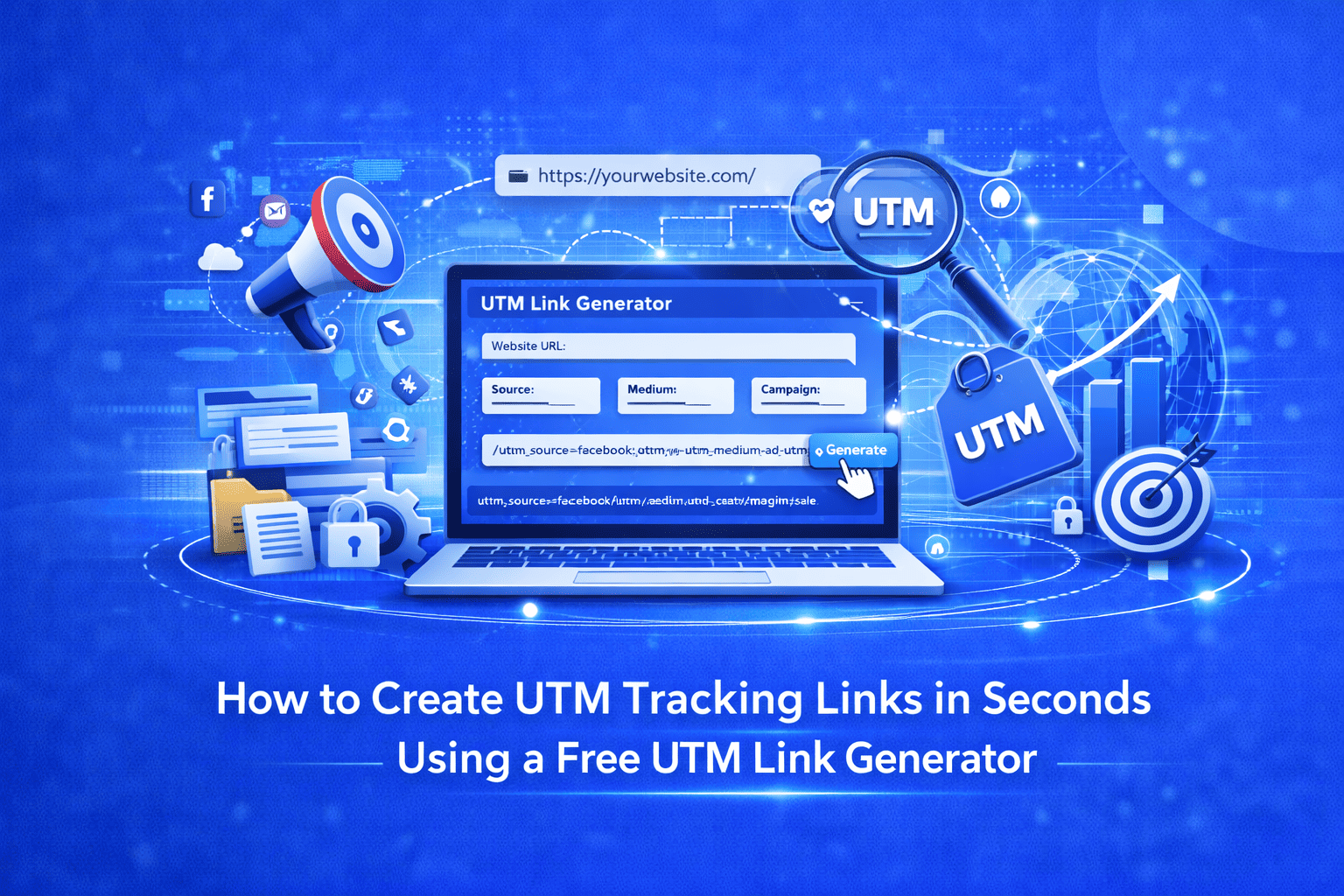
Introduction: You're Running Campaigns, But Are You Tracking Them?
You launch an email newsletter, run a Facebook ad, and post an organic tweet all pointing to the same landing page. A week later, Google Analytics shows a spike in traffic. But here's the problem you have no idea which channel sent it.
This is one of the most common and costly problems in digital marketing. Without proper campaign tracking, you're flying blind. You can't optimize what you can't measure, and you can't measure traffic sources without UTM parameters.
UTM parameters (short for Urchin Tracking Module) are small tags appended to the end of a URL that tell analytics platforms exactly where a visitor came from, which campaign brought them, and through which medium. They're the backbone of campaign attribution and if you're not using them, you're leaving data on the table.
Why Building UTM Links Manually Doesn't Work
Technically, you can build a UTM link by hand. It looks something like this:
https://yourwebsite.com/landing-page?utm_source=facebook&utm_medium=social&utm_campaign=spring-sale
Simple enough for one link. But in practice, marketers manage dozens sometimes hundreds of campaigns across multiple channels simultaneously. Manual URL building leads to:
- Typos that break tracking entirely (a single wrong character invalidates the parameter)
- Inconsistent naming conventions ("Facebook" vs "facebook" vs "FB" all create separate entries in Google Analytics)
- Time wasted reformatting the same URL structure over and over
- No clear process for teams to follow, leading to fragmented data
The result is messy, unreliable analytics that nobody trusts which defeats the whole purpose of tracking in the first place.
The Smarter Solution: EveryWebTool's Free UTM Link Generator
The UTM Link Generator at EveryWebTool.com eliminates all of those problems with a clean, structured form that builds perfectly formatted UTM URLs in seconds. It's free, requires no account or signup, works entirely in your browser, and is fast enough to use mid-campaign without breaking your workflow.
Whether you're a solo blogger tracking a single email campaign or a marketing team managing paid search, social, and affiliate channels simultaneously, this tool gives you consistent, accurate, ready-to-use tracking links every time.
How to Use the UTM Link Generator: Step-by-Step
Using the tool takes under a minute. Here's exactly how it works:
Step 1 — Go to the tool. Visit the UTM Link Generator on EveryWebTool.com. No login required.
Step 2 — Enter your destination URL. Paste the full URL of the page you want to track. This should be the exact landing page, product page, or blog post you're sending traffic to.
Step 3 — Fill in Campaign Source. This identifies where the traffic originates. Common values include google, facebook, newsletter, linkedin, or instagram.
Step 4 — Fill in Campaign Medium. This describes the marketing channel type broader than source. Examples: cpc, email, social, organic, banner, affiliate.
Step 5 — Add Campaign Name (optional but recommended). Label your campaign to distinguish it in reports. Use something descriptive like spring-sale-2025 or product-launch-q2.
Step 6 — Add Campaign Term and Content (optional). Term is used to track paid keywords. Content helps differentiate between multiple ads or links pointing to the same URL useful for A/B testing creative variants.
Step 7 — Click "Generate UTM Link." The tool instantly builds your complete, properly encoded tracking URL in the output field.
Step 8 — Copy and deploy. Hit Copy Link and paste it into your email, ad platform, social post, or QR code generator. Then track results in Google Analytics under Reports > Acquisition > Traffic Acquisition (GA4) or Acquisition > Campaigns (Universal Analytics).
Key Benefits of Using This UTM Link Generator
- Free with no signup required — open the tool and start building links immediately, no account needed
- Zero typos, zero formatting errors — the tool handles URL encoding automatically so your parameters are always valid
- Consistent naming made easy — using the same structured form every time enforces clean, uniform naming across your team
- Works for every channel — email, paid search, social media, display, affiliates, QR codes, print campaigns, and more
- Instant results — links are generated in real time with no processing delay
- Completely browser-based and secure — your URLs are never stored or shared; everything happens client-side
- Beginner-friendly interface — clear labels and placeholder examples guide you through every field without needing technical knowledge
Real-World Use Cases
Email marketing: Add unique UTM links to each CTA button in your newsletter to measure which section drives the most clicks and conversions.
Paid social advertising: Create separate UTM-tagged links for Facebook, Instagram, and LinkedIn campaigns so you can compare true ROI across platforms in one analytics view.
Google Ads: Use the Campaign Term field to track which keywords are converting, then compare to your organic search performance.
Influencer campaigns: Generate a unique UTM link for each influencer you partner with to accurately measure their individual traffic and conversion contribution.
A/B testing: Use the Campaign Content parameter to differentiate between two ad creatives or email subject lines pointing to the same landing page.
Print and offline marketing: Pair a UTM-tagged URL with a URL shortener or QR code to measure how well a flyer, brochure, or billboard drives online traffic.
Conclusion: Stop Guessing, Start Tracking
Every click matters. Every campaign dollar you spend should be traceable to a result. The UTM Link Generator on EveryWebTool.com gives you the simplest, fastest, and most reliable way to create UTM-tracked URLs free, with no signup, and no technical expertise needed.
If you're running any kind of digital marketing activity and not tagging your links, you're missing out on the data that makes better campaigns possible. Start building properly tracked links today and let your analytics finally tell you the full story.
Try the free UTM Link Generator now and explore more free SEO Tools on EveryWebTool.com, including the SEO Slug Generator and FAQ Schema Generator.
Share this article:
Frequently Asked Questions
A UTM link is a regular URL with special tracking parameters appended to it. Marketers use them to tell analytics tools like Google Analytics exactly which campaign, channel, or ad drove a specific visitor to their website. Without UTM links, all that traffic gets lumped under "direct" or "referral" with no useful detail.
Yes. The UTM Link Generator on EveryWebTool.com is 100% free with no subscription, no account registration, and no usage limits. Just open the tool, fill in your campaign details, and generate your link.
The utm_source and utm_medium fields are required to generate a valid tracking link. The utm_campaign, utm_term, and utm_content fields are optional but highly recommended for more detailed campaign reporting.
No. Search engines like Google ignore UTM parameters when crawling and indexing pages, so they have no negative impact on your SEO. As a best practice, use canonical tags on your pages if the same content is accessible through multiple UTM variations.
Yes, they are. "Facebook" and "facebook" will appear as two separate traffic sources in your analytics reports. Always use lowercase letters consistently across all your UTM tags to keep your data clean and consolidated.
Absolutely. UTM links work on every digital platform — Facebook Ads, Google Ads, LinkedIn, Instagram, email platforms, and anywhere else you share URLs. They're especially valuable in paid campaigns where you need to justify spend with measurable results.

Related Articles
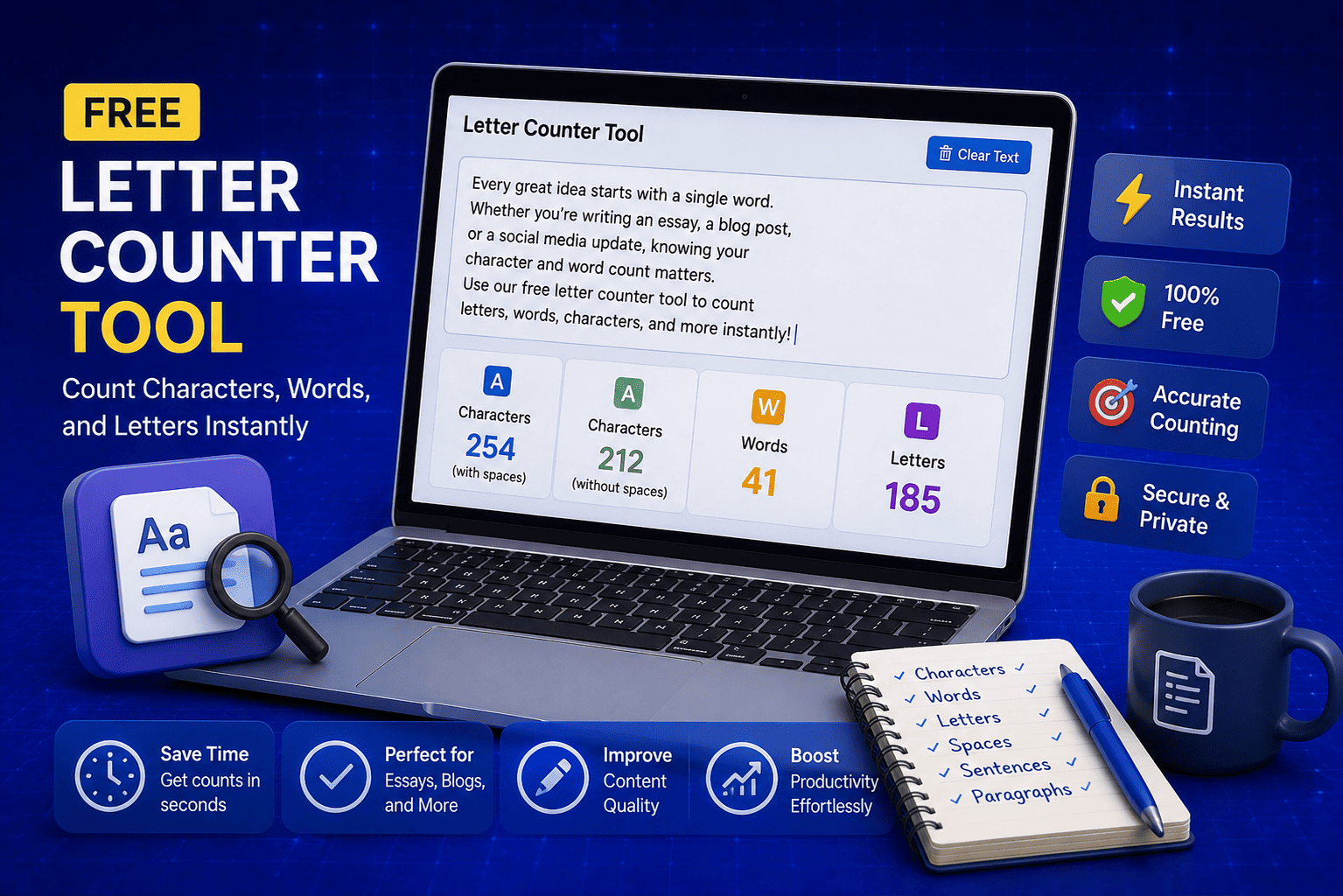
Free Letter Counter Tool: How to Count Characters, Words, and Letters Instantly
Most people do not think about character counts until they absolutely have to. Your tweet gets rejected for being too long. Your Meta description gets cut off in Google search results. Your college application essay goes over the limit and you have no idea by how much. These are the moments when a free letter counter tool becomes genuinely useful. The good news is you do not need a complicated piece of software or a paid subscription to count letters, characters, and words accurately. A free online tool does it all instantly, in real time, right in your browser. In this guide, I am going to show you exactly what a letter counter tool does, who needs it, and how to use it to get accurate text statistics in seconds.
Read Article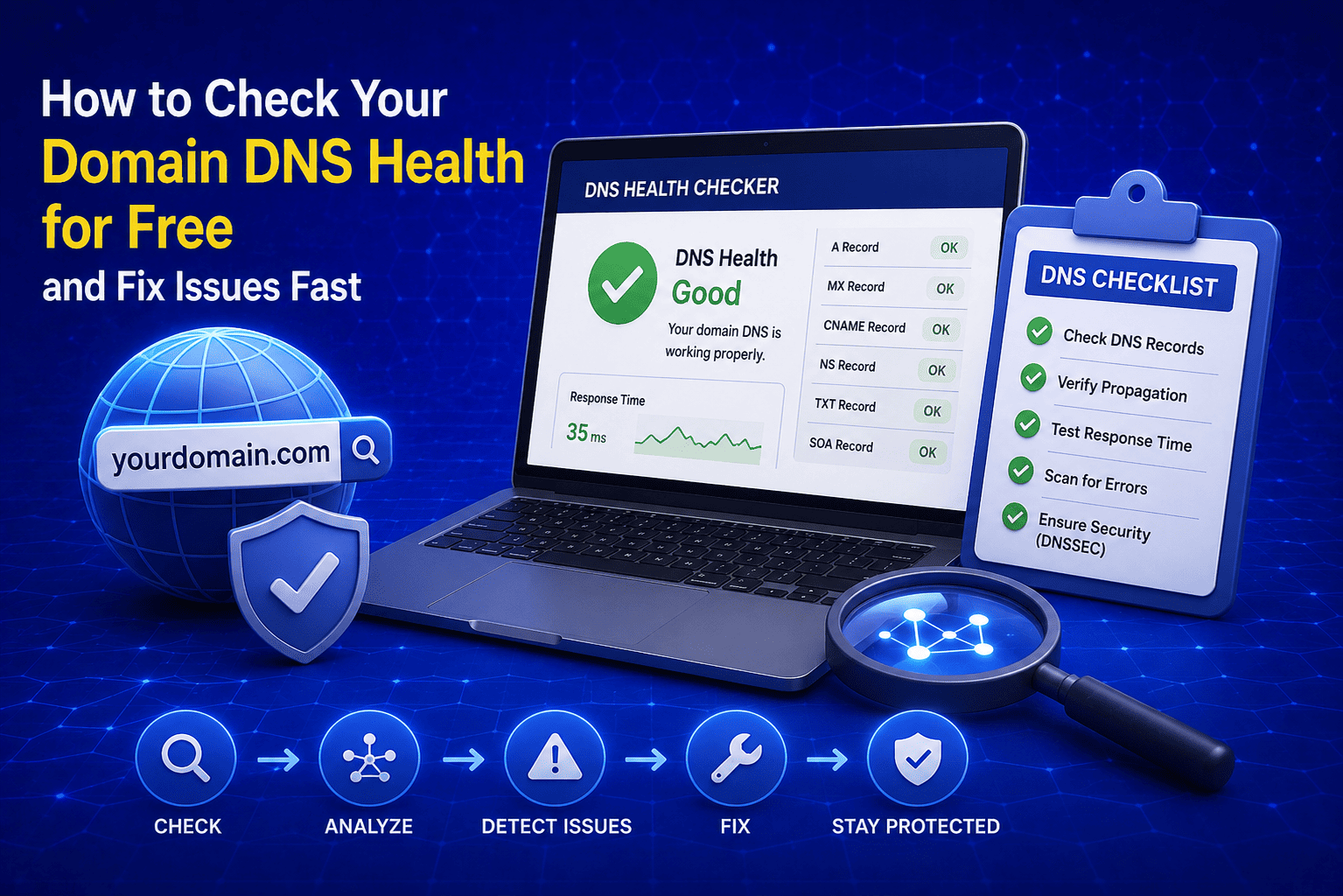
How to Check Your Domain DNS Health for Free and Fix Issues Fast
Most website owners set up their domain once and never look at the DNS settings again. Everything seems fine until emails stop delivering, the website goes down after a hosting change, or Google flags the domain for missing security records. By that point the damage is already done. A quick domain DNS health check takes less than thirty seconds and tells you exactly whether your DNS records are correctly configured or quietly causing problems you have not noticed yet. In this guide I am going to show you exactly how to run a free DNS health check on any domain, what the results mean, and what to do if something needs fixing.
Read Article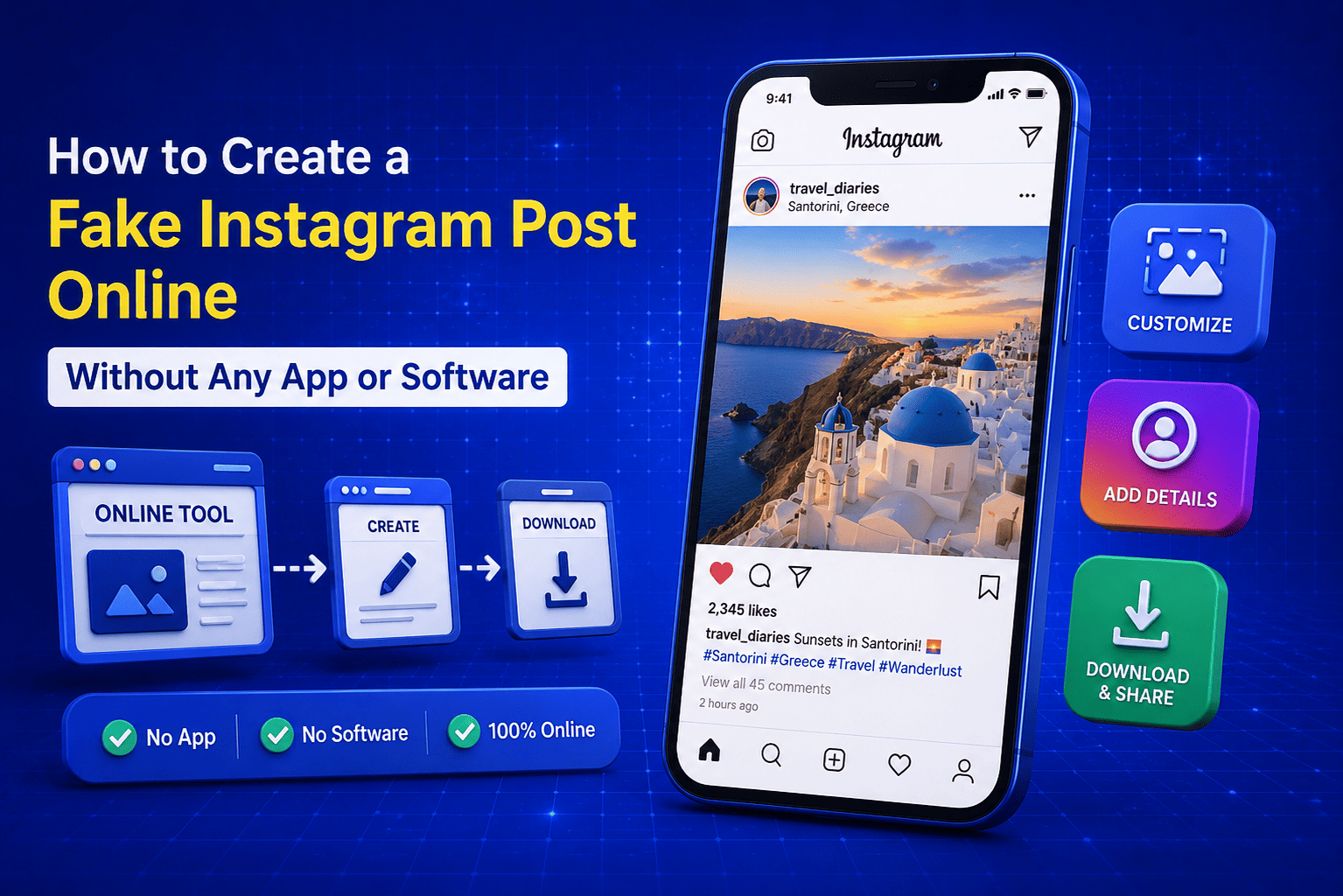
How to Create a Fake Instagram Post Online Without Any App or Software
If you have ever searched for a way to create a fake Instagram post online, you already know how hard it is to find a tool that actually works well. Most options are either too complicated, full of watermarks, or ask you to download software you never wanted in the first place. The good news is you do not need any of that. A free online fake Instagram post generator lets you create a realistic looking Instagram post right in your browser, in under two minutes, with no app, no login, and no design skills required. Whether you need it for a school project, a marketing mockup, or just for fun with friends, this guide will show you exactly how to do it step by step.
Read Article