
How to Find My IP Address Instantly – Free IP Lookup Tool
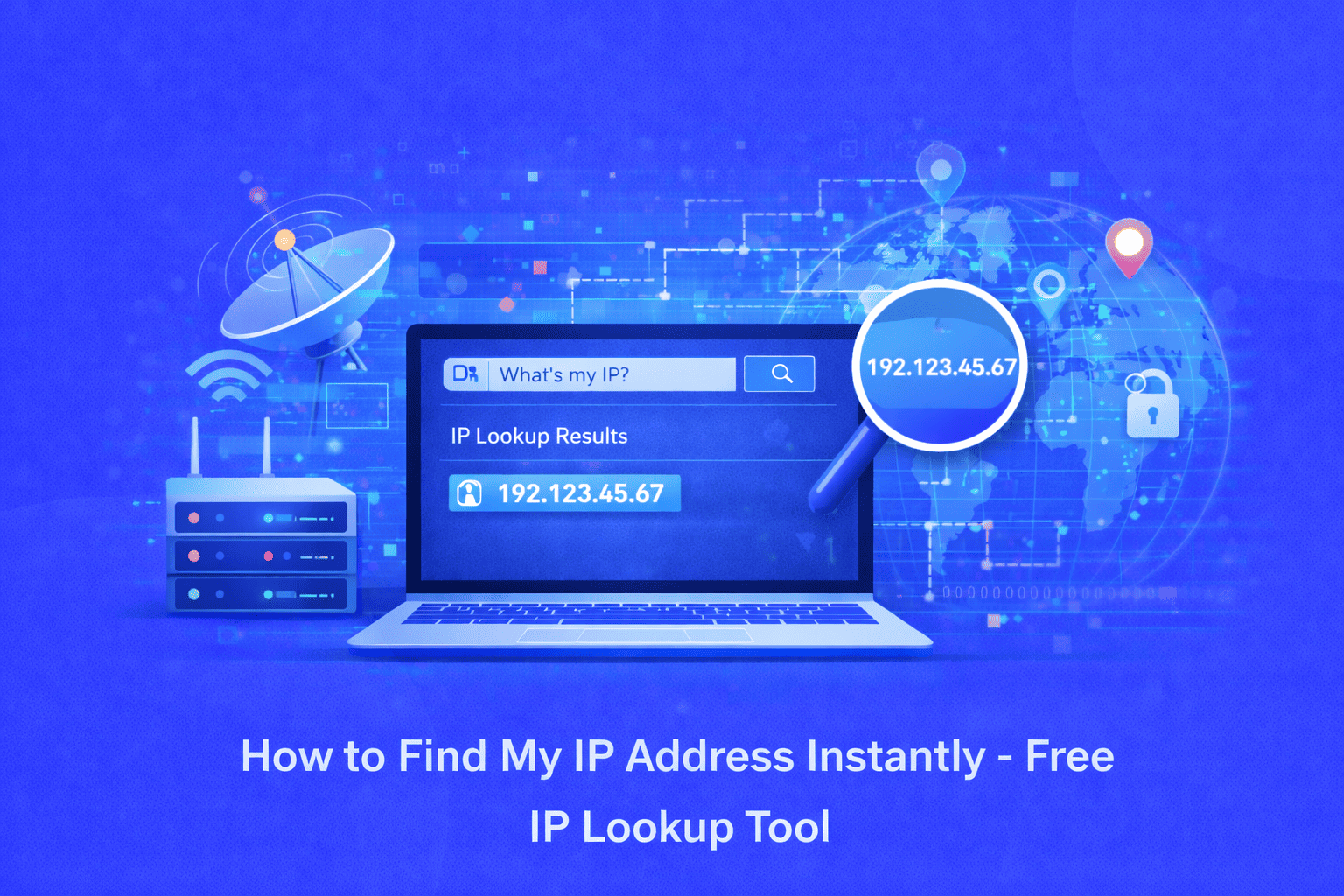
Not sure what your IP address is? Our free IP lookup tool instantly reveals your public IPv4 and IPv6 addresses along with your location, ISP, and device information in seconds. No signup required—just visit and view your complete IP details instantly.
Understanding Your IP Address and Why It Matters
Every time you connect to the internet, your device is assigned a unique identifier called an IP address (Internet Protocol address). This digital address allows websites, servers, and other devices to communicate with you and send data back to your device. Whether you're troubleshooting network issues, setting up remote access, checking your online privacy, or verifying your VPN connection, knowing your IP address is essential.
Many users face confusion when trying to locate their IP address. Technical jargon, buried system settings, and the difference between public and private IPs make this simple task unnecessarily complicated. You might need your IP address to report connectivity problems to your ISP, configure network settings, diagnose security concerns, or verify whether your privacy tools are working correctly.
Why Manual Methods Fall Short
Traditional methods of finding your IP address involve navigating through multiple system settings or typing complex commands into the command prompt. On Windows, you'd need to open Command Prompt and type "ipconfig." On Mac, you'd navigate to System Preferences, then Network settings. On mobile devices, the process varies even more by operating system and manufacturer.
These manual approaches have significant drawbacks. First, they're time-consuming and require technical knowledge that many users don't have. Second, they typically only show your local (private) IP address not your public IP address that the rest of the internet sees. Third, they don't provide additional context like your geographic location, ISP information, or whether you're using IPv4 or IPv6 protocols.
The Best Solution: Our Free IP Address Lookup Tool
Our "What is My IP Address" tool eliminates all complexity and delivers instant results the moment you visit the page. No clicks, no commands, no technical knowledge required. The tool automatically detects and displays your public IP address along with comprehensive information about your internet connection.
How to Use the IP Address Lookup Tool
Using our tool couldn't be simpler:
Step 1: Visit the What is My IP Address tool page on EveryWebTool.com
Step 2: Your IP address appears instantly upon page load no action required
Step 3: Review your complete IP information displayed on screen
Step 4: Copy your IP address with a single click for reporting or configuration purposes
Step 5: Use the additional details to verify VPN connections, check your location privacy, or troubleshoot network issues
The entire process takes seconds, and you can bookmark the page for instant access whenever you need to check your IP address again.
Key Benefits of Our IP Lookup Tool
Lightning-Fast Results: Your IP address displays instantly when you load the page no waiting, no processing delays.
100% Accurate Detection: Our tool uses multiple detection methods including server-side detection, WebRTC protocols, and third-party verification to ensure you see your real IP address, even if you're using a VPN or proxy.
Comprehensive Information: Beyond just showing your IP, you get detailed insights into your ISP, geographic location, connection type, and whether you're on IPv4 or IPv6.
Completely Free: No subscriptions, no hidden fees, no premium tiers. All features are available to everyone at no cost.
No Registration Required: Start checking your IP immediately without creating an account, providing email addresses, or filling out forms.
Privacy-Focused: We don't store your IP address or tracking data. Your information is displayed to you only and never saved to our servers.
Mobile-Friendly: Access the tool seamlessly from smartphones, tablets, laptops, or desktop computers with automatic responsive design.
Multi-Protocol Support: Simultaneously detects and displays both IPv4 and IPv6 addresses when available on your network.
Real-World Use Cases
Troubleshooting Network Problems: When contacting technical support, ISPs often request your public IP address to diagnose connectivity issues, slow speeds, or service outages.
Verifying VPN Connections: Check whether your VPN is actually masking your real IP address by comparing results before and after connecting to your VPN service.
Remote Access Configuration: Set up remote desktop connections, security cameras, gaming servers, or home automation systems that require your public IP for external access.
Security and Privacy Checks: Verify what information websites can see about your location and connection to understand your digital footprint.
Geolocation Testing: Web developers and marketers use IP lookup to test how content displays differently based on user location.
Network Administration: IT professionals quickly identify devices, track network changes, and manage IP assignments across company infrastructure.
Accessing Region-Locked Content: Understand your current IP location when troubleshooting access to geo-restricted services or content.
Email Header Analysis: When investigating suspicious emails or tracking message origins, IP addresses in email headers provide crucial evidence.
IPv4 vs. IPv6: What You Need to Know
Our tool displays both IPv4 and IPv6 addresses when available. IPv4 addresses look like "192.168.1.1" (four numbers separated by periods), while IPv6 addresses are longer and use hexadecimal format like "2001:0db8:85a3:0000:0000:8a2e:0370:7334" (eight groups separated by colons).
Most internet connections still use IPv4, but IPv6 is gradually becoming more common as the world runs out of available IPv4 addresses. You may see both types displayed simultaneously as the internet transitions between protocols.
Understanding Public vs. Private IP Addresses
The IP address our tool displays is your public IP address the one visible to websites and online services. This differs from your private IP address, which is only used within your local network (like your home WiFi) and typically starts with 192.168 or 10.0.
Your router maintains the private IP for local device communication, while your ISP assigns the public IP for internet communication. Our tool shows you the public IP because that's what the outside world sees when you browse, stream, or communicate online.
Take Control of Your Network Information Today
Stop struggling with complicated system settings and command line tools. Our free IP address lookup tool gives you instant access to your complete IP information in a user-friendly format. Whether you're a network administrator managing enterprise infrastructure or a home user troubleshooting a connection issue, you'll get accurate, comprehensive results in seconds.
Visit our What is My IP Address tool now to instantly discover your IP address, location, ISP, and connection details. Along with What Is My IP Address, it's worth checking What Is My ISP to get detailed information about your Internet Service Provider, including connection speed, network type, and service quality. Bookmark the page for quick access whenever you need to check your IP again. For more networking tools, explore our complete collection of DNS lookup tools, port checkers, and network diagnostic utilities.
Share this article:
Frequently Asked Questions
Yes, our IP address tool is completely safe. We don't store or log your IP address or any personal information. The tool simply displays information that websites already see when you visit them. Your IP address is publicly visible information whenever you browse the internet.
IPv4 uses 32-bit addresses in the format 192.168.1.1 (four numbers separated by periods) and can provide about 4 billion unique addresses. IPv6 uses 128-bit addresses in hexadecimal format and provides virtually unlimited addresses. Our tool displays both if your network supports them.
IP addresses are registered to your Internet Service Provider's location, not your exact physical address. The location shown typically indicates your ISP's server location or regional hub, which may be in a nearby city rather than your precise location. This is normal and provides general location privacy.
Most home users have dynamic IP addresses that change periodically when you restart your router or when your ISP reassigns addresses. Businesses often have static IP addresses that remain constant. You can check if yours changed by revisiting our tool after reconnecting to the internet.
No, our tool only displays your own IP address—the one your device is currently using to connect to the internet. To find someone else's IP, you would need them to visit the tool themselves or use specialized network monitoring methods with their permission.
Yes, if you're connected to a VPN (Virtual Private Network), our tool will show the VPN server's IP address instead of your real IP. This is exactly how VPNs provide privacy—by masking your actual IP. You can verify your VPN is working by checking if the displayed location matches your VPN server location rather than your physical location.

Related Articles
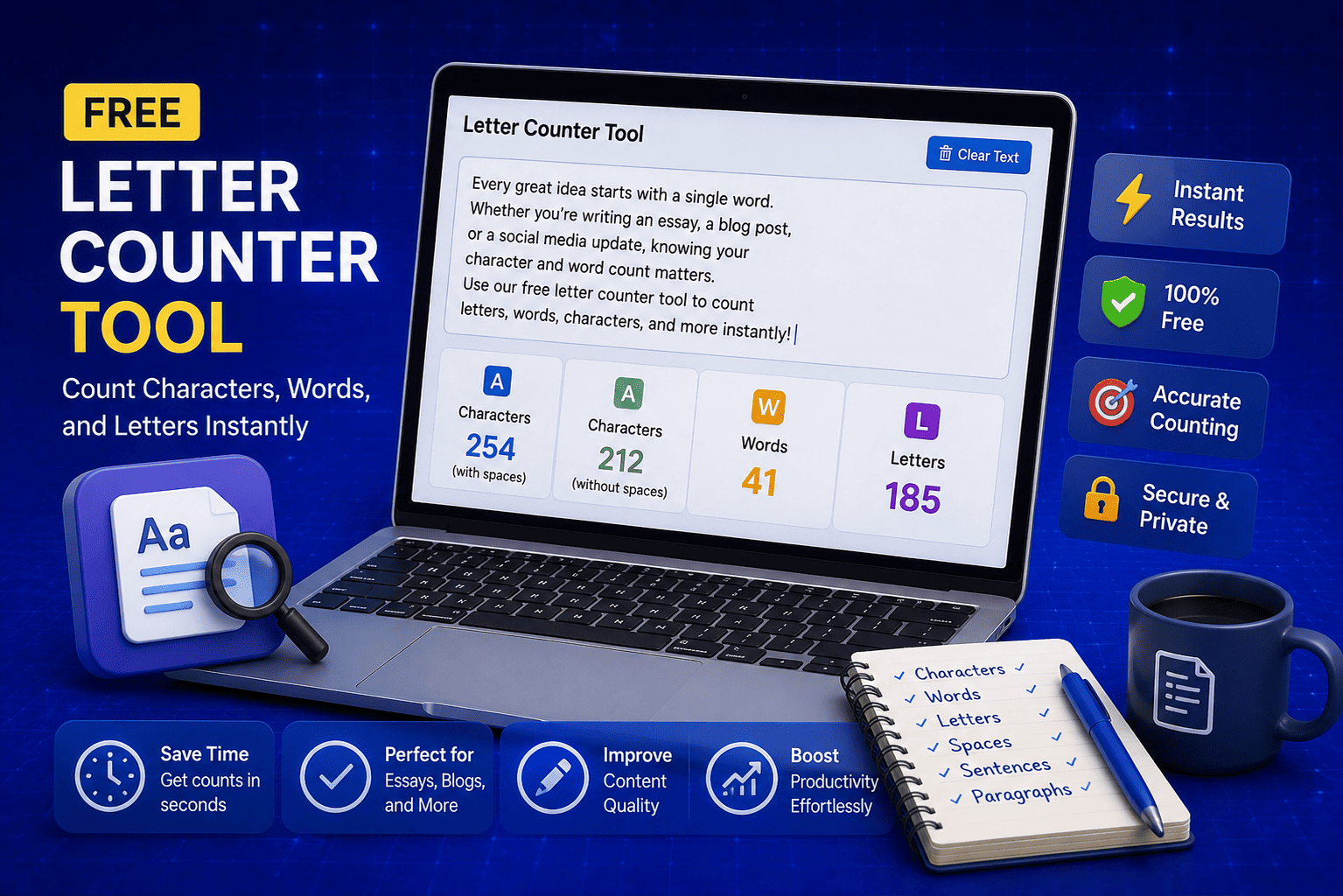
Free Letter Counter Tool: How to Count Characters, Words, and Letters Instantly
Most people do not think about character counts until they absolutely have to. Your tweet gets rejected for being too long. Your Meta description gets cut off in Google search results. Your college application essay goes over the limit and you have no idea by how much. These are the moments when a free letter counter tool becomes genuinely useful. The good news is you do not need a complicated piece of software or a paid subscription to count letters, characters, and words accurately. A free online tool does it all instantly, in real time, right in your browser. In this guide, I am going to show you exactly what a letter counter tool does, who needs it, and how to use it to get accurate text statistics in seconds.
Read Article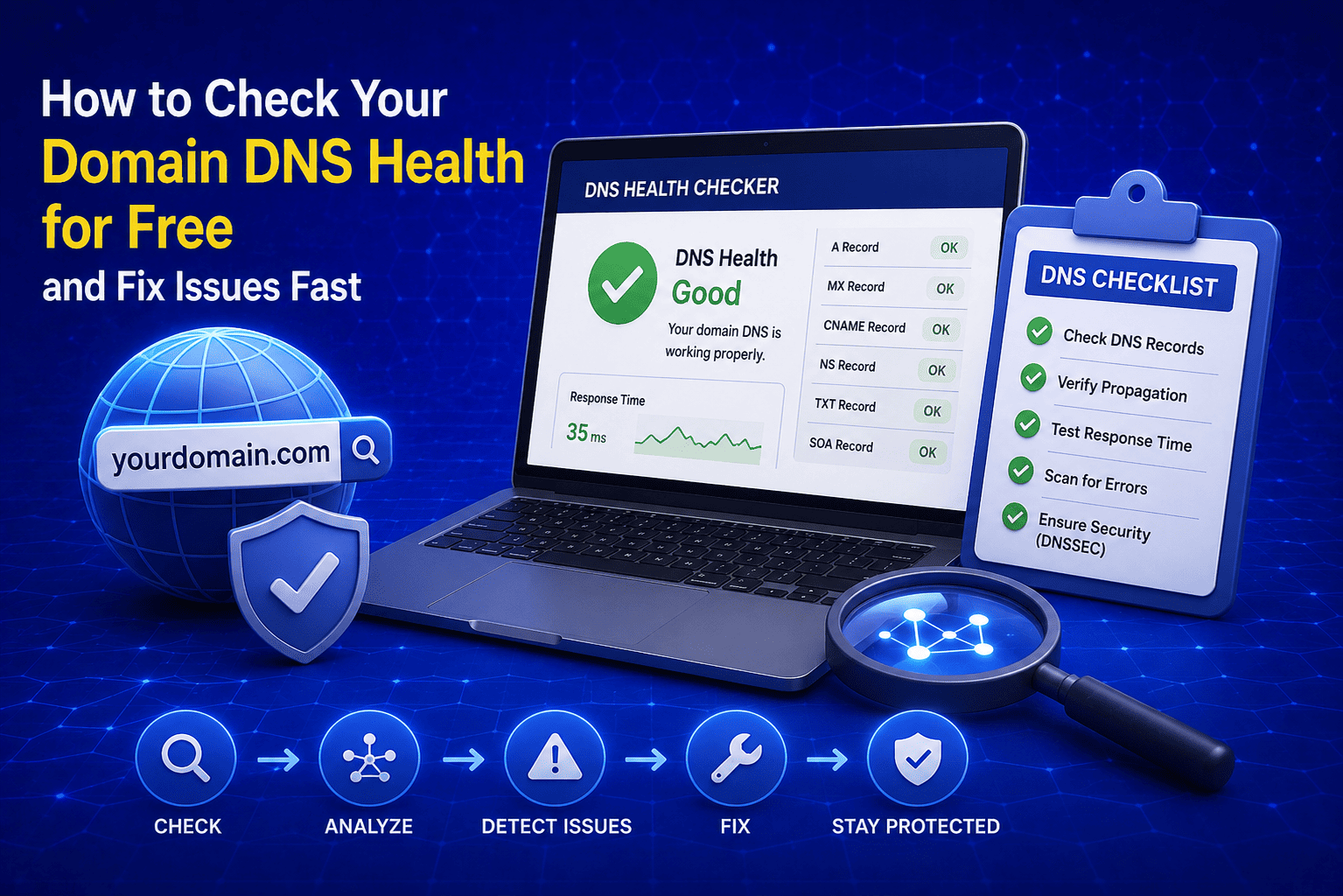
How to Check Your Domain DNS Health for Free and Fix Issues Fast
Most website owners set up their domain once and never look at the DNS settings again. Everything seems fine until emails stop delivering, the website goes down after a hosting change, or Google flags the domain for missing security records. By that point the damage is already done. A quick domain DNS health check takes less than thirty seconds and tells you exactly whether your DNS records are correctly configured or quietly causing problems you have not noticed yet. In this guide I am going to show you exactly how to run a free DNS health check on any domain, what the results mean, and what to do if something needs fixing.
Read Article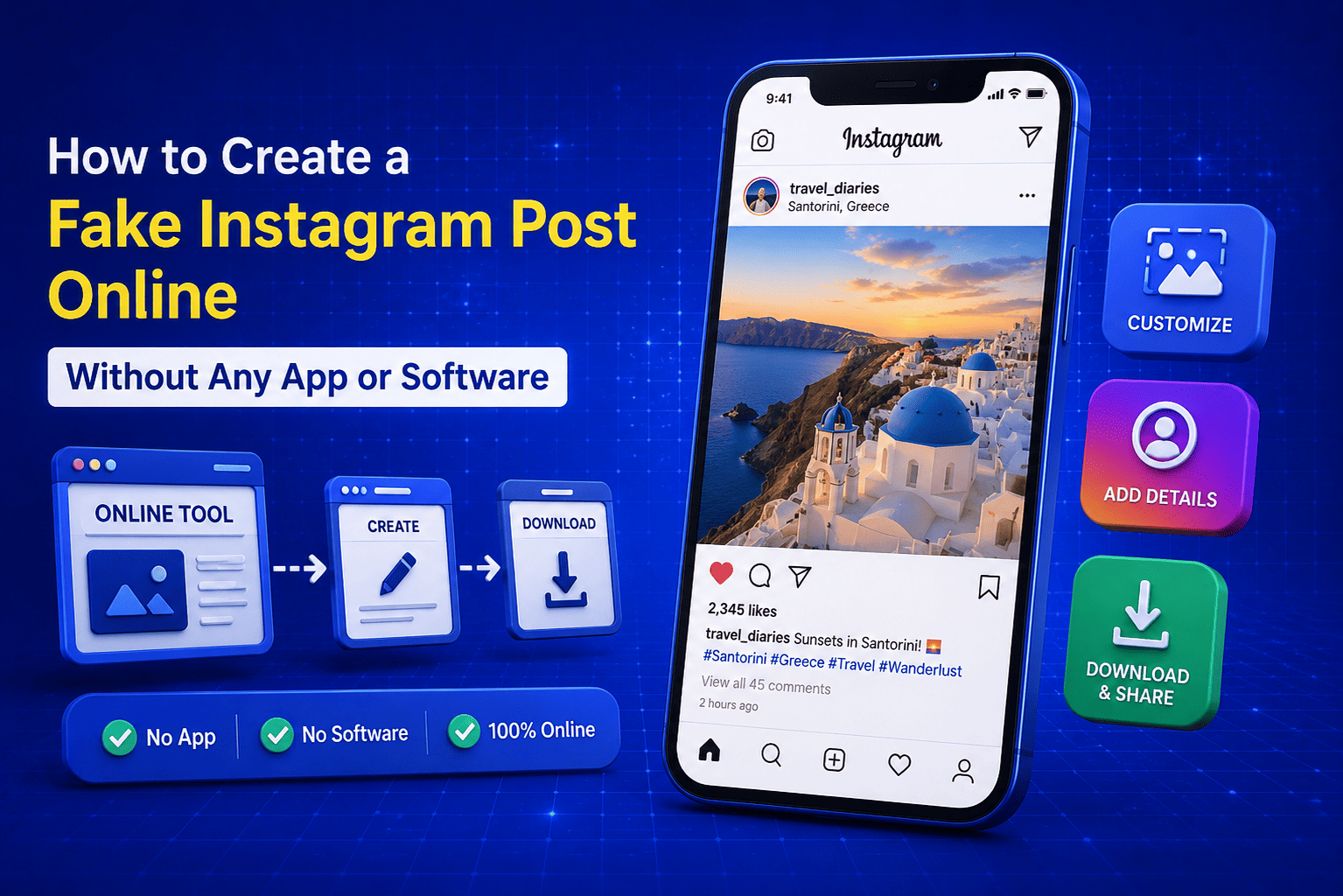
How to Create a Fake Instagram Post Online Without Any App or Software
If you have ever searched for a way to create a fake Instagram post online, you already know how hard it is to find a tool that actually works well. Most options are either too complicated, full of watermarks, or ask you to download software you never wanted in the first place. The good news is you do not need any of that. A free online fake Instagram post generator lets you create a realistic looking Instagram post right in your browser, in under two minutes, with no app, no login, and no design skills required. Whether you need it for a school project, a marketing mockup, or just for fun with friends, this guide will show you exactly how to do it step by step.
Read Article