
How to Check SPF Records Online: Validate Email Authentication in Seconds
Worried about email deliverability or spoofing attacks? Use our free SPF Record Checker to instantly validate your domain's SPF records, identify configuration errors, and ensure your emails reach the inbox not the spam folder. No technical expertise or signup required.
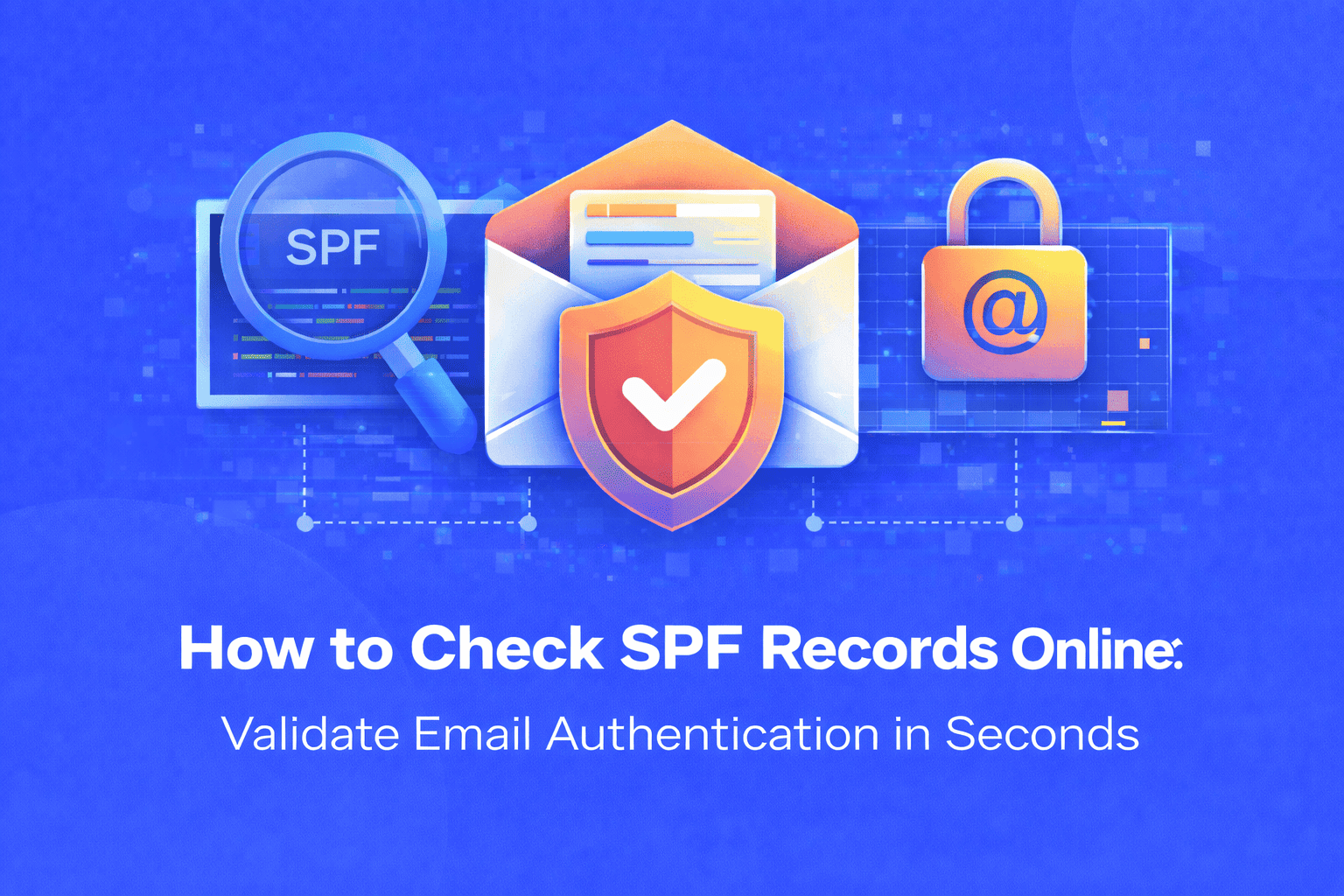
Email deliverability is critical for businesses, marketers, and website owners. If your legitimate emails consistently land in spam folders or bounce back, the problem often lies in your SPF (Sender Policy Framework) records. SPF records are DNS entries that specify which mail servers are authorized to send emails on behalf of your domain. Without proper SPF configuration, your emails may be rejected, flagged as spam, or worse your domain could be exploited by spammers and phishers.
The challenge? SPF records use complex syntax that's easy to misconfigure. A single typo, missing IP address, or incorrect mechanism can break your email authentication, causing delivery failures that hurt your business reputation and marketing campaigns. Many domain owners don't realize their SPF records are broken until it's too late.
Why Manual SPF Validation Falls Short
Manually checking SPF records through command-line tools like nslookup or dig requires technical knowledge that most beginners don't have. You need to understand DNS query syntax, interpret TXT record outputs, and identify subtle configuration errors a time-consuming process prone to mistakes. Even experienced developers can overlook issues like SPF record length limits (10 DNS lookups maximum) or syntax errors that silently break authentication.
Traditional methods also can't provide real-time validation feedback or explain what specific errors mean for your email deliverability. This leaves you guessing whether your SPF configuration will actually protect your domain.
Introducing the SPF Record Checker: Your Complete SPF Validation Solution
Our free online SPF Record Checker eliminates the complexity of SPF validation. Simply enter your domain name, and our tool instantly retrieves, analyzes, and validates your SPF records against industry standards. Within seconds, you'll receive a detailed report showing whether your SPF configuration is correct, what errors exist, and how to fix them no technical skills, command-line access, or software installation required.
How to Use the SPF Record Checker (Step-by-Step)
- Visit the Tool Page: Navigate to the SPF Record Checker at everywebtool.com
- Enter Your Domain: Type your domain name (e.g., example.com) into the input field no need for "http://" or "www"
- Click "Check SPF Record": The tool instantly queries your domain's DNS records
- Review the Results: Within seconds, you'll see:
- Your current SPF record text
- Validation status (Pass/Fail/Warning)
- Detailed error messages if issues are detected
- DNS lookup count to ensure you're within the 10-lookup limit
- List of authorized IP addresses and mail servers
- Fix Any Issues: Use the feedback provided to correct syntax errors, add missing servers, or optimize your SPF record
- Re-check After Changes: Verify your fixes by running the checker again until you get a clean validation
Key Benefits of Using Our SPF Record Checker
- Instant Results: Get comprehensive SPF validation in under 3 seconds no waiting for DNS propagation or manual queries
- Error Detection: Automatically identifies syntax errors, DNS lookup limits, missing mechanisms, and configuration conflicts that manual checks miss
- Beginner-Friendly Interface: No technical knowledge required our tool explains errors in plain English with actionable fix recommendations
- 100% Free & Secure: Check unlimited domains without signup, registration, or exposing sensitive data all queries are processed securely
- Real-Time Validation: Get up-to-date SPF record status based on current DNS settings, not cached or outdated information
- Improve Email Deliverability: Ensure your emails pass SPF authentication checks, reducing spam flags and increasing inbox placement rates
- Prevent Domain Spoofing: Verify that only authorized mail servers can send emails from your domain, protecting your brand from phishing attacks
Real-World Use Cases for SPF Record Validation
Email Marketing Teams: Before launching campaigns, marketers use the SPF checker to verify their email service provider (Mailchimp, SendGrid, etc.) is properly authorized, preventing thousands of emails from hitting spam folders.
Website Owners: After migrating to new hosting or changing email providers, site owners validate SPF records to ensure contact forms, transactional emails, and notifications continue delivering successfully.
IT Administrators: System admins regularly audit SPF configurations across multiple domains to maintain email security standards, catch misconfigurations, and prevent unauthorized email sending.
Developers: When setting up new domains or integrating third-party email services (like customer support platforms or CRM tools), developers use the checker to confirm SPF records include all necessary mail servers.
E-commerce Stores: Online retailers verify SPF records to ensure order confirmations, shipping notifications, and password reset emails reliably reach customers without delivery delays.
Agencies Managing Client Domains: Digital agencies use the tool to audit client email authentication as part of website launches, security audits, or troubleshooting deliverability issues.
Maximize Your Email Security Strategy
SPF records work best alongside other email authentication protocols. After validating your SPF configuration, consider checking your domain's DNS settings with our NS Lookup tool to verify nameserver configurations. Use the Traceroute tool to diagnose network connectivity issues that might affect mail server communication. And don't forget to verify your server's public IP address with our What is My IP Address tool when configuring SPF records for self-hosted mail servers.
Conclusion: Protect Your Email Reputation Today
Email authentication isn't optional it's essential for maintaining deliverability, protecting your brand, and building trust with recipients. Whether you're troubleshooting spam issues, setting up a new domain, or auditing your security posture, our SPF Record Checker gives you instant visibility into your email authentication status.
Don't let misconfigured SPF records damage your sender reputation or leave your domain vulnerable to spoofing. Check your SPF records now it takes just seconds and could save you from costly deliverability problems. Visit our SPF Record Checker today and ensure your emails always reach their destination.
Share this article:
Frequently Asked Questions
An SPF (Sender Policy Framework) record is a DNS entry that lists which mail servers can send emails from your domain. Checking it ensures your emails pass authentication, preventing them from being marked as spam and protecting your domain from spoofing attacks.
Check your SPF records whenever you change email providers, add new mail servers, migrate hosting, or experience email deliverability issues. It's also good practice to audit SPF records quarterly as part of regular security maintenance.
Yes, completely safe. The tool only queries publicly available DNS records—the same information anyone can access. We don't store your domain data, require login credentials, or access any private information about your email configuration.
SPF records are limited to 10 DNS lookups to prevent performance issues. If your SPF record includes too many "include" mechanisms that trigger additional lookups, it will fail validation. You'll need to consolidate or flatten your SPF record to stay within this limit.
Yes, you can check SPF records for any public domain since SPF information is stored in publicly accessible DNS records. This is useful for verifying partner domains, troubleshooting email issues, or researching email authentication best practices.
Review the specific error messages provided by the checker. Common fixes include correcting syntax mistakes, adding missing IP addresses or mail servers, removing duplicate entries, or optimizing the record to reduce DNS lookups. After making changes in your DNS settings (usually through your domain registrar or hosting control panel), wait 24-48 hours for propagation and recheck.

Related Articles
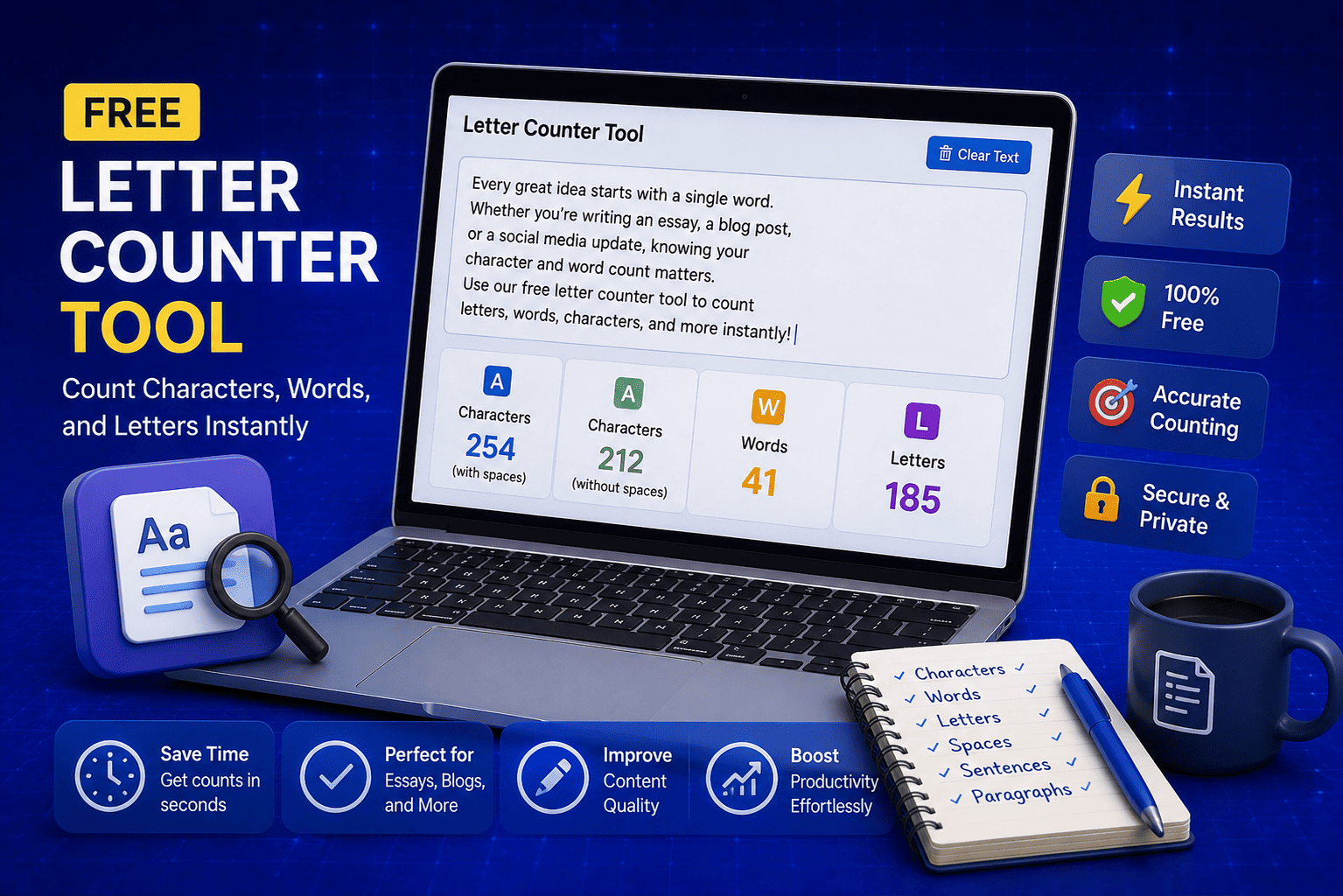
Free Letter Counter Tool: How to Count Characters, Words, and Letters Instantly
Most people do not think about character counts until they absolutely have to. Your tweet gets rejected for being too long. Your Meta description gets cut off in Google search results. Your college application essay goes over the limit and you have no idea by how much. These are the moments when a free letter counter tool becomes genuinely useful. The good news is you do not need a complicated piece of software or a paid subscription to count letters, characters, and words accurately. A free online tool does it all instantly, in real time, right in your browser. In this guide, I am going to show you exactly what a letter counter tool does, who needs it, and how to use it to get accurate text statistics in seconds.
Read Article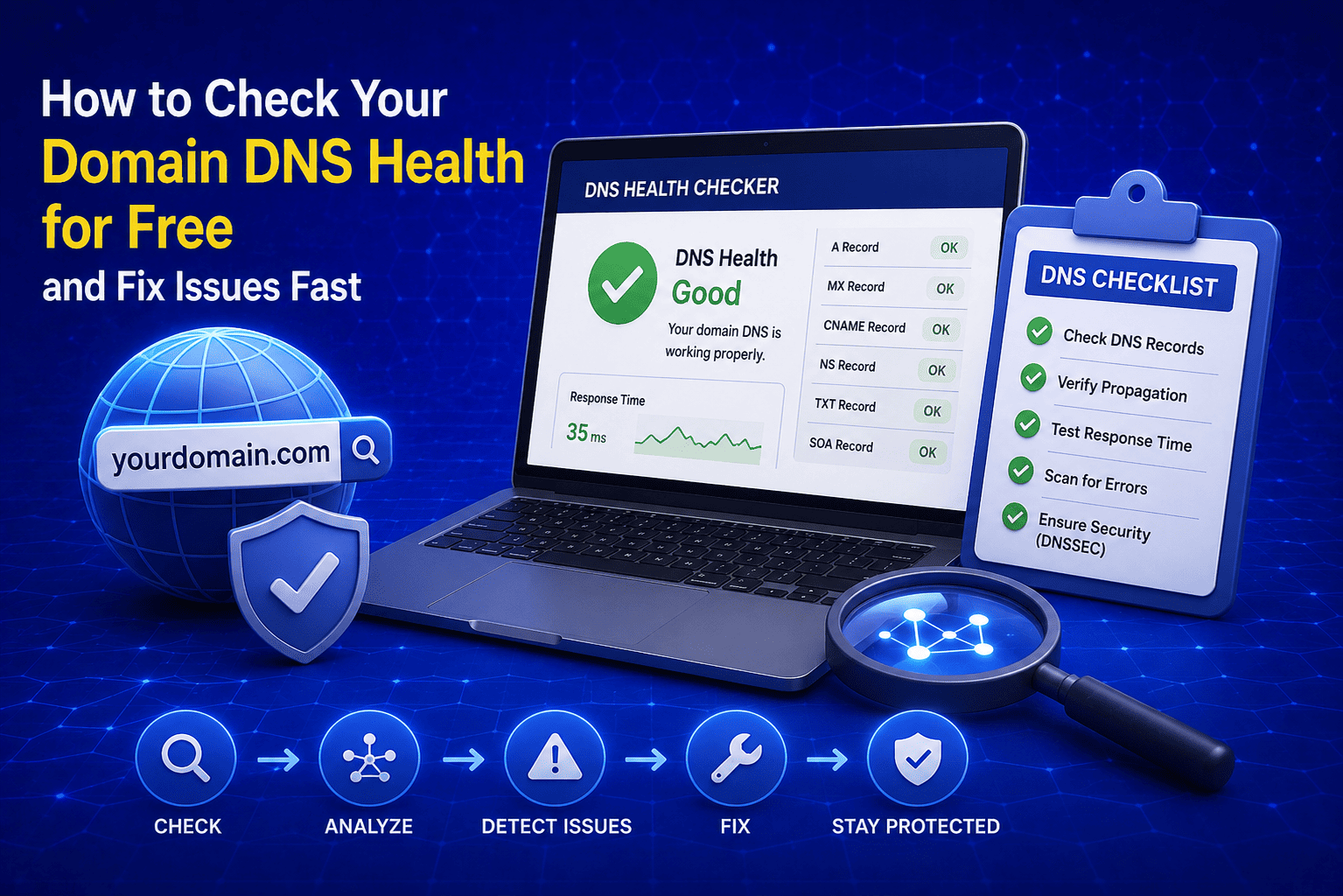
How to Check Your Domain DNS Health for Free and Fix Issues Fast
Most website owners set up their domain once and never look at the DNS settings again. Everything seems fine until emails stop delivering, the website goes down after a hosting change, or Google flags the domain for missing security records. By that point the damage is already done. A quick domain DNS health check takes less than thirty seconds and tells you exactly whether your DNS records are correctly configured or quietly causing problems you have not noticed yet. In this guide I am going to show you exactly how to run a free DNS health check on any domain, what the results mean, and what to do if something needs fixing.
Read Article
How to Create a Fake Instagram Post Online Without Any App or Software
If you have ever searched for a way to create a fake Instagram post online, you already know how hard it is to find a tool that actually works well. Most options are either too complicated, full of watermarks, or ask you to download software you never wanted in the first place. The good news is you do not need any of that. A free online fake Instagram post generator lets you create a realistic looking Instagram post right in your browser, in under two minutes, with no app, no login, and no design skills required. Whether you need it for a school project, a marketing mockup, or just for fun with friends, this guide will show you exactly how to do it step by step.
Read Article