Social Media Tools: Master Content Creation with Free Online Generators
Explore free social media generators that help you create engaging tweets, Instagram captions, and apply creative filters. Perfect for content creators seeking inspiration and efficiency.
Every content creator knows the frustration of staring at a blank screen, struggling to craft the perfect social media post. Whether you're managing a business account, building your personal brand, or simply trying to maintain an engaging online presence, the pressure to consistently create compelling content can be overwhelming.
Social media generators offer a practical solution to creative blocks and time constraints. These free online tools provide instant inspiration, helping you explore different content angles and overcome writer's block when you need it most.
Understanding Social Media Generators
Think of social media generators as creative brainstorming partners available 24/7. Unlike professional design software or complex marketing platforms, these simple web-based tools focus on one thing: giving you a starting point when you're stuck. They're not meant to replace your creativity but to spark it.
These generators work by providing templates, suggestions, and frameworks that you can customize and adapt to your needs. The real value lies not in using their output directly, but in how they help you think differently about your content and overcome the blank page problem.
Overcoming Creative Blocks
Writer's block affects everyone, regardless of experience level. You might have brilliant ideas for your business or content strategy, but translating those thoughts into concise, engaging social media posts is a different challenge entirely. This is where generators prove invaluable.
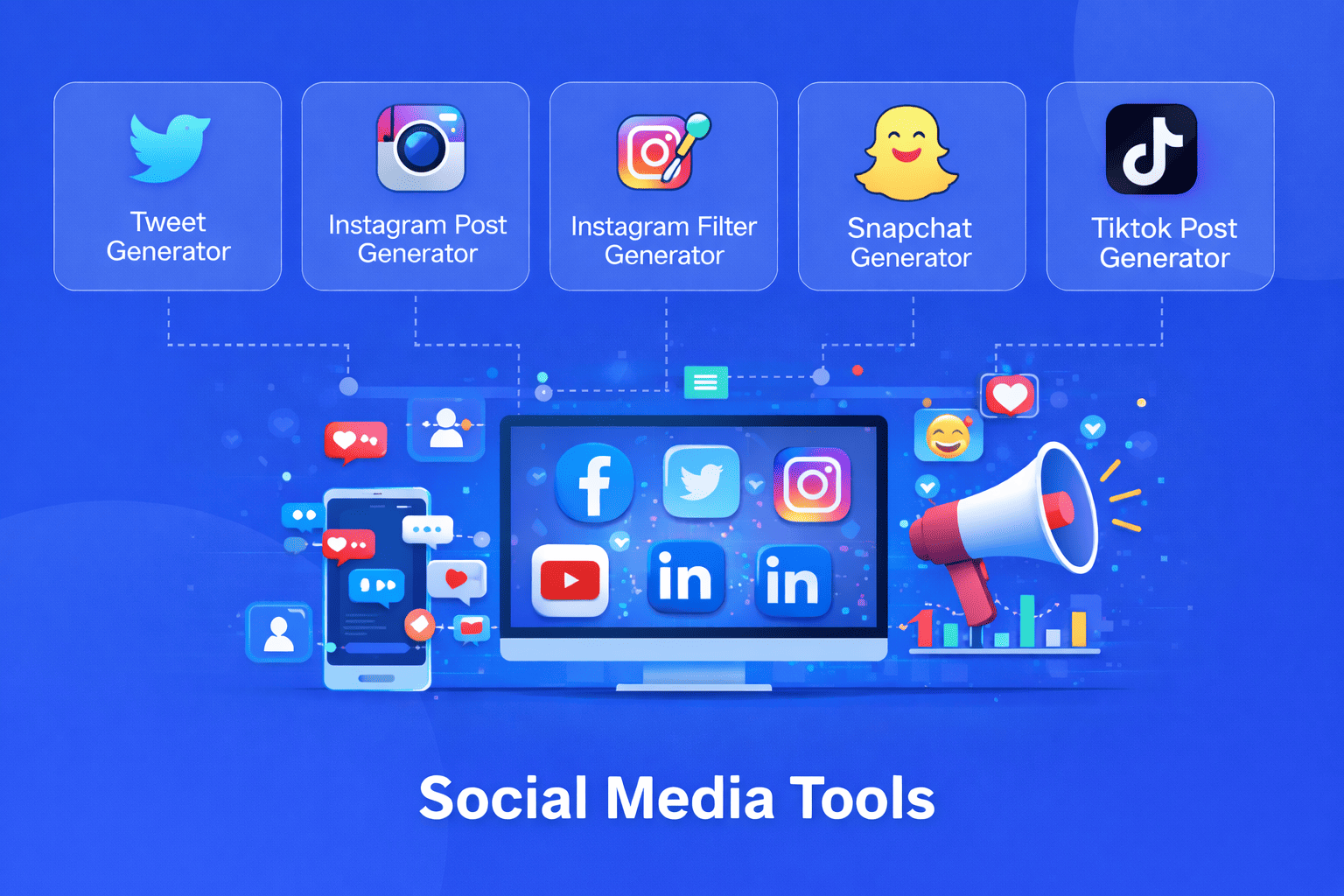
Tweet generators help you structure your thoughts within Twitter's character limits. They demonstrate effective tweet formats, help you find the right phrasing, and show you how successful tweets are typically constructed. By seeing multiple variations of how an idea could be expressed, you gain insights into what makes tweets resonate.
The key is treating generated content as a draft or template rather than a finished product. Use it to break through initial resistance, then inject your personality, specific details, and authentic voice to make it truly yours.
Visual Creativity and Instagram Content
Instagram's visual nature presents unique challenges. You need eye catching content that maintains brand consistency while standing out in crowded feeds. Instagram post generators help you conceptualize content ideas, suggest caption structures, and think strategically about how your posts work together as a cohesive feed.
Filter generators introduce you to different visual styles and effects you might not have considered. While you'll ultimately apply filters using your preferred photo editing apps, these generators help you visualize possibilities and experiment with different aesthetic directions risk-free. They're particularly useful for developing a signature look or refreshing your visual brand.
Practical Content Creation Workflows
Successful social media managers use generators strategically within their broader workflow. Here's how these tools fit into effective content creation:
Start your content sessions by exploring generator outputs for inspiration. Generate several variations to see different approaches to your topic. This brainstorming phase often reveals angles you hadn't considered and helps you escape repetitive content patterns.
Select the generated elements that resonate most with your brand voice and message. This might be a tweet structure, a caption hook, or a visual style suggestion. Treat these as raw materials rather than finished products.
Customize extensively by adding specific details, your unique perspective, timely references, and personality. This transformation from generic to personal is where your skill as a content creator shines. The generator provided the framework; you provide the soul.
Learning Content Best Practices
Beyond immediate content creation help, generators serve an educational function. By analyzing their outputs, you learn what makes effective social media content. You'll notice patterns in successful tweet structures, effective caption openings, and visual composition principles.
New content creators particularly benefit from this learning aspect. Instead of trial and error across months of posting, generators compress learning curves by showing proven formats and approaches. You absorb best practices organically while solving your immediate need for content ideas.
Time Management for Content Creators
Time is every content creator's most precious resource. Generators help you work more efficiently without sacrificing quality. When you're juggling content creation with running a business, client work, or other responsibilities, these tools keep your social media presence active even during busy periods.
Use generators during batch content creation sessions. Spend an hour generating ideas and drafts for the week ahead, then refine them when posting. This approach separates creative brainstorming from polishing, making both processes more efficient.
Maintaining Authenticity
A common concern about using generators is losing authenticity. However, authenticity comes from your unique perspective, experiences, and voice not from struggling alone with every piece of content. Using tools to overcome creative obstacles doesn't make you less authentic; it makes you resourceful.
The content that reaches your audience should always reflect your genuine thoughts and brand identity. Generators help you articulate those thoughts more effectively, not replace them. Your job is ensuring the final content sounds like you and serves your audience's needs.
Experimentation and Growth
Generators lower the risk of experimentation. Want to try a new content style on Twitter? Generate several examples to see how it might look before committing. Considering a visual rebrand on Instagram? Explore filter options to find your direction.
This low-stakes experimentation helps your content evolve without the fear of public failure. You can test ideas privately, iterate quickly, and only publish when you've refined something that genuinely represents your brand.
Building Consistent Habits
Consistency matters more than perfection on social media. Generators help you maintain regular posting schedules even when inspiration runs dry. Rather than skipping posts because you can't think of anything, use a generator to jumpstart your thinking and keep your presence active.
Over time, you'll develop patterns and preferences. You'll learn which generated formats work best for your audience, which visual styles align with your brand, and how to quickly customize generic suggestions into personalized content.
Maximizing Free Tools
The beauty of free online generators is accessibility. You don't need subscriptions, software installations, or technical expertise. Open your browser, use the tool, and get back to creating. This simplicity makes them perfect for solopreneurs, small businesses, and individual creators working with limited resources.
Bookmark your favorite generators and integrate them into your regular workflow. Having quick access to these creative aids ensures you'll actually use them when needed rather than struggling unnecessarily.
Social media generators are practical tools for the modern content creator. They don't promise to automate your success or replace your creativity. Instead, they offer something more valuable: a reliable way to overcome creative blocks, learn effective formats, and maintain your online presence efficiently. Use them wisely as part of your creative toolkit, and they'll help you show up consistently with content your audience values.
Share this article:
Frequently Asked Questions
Generators are most useful as starting points for brainstorming, not final products. They help you overcome blank page syndrome and see different approaches to your ideas. The key is customizing their output with your specific details and authentic voice.
While you technically can, the best approach is treating generated content as a draft or template. Personalize it with your unique perspective, specific examples, and brand voice to ensure it truly represents you and resonates with your audience.
No. These are simple web-based tools that work in any browser. You don't need design skills, technical knowledge, or special software. Just visit the site, use the generator, and copy your results.
By analyzing generated outputs, you'll recognize patterns in effective social media content tweet structures that work, caption hooks that grab attention, and formatting approaches you can adapt. This accelerates your learning compared to pure trial and error.
Only if you use outputs without personalization. The generator provides a framework; you provide the details, personality, and unique angle that makes content distinctly yours. Two people using the same generator will create very different final content.
Use them whenever you're stuck or need to work efficiently. Many successful creators use generators during batch content sessions for initial ideas, then rely on experience for spontaneous posts. There's no wrong frequency use them as often as they help your process.

Related Articles
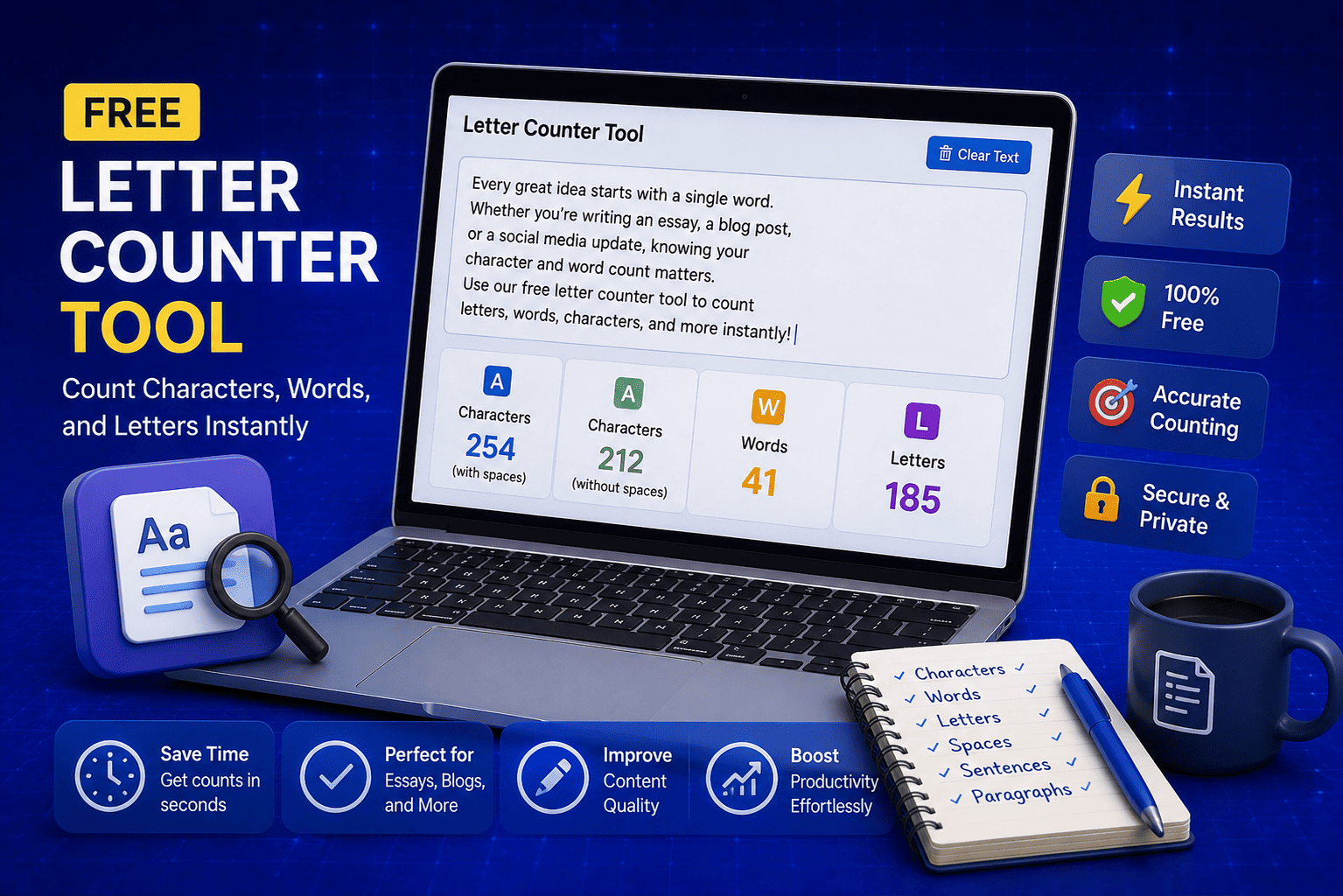
Free Letter Counter Tool: How to Count Characters, Words, and Letters Instantly
Most people do not think about character counts until they absolutely have to. Your tweet gets rejected for being too long. Your Meta description gets cut off in Google search results. Your college application essay goes over the limit and you have no idea by how much. These are the moments when a free letter counter tool becomes genuinely useful. The good news is you do not need a complicated piece of software or a paid subscription to count letters, characters, and words accurately. A free online tool does it all instantly, in real time, right in your browser. In this guide, I am going to show you exactly what a letter counter tool does, who needs it, and how to use it to get accurate text statistics in seconds.
Read Article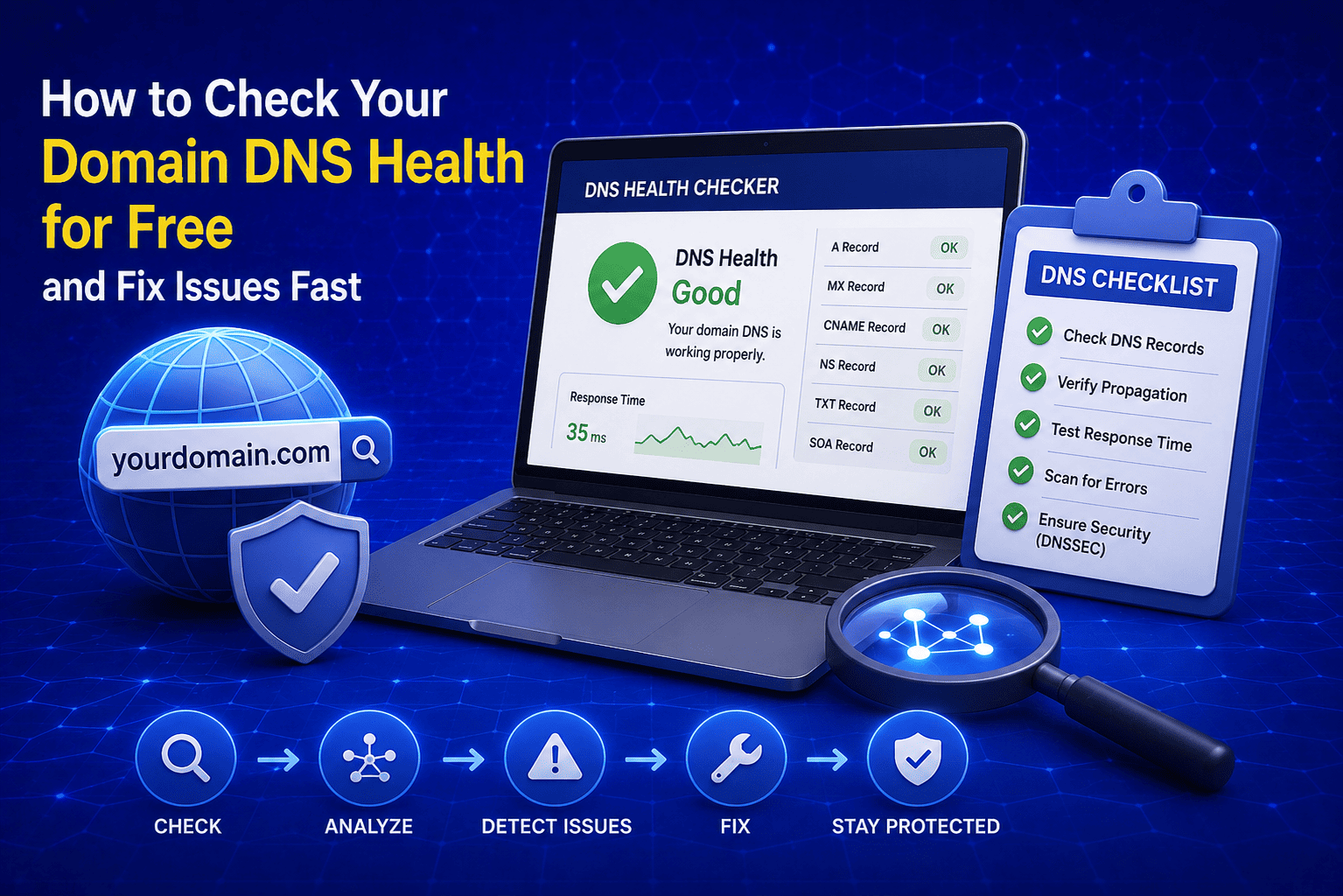
How to Check Your Domain DNS Health for Free and Fix Issues Fast
Most website owners set up their domain once and never look at the DNS settings again. Everything seems fine until emails stop delivering, the website goes down after a hosting change, or Google flags the domain for missing security records. By that point the damage is already done. A quick domain DNS health check takes less than thirty seconds and tells you exactly whether your DNS records are correctly configured or quietly causing problems you have not noticed yet. In this guide I am going to show you exactly how to run a free DNS health check on any domain, what the results mean, and what to do if something needs fixing.
Read Article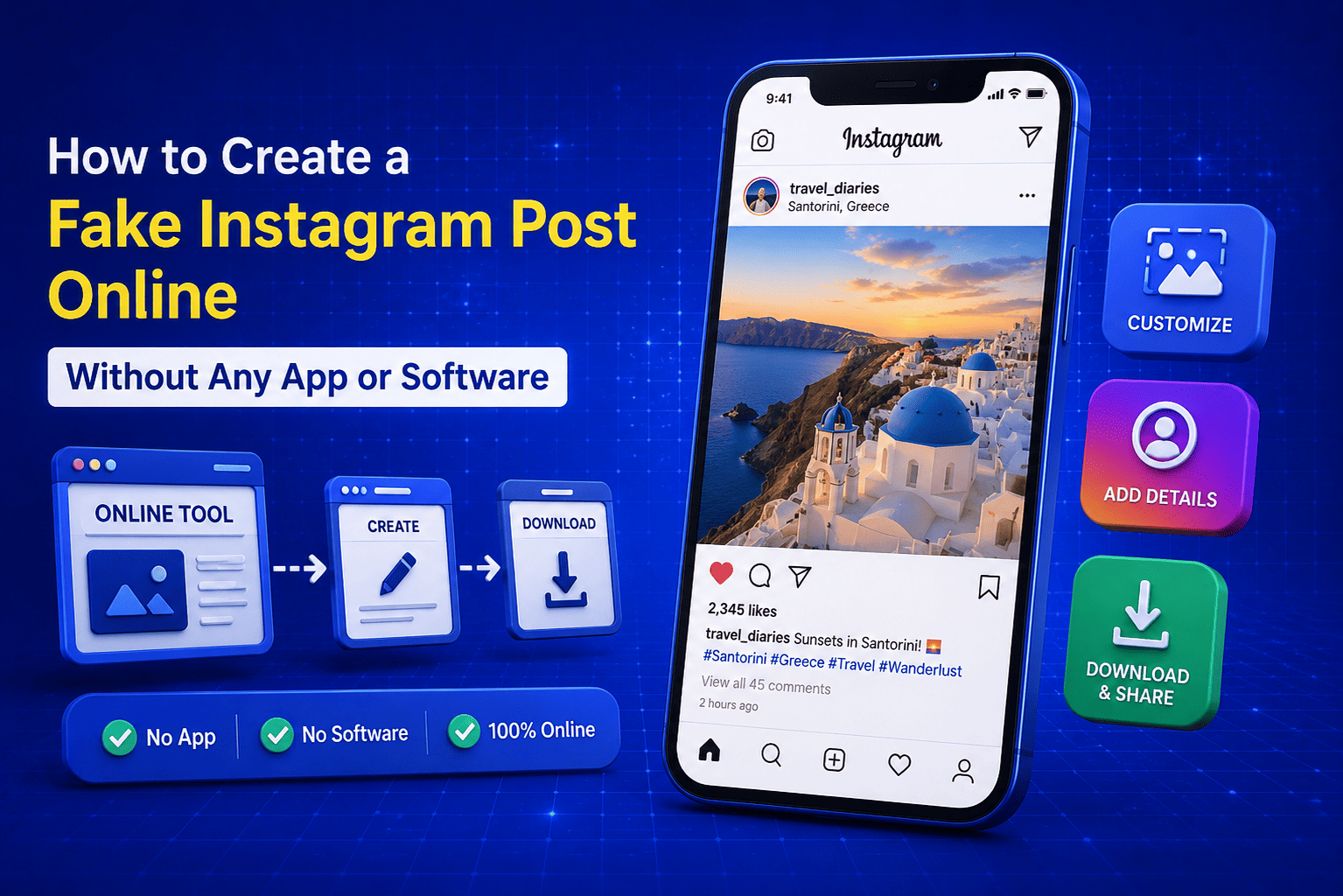
How to Create a Fake Instagram Post Online Without Any App or Software
If you have ever searched for a way to create a fake Instagram post online, you already know how hard it is to find a tool that actually works well. Most options are either too complicated, full of watermarks, or ask you to download software you never wanted in the first place. The good news is you do not need any of that. A free online fake Instagram post generator lets you create a realistic looking Instagram post right in your browser, in under two minutes, with no app, no login, and no design skills required. Whether you need it for a school project, a marketing mockup, or just for fun with friends, this guide will show you exactly how to do it step by step.
Read Article