
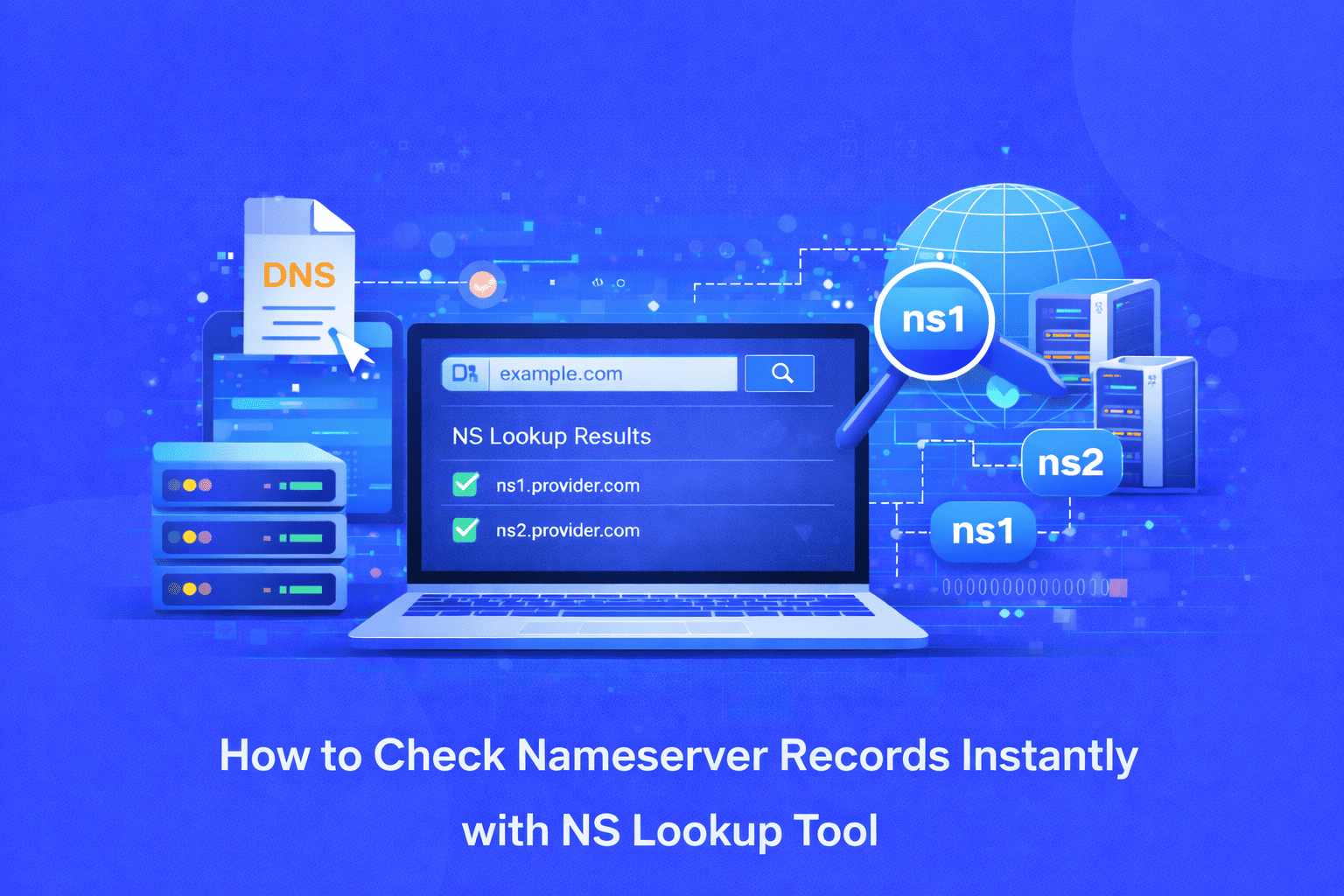
How to Check Nameserver Records Instantly with NS Lookup Tool
Struggling to verify which DNS servers handle your domain queries? NS Lookup tool instantly displays authoritative nameserver records for any domain, helping you troubleshoot DNS issues, verify configurations, and ensure proper domain resolution without command-line complexity.
Understanding the Nameserver Challenge
Every domain on the internet relies on nameservers to function properly. These authoritative DNS servers tell the world where to find your website, handle email routing, and manage all domain related queries. When nameservers are misconfigured, outdated, or pointing to the wrong location, your website becomes inaccessible, emails bounce, and your online presence effectively disappears.
For website owners, developers, and IT professionals, checking nameserver records is a critical troubleshooting step. Whether you've recently migrated to a new hosting provider, updated DNS settings, or are experiencing connectivity issues, verifying NS records ensures your domain points to the correct authoritative servers.
The problem is that traditional methods for checking nameserver records require technical knowledge. Command-line tools like nslookup, dig, or host commands work well for experienced users but present a steep learning curve for beginners. You need to remember specific syntax, understand terminal commands, and interpret raw output data. For marketers managing multiple domains or business owners without technical backgrounds, these barriers make a simple verification task unnecessarily complicated.
Why Manual Nameserver Checks Fall Short
Checking nameserver records through command-line interfaces presents several challenges:
Technical Complexity: Terminal commands require exact syntax. A single typo or incorrect flag renders the command useless, forcing users to search documentation or tutorials just to run a basic query.
Platform Limitations: Different operating systems use different commands. What works on Linux doesn't work on Windows, creating confusion and requiring users to learn multiple tools.
Time-Consuming Process: Opening terminal applications, typing commands, and deciphering technical output takes valuable time, especially when checking multiple domains or verifying propagation across different DNS servers.
No Visual Clarity: Raw command output displays information in technical formats that require interpretation. For non-technical users, understanding which nameserver is authoritative and whether configurations are correct becomes guesswork.
Limited Accessibility: Command-line tools aren't available everywhere. If you're troubleshooting from a mobile device, client meeting, or restricted environment, you simply cannot access these utilities.
These limitations create frustration and delays when quick verification is essential, particularly during domain migrations, DNS updates, or when diagnosing website downtime.
The NS Lookup Tool Solution
The NS Lookup tool eliminates all complexity by providing instant, accurate nameserver record checks through a simple web interface. No installation, no commands, no technical expertise required. Just enter your domain name and receive comprehensive NS record information within seconds.
This free online tool queries authoritative DNS servers directly, retrieving current nameserver records and displaying them in a clear, readable format. Whether you're verifying a recent DNS change, troubleshooting domain issues, or conducting routine maintenance, the NS Lookup tool delivers the information you need without the technical overhead.
How to Use the NS Lookup Tool
Using the NS Lookup tool is straightforward and requires just a few simple steps:
Step 1: Access the Tool Navigate to the NS Lookup tool page. No registration, downloads, or software installation required. The tool works directly in your web browser on any device.
Step 2: Enter Your Domain Name Type or paste the domain name you want to check into the search field. Enter just the domain (example.com) without http://, https://, or www prefixes for accurate results.
Step 3: Run the Lookup Click the lookup button to execute the query. The tool contacts the selected DNS server and retrieves NS records in real-time.
Step 4: Review Results Within seconds, the tool displays all nameserver records associated with your domain. Results show which DNS servers are authoritative for your domain, their hostnames, and related configuration details.
Step 5: Verify and Take Action Compare the displayed nameservers against your expected configuration. If records don't match your hosting provider's nameservers, you'll know exactly where the misconfiguration exists and can take corrective action.
Key Benefits of Using NS Lookup Tool
Instant Results: Get nameserver information in seconds without installing software or learning command syntax. The web-based interface delivers immediate answers when you need them most.
100% Accurate Data: The tool queries DNS servers directly without caching, ensuring you see current, real-time nameserver records rather than outdated cached information.
Zero Technical Knowledge Required: User-friendly interface designed for beginners. No need to understand terminal commands, DNS protocols, or complex networking concepts.
Completely Free: Full access to nameserver lookup functionality at no cost. No premium features locked behind paywalls or subscription requirements.
No Registration Needed: Start checking nameserver records immediately without creating accounts, providing email addresses, or going through signup processes.
Secure and Private: Your domain queries are processed securely. The tool doesn't store your search history or share information with third parties.
Cross-Platform Compatibility: Works on any device with a web browser desktop computers, laptops, tablets, and smartphones. Check nameservers from anywhere with internet access.
Clean, Readable Results: Information presented in clear, organized formats that non-technical users can understand and act upon immediately.
Real-World Use Cases
Domain Migration Verification: When transferring your website to a new hosting provider, use NS Lookup to confirm nameserver records have been updated correctly. This prevents extended downtime by catching configuration errors before they impact users.
DNS Propagation Monitoring: After changing nameservers, check multiple DNS servers worldwide to verify changes have propagated. This helps you understand when your DNS updates will be live globally.
Troubleshooting Website Downtime: When your website becomes unreachable, verify nameserver records point to your current hosting provider. Incorrect NS records are common culprits behind sudden website outages.
Email Delivery Issues: Email problems often stem from nameserver misconfigurations. Checking NS records helps identify whether DNS issues are preventing mail servers from finding your domain's MX records.
Pre-Purchase Domain Verification: Before buying a domain transfer or evaluating existing domains, check nameserver records to understand current DNS configuration and identify potential issues.
Multi-Domain Management: Agencies and businesses managing multiple client domains use NS Lookup for quick configuration audits, ensuring all domains point to correct nameservers.
Security Audits: Verify nameservers haven't been hijacked or changed without authorization. Unauthorized NS record changes are indicators of domain hijacking attempts.
Development and Staging Environments: Developers use NS Lookup to verify staging domains point to correct nameservers separate from production environments, preventing configuration conflicts.
Important Tools Worth Checking Along with NS Lookup
While NS Lookup provides essential nameserver information, comprehensive DNS management and troubleshooting often requires additional tools. These complementary utilities work alongside NS Lookup to give you complete visibility into your domain's health and configuration:
MX Lookup Tool: Since email routing depends on proper nameserver configuration, use an MX Lookup tool to verify mail exchange records after checking NS records. This ensures your email infrastructure points to the correct mail servers and helps diagnose email delivery problems related to DNS configuration.
Traceroute Tool: When NS records appear correct but connectivity issues persist, use Traceroute to identify where network packets are failing between users and your server. This helps distinguish between DNS problems and network routing issues.
Using these tools together creates a complete DNS troubleshooting workflow. Start with NS Lookup to verify foundational nameserver configuration, then use complementary tools to check specific record types, monitor propagation, and confirm actual connectivity. This comprehensive approach quickly identifies whether issues stem from nameserver problems or elsewhere in your infrastructure.
Start Checking Nameserver Records Today
DNS configuration is the foundation of your online presence. Misconfigured nameservers lead to website downtime, lost revenue, and frustrated users. Don't let technical barriers prevent you from maintaining proper DNS health.
The NS Lookup tool gives you instant visibility into your domain's nameserver configuration. Whether you're troubleshooting issues, verifying recent changes, or performing routine maintenance, accurate nameserver information is just one click away.
Stop struggling with command-line tools and outdated methods. Use the free NS Lookup tool now to verify your nameserver records, ensure proper DNS configuration, and maintain your website's reliability. Your domain deserves authoritative DNS management start your lookup today and take control of your DNS infrastructure.
Share this article:
Frequently Asked Questions
An NS (nameserver) record identifies which DNS servers are authoritative for your domain. These servers contain your domain's complete DNS records and answer queries about your website's location. Correct NS records are essential for your website to be accessible online. Without proper nameserver records, visitors cannot find your site.
Nameserver changes typically propagate within 24-48 hours but can take up to 72 hours in some cases. Propagation time depends on TTL (Time-to-Live) settings and how long DNS servers cache previous records. Use the NS Lookup tool with different DNS servers worldwide to monitor propagation progress and verify when changes are fully live.
Yes, the NS Lookup tool is completely safe. It only performs read-only DNS queries to retrieve publicly available nameserver records. The tool cannot modify your DNS settings, access private information, or impact your domain configuration. Your queries are processed securely and your search data is not stored or shared.
Yes, NS records are public information accessible through the global DNS system. You can check nameserver records for any domain name on the internet, including competitors, client domains, or domains you're considering purchasing. This transparency helps verify DNS configurations and understand hosting infrastructure across the web.
If nameserver records don't match your hosting provider's specifications, log into your domain registrar account and update the nameserver settings to the correct values provided by your host. Changes typically take several hours to propagate. If you didn't make changes and nameservers appear incorrect, contact your registrar immediately as this could indicate unauthorized access.
NS Lookup specifically focuses on nameserver records, providing targeted information about which DNS servers are authoritative for your domain. While comprehensive DNS tools show all record types (A, MX, TXT, etc.), NS Lookup streamlines the process for users who specifically need to verify or troubleshoot nameserver configuration without additional information overload.

Related Articles

Free Letter Counter Tool: How to Count Characters, Words, and Letters Instantly
Most people do not think about character counts until they absolutely have to. Your tweet gets rejected for being too long. Your Meta description gets cut off in Google search results. Your college application essay goes over the limit and you have no idea by how much. These are the moments when a free letter counter tool becomes genuinely useful. The good news is you do not need a complicated piece of software or a paid subscription to count letters, characters, and words accurately. A free online tool does it all instantly, in real time, right in your browser. In this guide, I am going to show you exactly what a letter counter tool does, who needs it, and how to use it to get accurate text statistics in seconds.
Read Article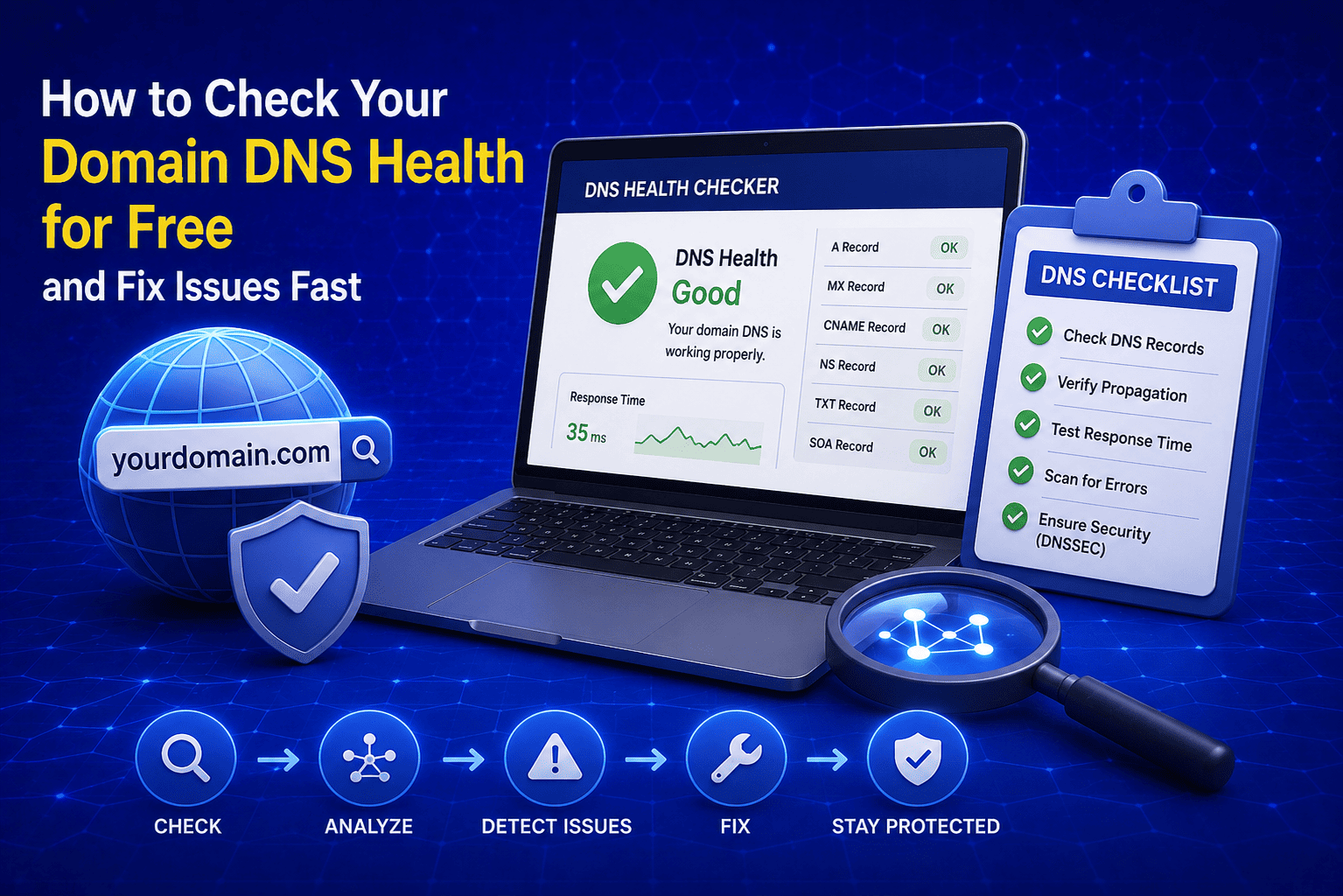
How to Check Your Domain DNS Health for Free and Fix Issues Fast
Most website owners set up their domain once and never look at the DNS settings again. Everything seems fine until emails stop delivering, the website goes down after a hosting change, or Google flags the domain for missing security records. By that point the damage is already done. A quick domain DNS health check takes less than thirty seconds and tells you exactly whether your DNS records are correctly configured or quietly causing problems you have not noticed yet. In this guide I am going to show you exactly how to run a free DNS health check on any domain, what the results mean, and what to do if something needs fixing.
Read Article
How to Create a Fake Instagram Post Online Without Any App or Software
If you have ever searched for a way to create a fake Instagram post online, you already know how hard it is to find a tool that actually works well. Most options are either too complicated, full of watermarks, or ask you to download software you never wanted in the first place. The good news is you do not need any of that. A free online fake Instagram post generator lets you create a realistic looking Instagram post right in your browser, in under two minutes, with no app, no login, and no design skills required. Whether you need it for a school project, a marketing mockup, or just for fun with friends, this guide will show you exactly how to do it step by step.
Read Article