
Master Modern Web Design with Essential CSS Tools
Discover powerful CSS tools that streamline your web design workflow, from responsive breakpoints to stunning gradients and animations.
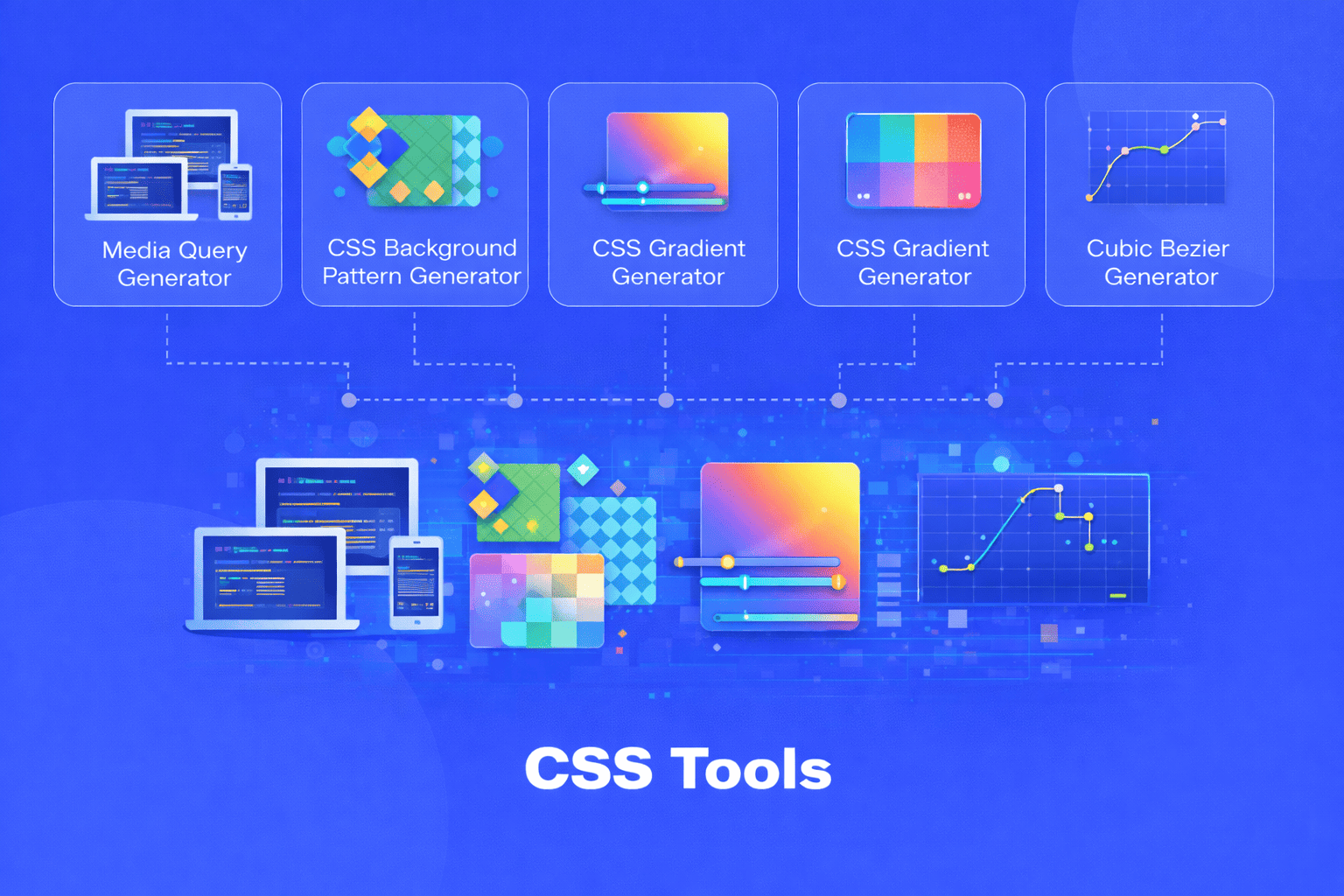
Creating beautiful, responsive websites requires more than just knowing CSS syntax. Modern web development demands efficiency, precision, and the ability to visualize your designs before committing code. That's where specialized CSS tools become invaluable, transforming complex styling challenges into manageable, visual workflows.
Why CSS Tools Matter in Modern Development
Writing CSS from scratch can be time consuming and error prone. When you're juggling multiple breakpoints, complex color gradients, intricate patterns, or animation timing functions, even experienced developers benefit from visual tools that provide instant feedback. These utilities don't just save time they expand your creative possibilities by letting you experiment rapidly and see results immediately.
The right CSS tools bridge the gap between creative vision and technical implementation. They help you maintain consistency across projects, reduce bugs, and write more maintainable code. Instead of tweaking values blindly through trial and error, you can make informed decisions with real-time visual feedback.
Creating Responsive Designs with Media Query Generators
Responsive design is no longer optional in today's multi device world. A media query generator simplifies the process of creating breakpoints that adapt your layout across smartphones, tablets, and desktops. Rather than memorizing common device widths or manually writing repetitive media query syntax, these tools let you define breakpoints visually and generate clean, production-ready code.
The beauty of using a media query generator lies in its ability to help you think systematically about responsive design. You can quickly test different breakpoint strategies, see how your values stack up against common device sizes, and ensure you're covering the full spectrum of screen sizes your users might have. This approach leads to more thoughtful, comprehensive responsive implementations rather than reactive fixes added later.
Modern media query generators also help you adopt best practices, like using relative units instead of fixed pixels, organizing your breakpoints logically, and writing mobile-first CSS that progressively enhances for larger screens. The generated code becomes a learning tool that reinforces good responsive design patterns.
Designing Captivating Backgrounds with Pattern Generators
Background patterns add depth, texture, and visual interest to web designs without requiring image files. A CSS background pattern generator opens up a world of geometric and decorative possibilities stripes, dots, grids, waves, and countless other patterns all created with pure CSS.
The advantages of CSS generated patterns over image files are substantial. They're infinitely scalable without quality loss, they're incredibly lightweight (adding zero HTTP requests), and they're easily customizable through simple property changes. You can adjust colors, spacing, angles, and sizes with single value edits rather than returning to design software.
Pattern generators make sophisticated designs accessible to developers who might not have advanced graphic design skills. By adjusting sliders and previewing results instantly, you can create professional looking backgrounds that would be challenging to code manually. The repeating nature of CSS patterns also ensures pixel-perfect consistency that manual coding might miss.
These tools typically provide code using background gradients, background-size, and background-position properties in clever combinations. Understanding how these patterns work helps you grasp advanced CSS techniques you can apply elsewhere in your projects.
Crafting Beautiful Gradients for Modern Interfaces
Gradients are everywhere in contemporary web design, from subtle button shading to bold hero section backgrounds. A CSS gradient generator eliminates the guesswork from creating smooth color transitions, whether you're working with linear, radial, or conic gradients.
Manual gradient coding involves juggling color stops, angles, positions, and transparency values. A visual gradient tool lets you pick colors, adjust their positions along the gradient line, set the gradient direction, and add as many color stops as needed all while seeing your changes in real time. This immediate feedback is crucial for achieving exactly the visual effect you envision.
Beyond simple two color fades, gradient generators help you create complex multi stop gradients that would be tedious to calculate manually. You can experiment with different color combinations, test various angles, adjust color stop positions for precise control over transitions, and even layer multiple gradients for stunning effects.
The generated CSS code is optimized and includes proper vendor prefixes where needed, ensuring your gradients work across different browsers. Many generators also provide fallback solid colors for older browsers, demonstrating best practices for progressive enhancement.
Perfecting Animation Timing with Cubic Bezier Generators
Animation timing functions determine how smoothly elements transition from one state to another. While CSS provides standard easing keywords like "ease-in" and "ease-out," custom cubic bezier curves unlock unlimited creative control over your animation feel. A cubic bezier generator provides a visual interface for creating these custom timing functions.
The cubic bezier curve has four control points that define the acceleration and deceleration of your animation. Adjusting these points changes whether motion starts slowly and accelerates, maintains constant speed, or creates bouncing effects. Visualizing these curves makes it possible to craft animations that feel natural, energetic, playful, or professional depending on your design goals.
What makes these generators particularly valuable is the ability to test your timing function immediately. You can watch a sample element animate with your custom curve, refining it until the motion feels exactly right. This iterative approach to animation design helps you develop an intuition for how different curves affect perceived speed and smoothness.
The resulting cubic-bezier() function integrates seamlessly into your transitions and animations, giving your interface distinctive motion characteristics that enhance user experience. Well-tuned animation timing can make interactions feel responsive and delightful rather than jarring or sluggish.
Integrating CSS Tools into Your Workflow
The true power of CSS tools emerges when you incorporate them naturally into your development process. Rather than viewing them as occasional helpers, consider making them regular stops in your workflow. When starting a new project, use a media query generator to establish your responsive foundation. As you design components, turn to gradient and pattern generators for visual elements. When adding interactions, refine your animations with cubic bezier tools.
These utilities complement your CSS knowledge rather than replacing it. Understanding the underlying CSS properties and how they work together remains essential. Tools simply make you more efficient and expand what's possible within your time constraints.
By bookmarking quality CSS tools and using them consistently, you'll build better websites faster while continuously learning new techniques. The visual feedback they provide helps you understand CSS properties at a deeper level, making you a more capable developer overall.
Modern web development moves quickly, but having the right CSS tools at your fingertips ensures you can keep pace while maintaining quality. Whether you're solving responsive layout challenges, adding visual polish, or perfecting microinteractions, these utilities transform complex CSS tasks into manageable, even enjoyable, parts of your creative process.
Share this article:
Frequently Asked Questions
Yes, basic CSS knowledge is recommended. These tools generate code, but understanding CSS properties helps you customize and integrate the results effectively into your projects. They're learning aids that complement your existing skills rather than replacing the need for CSS fundamentals.
CSS patterns offer several advantages: they're scalable without quality loss, add no HTTP requests, are easily customizable through code changes, and typically have smaller file sizes. However, complex photographic or illustrative backgrounds still require image files. Use CSS patterns for geometric, repeating designs.
Modern browsers fully support custom cubic-bezier() timing functions. The cubic-bezier() syntax has been widely supported since Internet Explorer 10. For older browsers, animations simply fall back to standard easing functions or instant state changes, ensuring graceful degradation.
Rather than targeting specific devices, choose breakpoints where your design naturally breaks or becomes difficult to use. Test your layout at various widths and add breakpoints where content needs adjustment. Common ranges include 768px for tablets and 1024px for desktops, but your content should guide your decisions.
Quality CSS tools generate clean, efficient code without unnecessary bloat. The output typically matches or improves upon hand-written code. Always review generated code and remove any properties you don't need. Most tools produce minimal, optimized CSS that's production-ready.
Absolutely. These tools complement each other perfectly. You might use media queries for responsive layouts, CSS patterns for backgrounds, gradients for button styling, and cubic bezier curves for hover animations—all in the same project. Combining techniques creates richer, more polished web experiences.

Related Articles
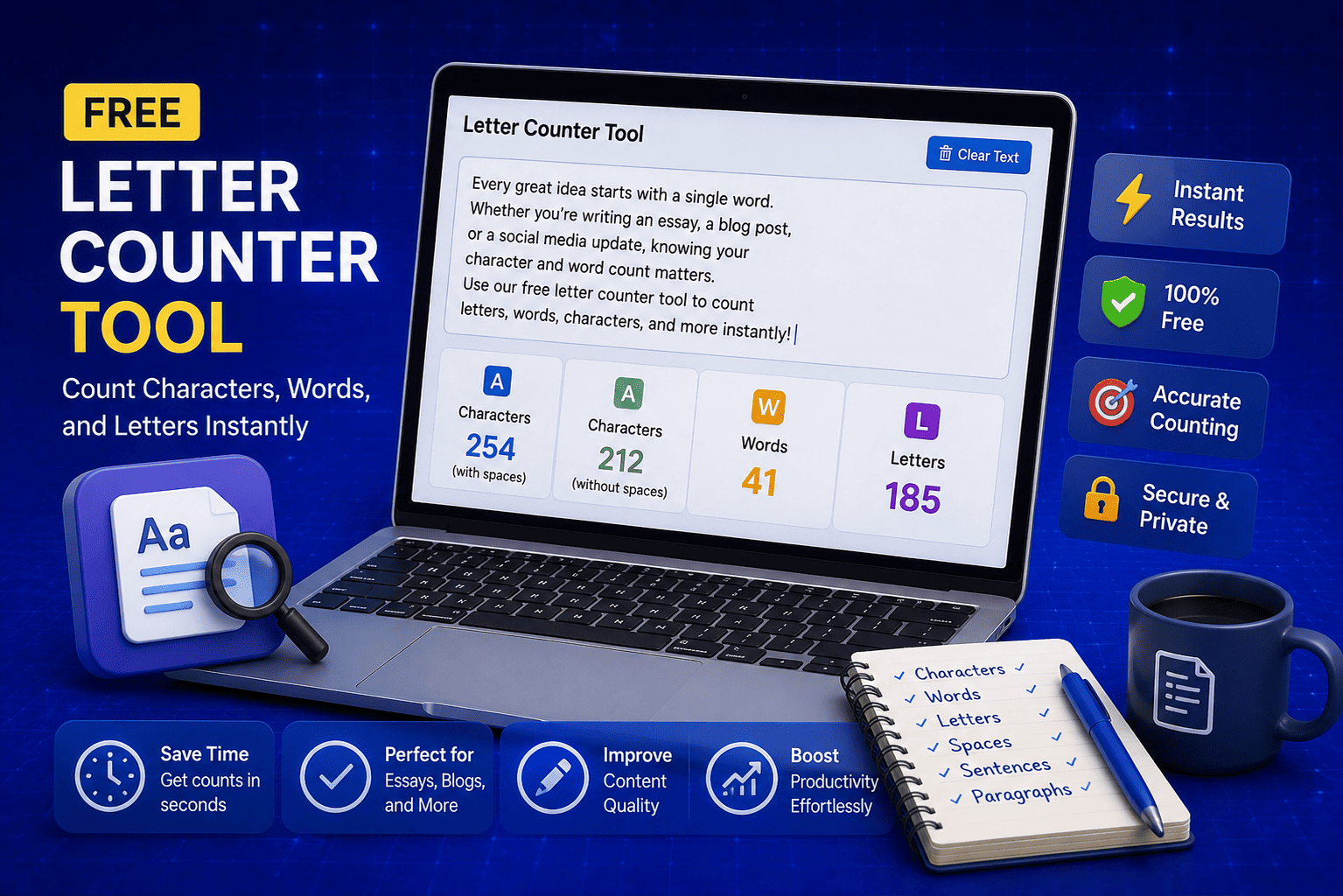
Free Letter Counter Tool: How to Count Characters, Words, and Letters Instantly
Most people do not think about character counts until they absolutely have to. Your tweet gets rejected for being too long. Your Meta description gets cut off in Google search results. Your college application essay goes over the limit and you have no idea by how much. These are the moments when a free letter counter tool becomes genuinely useful. The good news is you do not need a complicated piece of software or a paid subscription to count letters, characters, and words accurately. A free online tool does it all instantly, in real time, right in your browser. In this guide, I am going to show you exactly what a letter counter tool does, who needs it, and how to use it to get accurate text statistics in seconds.
Read Article
How to Check Your Domain DNS Health for Free and Fix Issues Fast
Most website owners set up their domain once and never look at the DNS settings again. Everything seems fine until emails stop delivering, the website goes down after a hosting change, or Google flags the domain for missing security records. By that point the damage is already done. A quick domain DNS health check takes less than thirty seconds and tells you exactly whether your DNS records are correctly configured or quietly causing problems you have not noticed yet. In this guide I am going to show you exactly how to run a free DNS health check on any domain, what the results mean, and what to do if something needs fixing.
Read Article
How to Create a Fake Instagram Post Online Without Any App or Software
If you have ever searched for a way to create a fake Instagram post online, you already know how hard it is to find a tool that actually works well. Most options are either too complicated, full of watermarks, or ask you to download software you never wanted in the first place. The good news is you do not need any of that. A free online fake Instagram post generator lets you create a realistic looking Instagram post right in your browser, in under two minutes, with no app, no login, and no design skills required. Whether you need it for a school project, a marketing mockup, or just for fun with friends, this guide will show you exactly how to do it step by step.
Read Article