
How to Estimate Your Road Trip Fuel Cost before You Leave Home
Road trips are exciting until you check your wallet halfway through and realize you completely underestimated how much fuel was going to cost you. I have been there and it is not a great feeling when you are three hours from home with an empty tank and an even emptier budget. The smart move is to calculate your fuel cost before you even start the engine. It takes less than two minutes, you do not need any special knowledge, and a free online tool does all the math for you. In this guide I am going to show you exactly how to estimate your road trip fuel cost accurately so you can plan your budget with confidence and actually enjoy the drive.
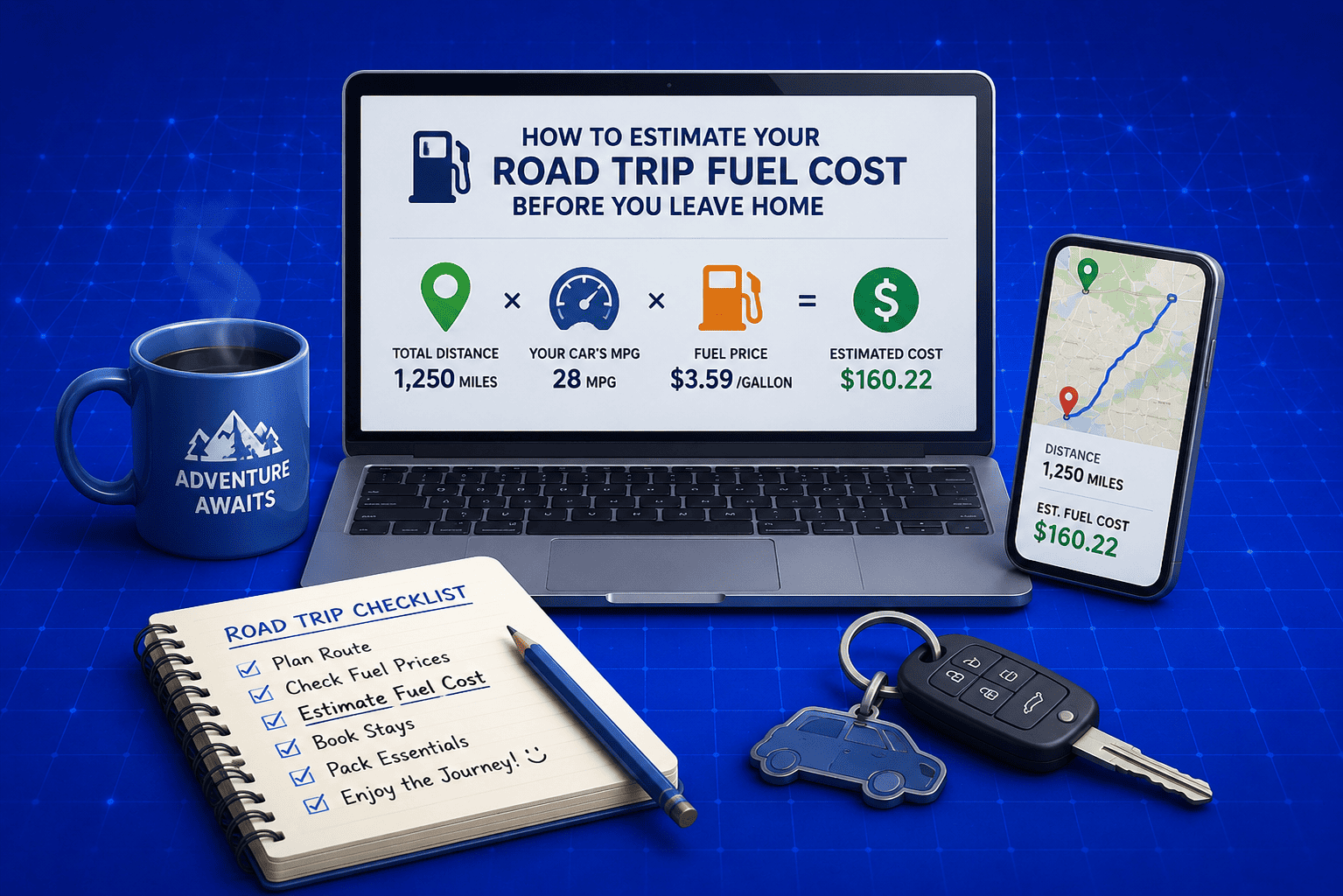
What Is a Fuel Cost Calculator?
A fuel cost calculator is a free online tool that estimates how much money you will spend on fuel for any trip. You enter three basic details, your trip distance, your vehicle fuel efficiency, and the current fuel price, and the tool instantly tells you the total cost.
What I really like about a good fuel cost calculator is that it goes beyond just giving you a single number. The free Fuel Cost Calculator on EveryWebTool.com for example gives you a complete breakdown that includes:
- Total fuel cost for your trip
- Exact amount of fuel your vehicle will consume
- Cost per mile or per kilometer
- One way and round trip cost comparison
- Monthly estimate if you make the trip regularly
- Yearly cost projection for daily commuters
Whether you are planning a weekend road trip, calculating your daily commute expenses, or comparing fuel costs between two different routes, this tool gives you all the numbers you need in one place. It supports both miles and kilometers and works with nine different currencies including USD, EUR, GBP, PKR and INR.
Why You Should Calculate Fuel Cost Before Every Road Trip
Most people guess their fuel budget based on past experience or a rough number they pull from memory. The problem is fuel prices change constantly, different routes have different distances, and not every vehicle performs the same way on every trip. Guessing almost always leads to either overspending or running short.
I always tell people that calculating fuel cost before a trip is one of the simplest things you can do to travel smarter. It costs you nothing and takes under two minutes but the clarity it gives you is genuinely useful.
Here is why it matters before every single trip:
- You set a realistic budget: Knowing the exact fuel cost upfront helps you plan your total travel expenses without any surprises along the way.
- You can compare routes: If you have two possible routes, calculating the fuel cost for each one helps you pick the more economical option.
- You avoid mid trip money stress: Nothing kills the mood of a road trip faster than worrying about whether you have enough money for the next tank.
- You can plan fuel stops better: When you know how much fuel your vehicle will consume, you can plan where to stop and refuel instead of scrambling at the last minute.
- You make smarter vehicle choices: If you have access to more than one vehicle, knowing the fuel cost difference between them helps you choose the more efficient option for the trip.
- You can split costs fairly: Traveling with friends or family becomes much easier when you have an exact number to divide rather than an awkward estimate.
What Information Do You Need to Calculate Fuel Cost?
Before you open the calculator, it helps to have a few basic details ready. Nothing complicated, just three core pieces of information that you probably already know or can find in under a minute. Having these ready makes the whole process even faster.
Here is exactly what you need and where to find each one:
|
Information Needed |
What It Means |
Where to Find It |
|
Trip Distance |
Total miles or kilometers you plan to travel |
Google Maps or any navigation app |
|
Fuel Efficiency |
How far your vehicle travels per gallon or liter |
Your vehicle owner manual or manufacturer website |
|
Fuel Price |
Current price per gallon or liter at local stations |
Local gas station or fuel price app |
|
Currency |
Your preferred local currency |
Personal preference |
|
Trip Type |
One way or round trip |
Based on your travel plan |
One thing I want to point out here is fuel efficiency. A lot of people use the manufacturer estimate printed on the vehicle sticker but in real world driving conditions, especially on long highway trips, your actual efficiency can be slightly different. If you have tracked your fuel consumption before, use that number instead. It will give you a more accurate result.
If you are not sure about your vehicle fuel efficiency, I will cover exactly where to find it later in the FAQ section at the end of this guide.
How to Use the Free Fuel Cost Calculator (Step by Step)
This is the part where everything comes together. I am going to walk you through each step of using the free Fuel Cost Calculator on EveryWebTool.com. No account needed, no sign up, completely free.
Step 1: Choose Your Measurement System
The first thing you will see at the top of the calculator is a toggle between two options. Choose Miles (MPG) if you are based in the United States or any country that uses imperial measurements. Choose Kilometers (L/100km) if you are in a country that uses the metric system. The calculator automatically adjusts all fields and results based on whichever system you select.
Step 2: Enter Your Trip Distance
Type in the total distance of your trip in the distance field. If you are not sure of the exact distance, open Google Maps, enter your starting point and destination, and it will give you the number instantly. For a round trip, you can enter just the one way distance for now because the calculator shows both one way and round trip costs in the results.
Step 3: Add Your Vehicle Fuel Efficiency
Enter your vehicle fuel efficiency in the MPG or L/100km field depending on your chosen measurement system. This is the single most important number for an accurate result. A small difference in fuel efficiency can change your total cost significantly on longer trips so take a moment to get this right.
Step 4: Select Your Currency and Fuel Price
From the currency dropdown, select the currency that matches your local fuel pricing. The calculator supports nine currencies including USD, EUR, GBP, PKR, INR, AUD, CAD, JPY and CNY. Then enter the current price per gallon or per liter at your local fuel station. If you are not sure of the exact price, a quick search online or a fuel price app will give you the current rate in your area.
Step 5: Calculate and Read Your Results
Click the Calculate Fuel Cost button and your results appear instantly. Here is what the calculator shows you:
- Total Fuel Cost: The complete amount you will spend on fuel for your trip
- Fuel Needed: Exact gallons or liters your vehicle will consume
- Cost Per Mile or Kilometer: Useful for comparing different routes or vehicles
- One Way vs Round Trip Comparison: Both costs displayed side by side
- Monthly Estimate: Total cost if you make this trip every working day for a month
- Yearly Estimate: Annual fuel cost based on the same regular route
These numbers give you a complete picture of your fuel expenses before you leave home.
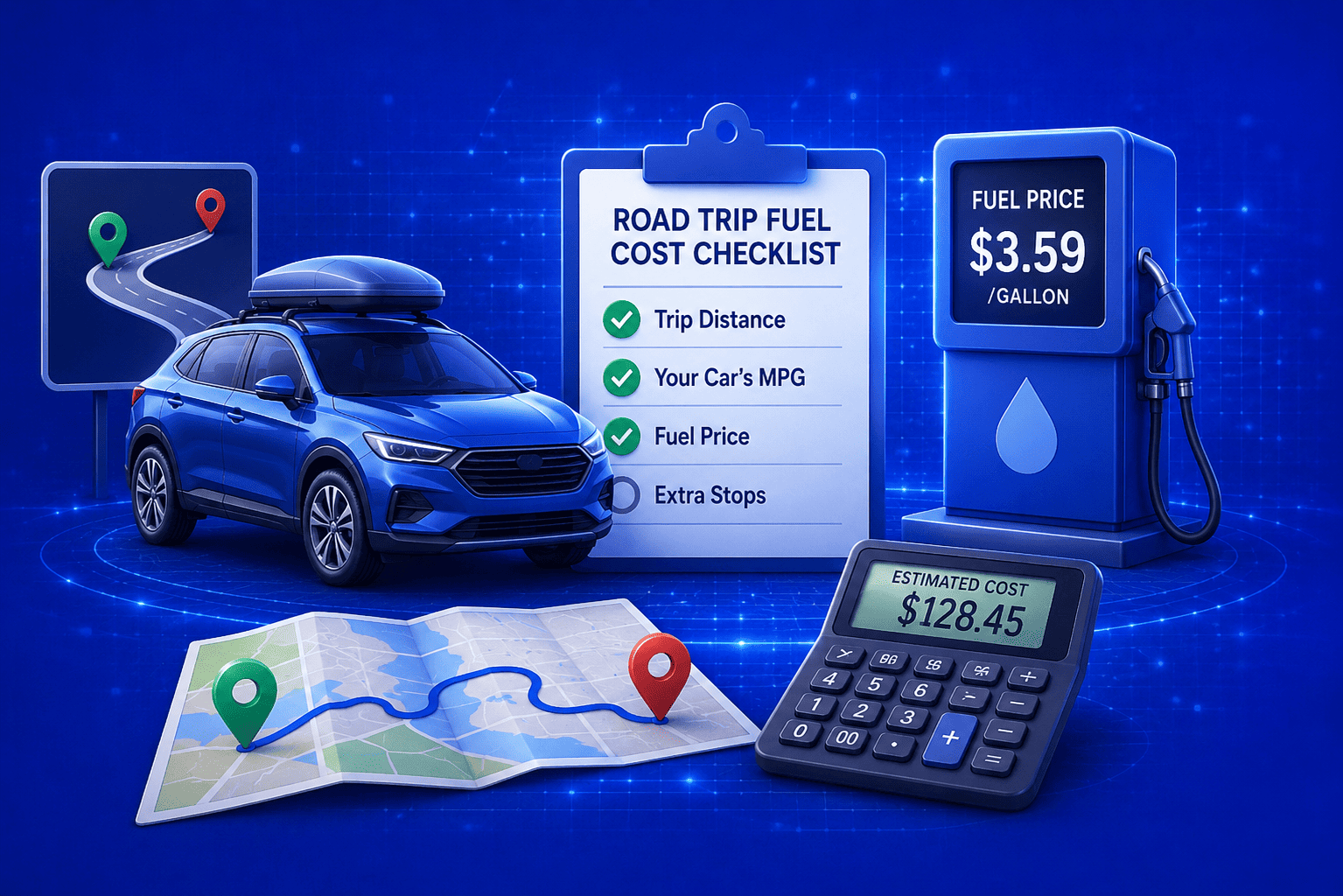
How to Read and Use Your Fuel Cost Results
Getting the results is one thing but knowing how to actually use them for your trip planning is what makes the difference. I have seen a lot of people glance at the total number and close the tab without realizing there is a lot more useful information sitting right there in front of them.
Let me break down what each result means and how you can put it to practical use:
|
Result |
What It Tells You |
How to Use It |
|
Total Fuel Cost |
Complete fuel expense for your trip |
Add this to your total road trip budget |
|
Fuel Needed |
Gallons or liters your vehicle will consume |
Plan how many fuel stops you will need |
|
Cost Per Mile or Km |
Average fuel spend per unit of distance |
Compare two routes to find the cheaper one |
|
One Way Cost |
Fuel cost for a single direction trip |
Useful if you are not returning by the same route |
|
Round Trip Cost |
Total fuel cost for going and coming back |
Use this for your complete trip budget |
|
Monthly Estimate |
Cost if you repeat this trip daily for a month |
Great for commuters tracking monthly expenses |
|
Yearly Estimate |
Annual fuel cost for the same regular route |
Helps you decide if a closer job or home makes financial sense |
One thing I personally find very useful is the cost per mile or kilometer figure. When you are deciding between two different routes, one might be shorter in distance but pass through city traffic while the other is longer but all highway driving. Using the Universal Conversion Calculator alongside your fuel results helps you convert and compare distances across different units when you are dealing with international routes or mixed measurement systems.
The monthly and yearly estimates are surprisingly eye opening too. A lot of people do not realize how much their daily commute is actually costing them until they see the annual number laid out clearly.
Practical Tips to Reduce Your Road Trip Fuel Cost
Knowing your fuel cost is the first step. The second step is finding ways to bring that number down without sacrificing the quality of your trip. Over the years I have picked up a handful of genuinely useful habits that make a real difference on longer drives.
- Keep your tires properly inflated: Under inflated tires create more rolling resistance which forces your engine to work harder and burn more fuel. Check your tire pressure before every long trip and keep it at the level recommended in your vehicle manual.
- Remove unnecessary weight from your vehicle: Every extra kilogram or pound your car carries increases fuel consumption. Clear out anything from your boot or back seat that does not need to be on the trip with you.
- Use cruise control on highways: Maintaining a steady speed on open roads is one of the most effective ways to improve fuel efficiency. Constant acceleration and deceleration burns significantly more fuel than a consistent pace.
- Avoid aggressive driving habits: Hard braking and sharp acceleration are two of the biggest fuel wasters on any trip. Smooth and steady driving keeps your fuel consumption much lower across the entire journey.
- Plan your route to avoid heavy traffic: Stop and go city traffic can cut your fuel efficiency dramatically compared to open road driving. Where possible choose routes that keep you moving at a consistent speed.
- Compare fuel prices along your route: Fuel prices can vary quite a bit between different stations and regions. A quick check using a fuel price app before you stop can save you a noticeable amount on a long trip.
- Travel during cooler parts of the day: Running your air conditioning heavily increases fuel consumption. Early morning or evening driving in hot climates reduces how hard your cooling system needs to work.
- Keep your vehicle well maintained: A clean air filter, fresh engine oil, and a properly tuned engine all contribute to better fuel efficiency. Basic maintenance before a long trip is always worth it.
For more helpful calculation tools to plan your trip expenses, check out all the free calculator tools available on EveryWebTool.com including the BTU Calculator for energy related calculations.
Final Thoughts
Planning a road trip is supposed to be fun and the last thing you want is a fuel budget surprise ruining the experience halfway through your journey. Taking two minutes before you leave to calculate your fuel cost properly makes the whole trip smoother, more relaxed, and a lot better for your wallet.
I built the free Fuel Cost Calculator on EveryWebTool.com specifically to make this kind of planning quick and effortless for every type of driver. Whether you are measuring in miles or kilometers, paying in dollars or rupees, the tool gives you accurate results instantly with no sign up and no cost involved.
Enter your trip details, check your numbers, and hit the road with confidence.
Share this article:
Frequently Asked Questions
The calculator gives you a very accurate estimate based on the numbers you enter. Real world results can vary slightly depending on traffic conditions, driving habits, and vehicle maintenance. For the most accurate result, use your actual fuel efficiency from previous trips rather than the manufacturer estimate.
Yes, absolutely. The free Fuel Cost Calculator supports both imperial and metric systems. Simply select Miles (MPG) or Kilometers (L/100km) at the top of the tool and it automatically adjusts every field and result accordingly.
For most road trips, anything between 30 and 40 MPG is considered good fuel efficiency. Larger vehicles like SUVs and trucks typically average between 18 and 25 MPG. The higher your MPG, the less you spend on fuel over the same distance.
You can find your vehicle fuel efficiency in three quick ways. Check your owner manual, visit the manufacturer website and search your vehicle model, or look up your vehicle on fueleconomy.gov if you are based in the United States. For the most accurate number, track your own consumption over a few full tank refills.

Related Articles
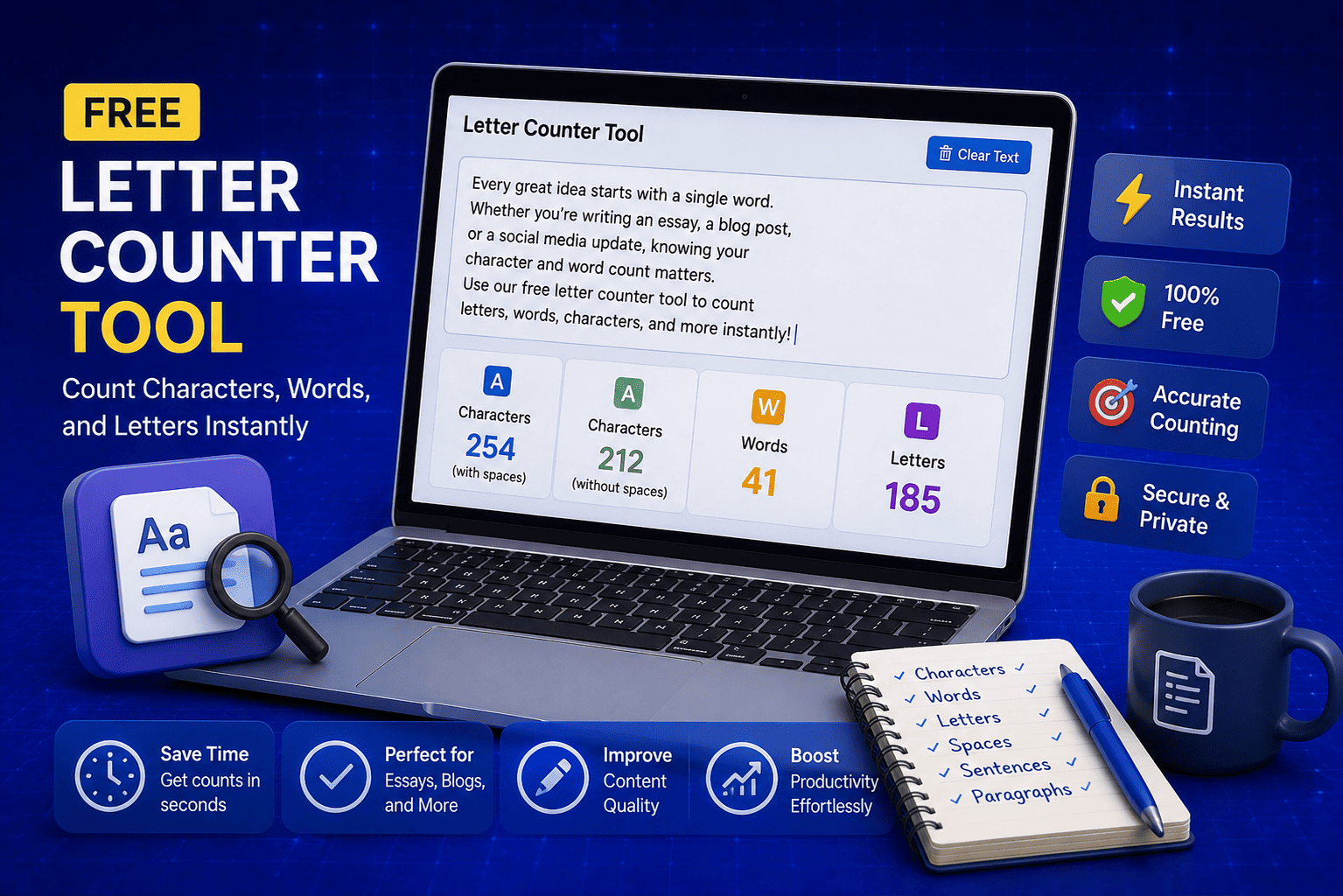
Free Letter Counter Tool: How to Count Characters, Words, and Letters Instantly
Most people do not think about character counts until they absolutely have to. Your tweet gets rejected for being too long. Your Meta description gets cut off in Google search results. Your college application essay goes over the limit and you have no idea by how much. These are the moments when a free letter counter tool becomes genuinely useful. The good news is you do not need a complicated piece of software or a paid subscription to count letters, characters, and words accurately. A free online tool does it all instantly, in real time, right in your browser. In this guide, I am going to show you exactly what a letter counter tool does, who needs it, and how to use it to get accurate text statistics in seconds.
Read Article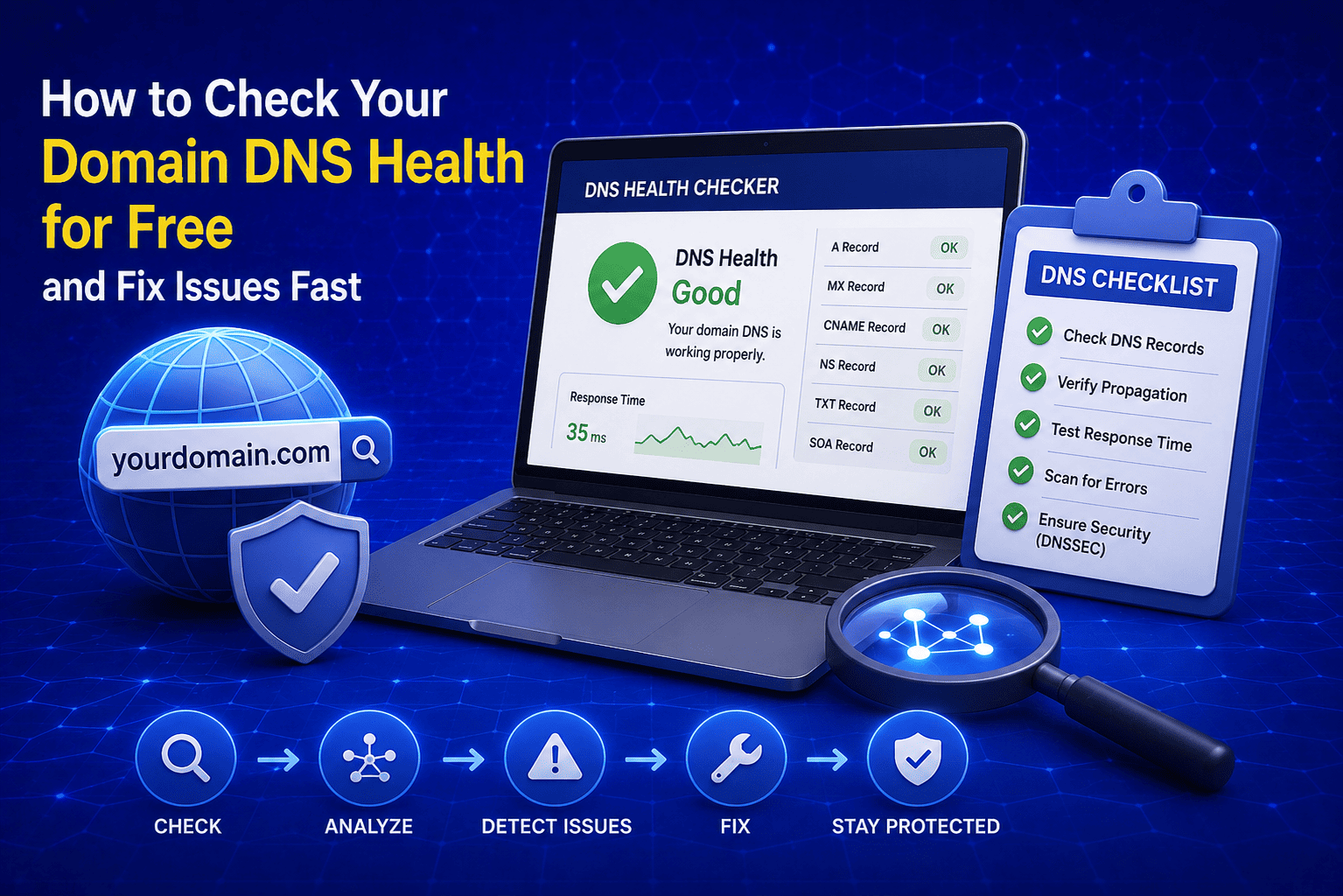
How to Check Your Domain DNS Health for Free and Fix Issues Fast
Most website owners set up their domain once and never look at the DNS settings again. Everything seems fine until emails stop delivering, the website goes down after a hosting change, or Google flags the domain for missing security records. By that point the damage is already done. A quick domain DNS health check takes less than thirty seconds and tells you exactly whether your DNS records are correctly configured or quietly causing problems you have not noticed yet. In this guide I am going to show you exactly how to run a free DNS health check on any domain, what the results mean, and what to do if something needs fixing.
Read Article
How to Create a Fake Instagram Post Online Without Any App or Software
If you have ever searched for a way to create a fake Instagram post online, you already know how hard it is to find a tool that actually works well. Most options are either too complicated, full of watermarks, or ask you to download software you never wanted in the first place. The good news is you do not need any of that. A free online fake Instagram post generator lets you create a realistic looking Instagram post right in your browser, in under two minutes, with no app, no login, and no design skills required. Whether you need it for a school project, a marketing mockup, or just for fun with friends, this guide will show you exactly how to do it step by step.
Read Article