
How to Check DMARC Records and Protect Your Domain from Email Spoofing
Email spoofing and phishing attacks put your domain reputation at risk. A DMARC checker instantly verifies your domain's email authentication status, ensuring your emails are protected and trusted by recipients while preventing cybercriminals from impersonating your domain.
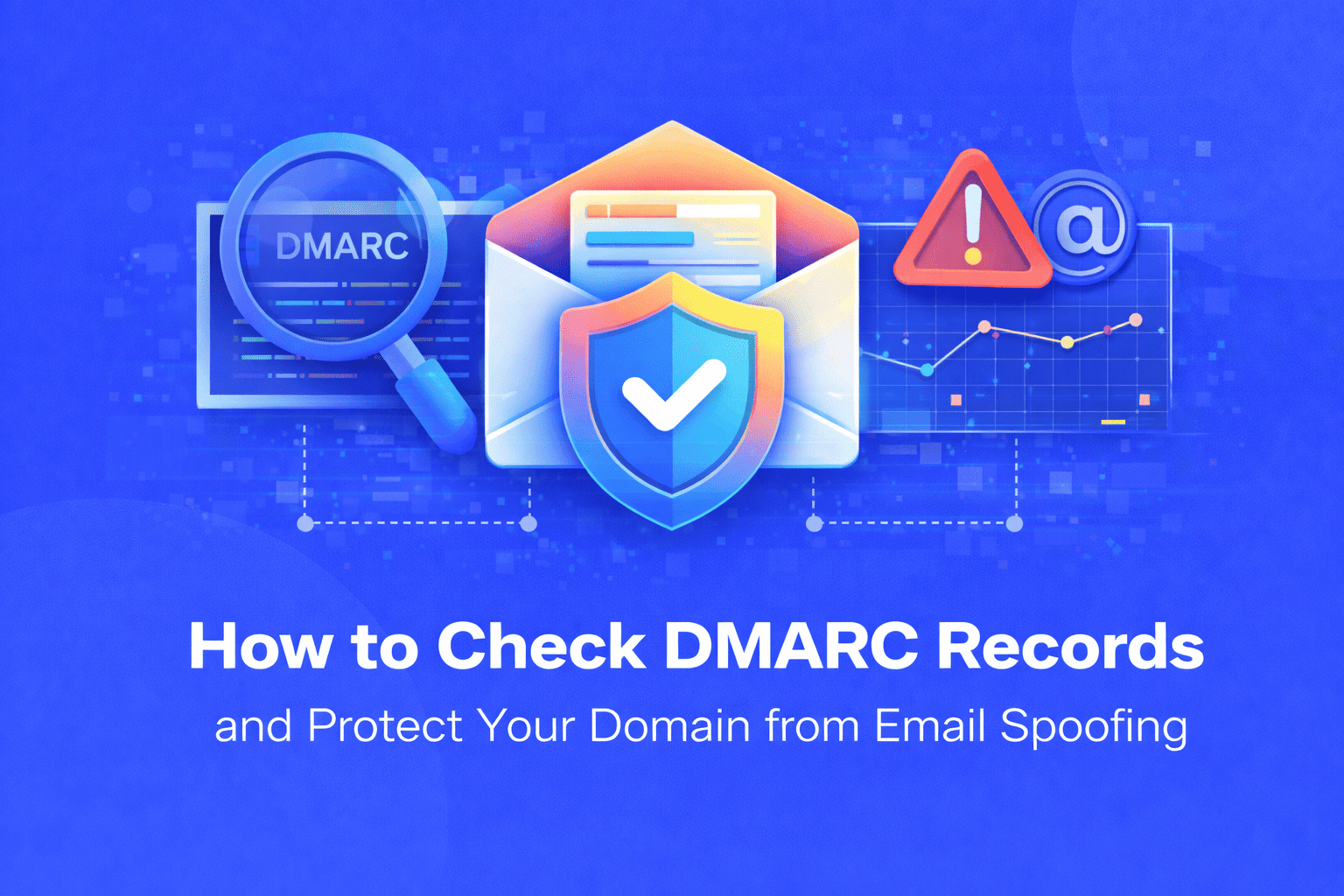
Email security has become a critical concern for businesses and domain owners. Every day, thousands of phishing emails are sent using spoofed domain names, damaging brand reputation and compromising recipient security. If you're wondering whether your domain is properly protected against email based attacks, checking your DMARC record is the first essential step.
Understanding the Email Security Problem
Email spoofing is surprisingly easy for cybercriminals. Without proper authentication protocols, anyone can send emails that appear to come from your domain. These fraudulent emails can trick customers, damage your brand reputation, cause financial losses, and land your legitimate emails in spam folders. According to industry reports, email based attacks account for over 90% of cyber threats, making domain authentication not just recommended but essential.
DMARC (Domain-based Message Authentication, Reporting & Conformance) is an email authentication protocol designed to combat these threats. It works alongside SPF and DKIM records to verify that emails claiming to be from your domain are genuinely authorized. However, many domain owners either haven't implemented DMARC or don't know if their current configuration is working correctly.
Why Manual DMARC Verification Falls Short
Checking DMARC records manually through command-line tools or DNS lookup utilities requires technical knowledge that most website owners don't have. You'd need to understand DNS query syntax, interpret complex record values, decode policy settings, and recognize valid versus invalid configurations. Even IT professionals can make errors when manually parsing DMARC syntax, leading to misconfigurations that leave domains vulnerable.
Traditional methods also don't provide context or actionable insights. You might retrieve a DMARC record but struggle to understand what "p=quarantine" means or whether your "pct=100" setting is appropriate for your situation.
The Solution: Free Online DMARC Checker Tool
The DMARC Checker tool eliminates all technical barriers and provides instant verification of your domain's email authentication status. This free, web-based solution queries your DNS records, analyzes your DMARC configuration, and presents results in plain English no technical expertise required.
The tool performs comprehensive checks that reveal your DMARC policy enforcement level, whether reports are being sent to monitoring addresses, if subdomain protection is enabled, and any configuration issues that could affect email deliverability. Within seconds, you'll know exactly where your domain stands in terms of email security.
How to Use the DMARC Checker Tool: Step-by-Step Guide
Using the DMARC Checker is remarkably straightforward. Here's exactly how to verify your domain's email authentication:
- First, open the DMARC Checker tool in your web browser. You'll see a simple input field designed for domain entry.
- Second, enter your domain name in the designated field. Type just your domain without any prefix for example, "yourdomain.com" rather than "www.yourdomain.com" or "https://yourdomain.com".
- Third, click the "Check DMARC" button or simply press Enter. The tool immediately begins querying your domain's DNS records.
- Fourth, wait a few seconds while the tool performs the DNS lookup. It connects to authoritative DNS servers and searches specifically for your DMARC TXT record at "_dmarc.yourdomain.com".
- Fifth, review the comprehensive results displayed on your screen. If a DMARC record exists, you'll see detailed information about your configuration including policy type, reporting addresses, alignment settings, and percentage values. If no record is found, you'll receive clear guidance on why DMARC is important and how to implement it.
- Sixth, take action based on the findings. For existing records, verify that settings match your email security requirements. For missing records, follow the provided setup instructions to configure DMARC protection for your domain.
Key Benefits of Using an Online DMARC Checker
The advantages of using a dedicated DMARC verification tool are substantial:
- Speed: Get instant results in seconds rather than spending minutes or hours with manual DNS queries and technical documentation.
- Accuracy: Automated parsing eliminates human error in interpreting complex DMARC syntax and policy values.
- Ease of Use: No technical knowledge required simply enter your domain and receive clear, actionable information presented in plain language.
- Security: Check DMARC records without installing software or exposing your system to potential vulnerabilities from command-line tools.
- Free Access: Verify unlimited domains without paying for expensive security audit services or DNS management platforms.
- No Registration Required: Start checking immediately without creating accounts, providing email addresses, or sharing personal information.
- Comprehensive Analysis: Receive detailed breakdowns of policy settings, reporting configurations, and alignment requirements all in one place.
Real-World Use Cases for DMARC Checking
Domain administrators use DMARC checkers immediately after configuring DNS records to confirm that changes were implemented correctly and are propagating properly across the internet.
IT security teams monitor DMARC status across multiple company domains, running regular checks to ensure protection remains active and policies haven't been accidentally modified or deleted.
Email marketers verify DMARC configuration when troubleshooting deliverability issues, as incorrect authentication settings often cause legitimate emails to be marked as spam.
Brand protection specialists check DMARC records for client domains when conducting security assessments, identifying vulnerabilities that could be exploited for phishing campaigns.
Compliance officers use DMARC verification as part of regulatory audits, ensuring that email security standards meet industry requirements and best practices.
Small business owners without dedicated IT staff rely on DMARC checkers to independently verify their domain security without hiring consultants.
Web developers and agencies check DMARC status after migrating clients to new hosting providers or email platforms, confirming that DNS records transferred correctly.
Complete Your Email Security Setup
For comprehensive email authentication, consider using complementary tools like the SPF Record Checker and DKIM Checker to verify all three layers of email security, along with the DMARC Generator to create properly formatted records for your domain.
Making the Smart Choice for Email Security
Email authentication isn't optional in today's threat landscape. Cybercriminals specifically target domains without DMARC protection because they know these domains are easy to spoof. By regularly checking your DMARC records, you take a proactive stance against email fraud, protect your brand reputation, improve legitimate email deliverability, and demonstrate security awareness to customers and partners.
The best part? Verification takes less time than reading this article. In just a few seconds, you'll have complete visibility into your domain's email authentication status and clear next steps for improving security.
Don't leave your domain vulnerable to email spoofing and phishing attacks. Use the free DMARC Checker tool now to verify your email authentication status. Enter your domain, get instant results, and take control of your email security today. Whether you're confirming an existing configuration or discovering that you need to implement DMARC, this tool provides the insights you need to protect your domain and maintain trust with everyone who receives emails from your business.
Share this article:
Frequently Asked Questions
DMARC (Domain-based Message Authentication, Reporting & Conformance) is an email authentication standard that protects your domain from email spoofing and phishing attacks. Checking your DMARC record verifies that your domain has proper email security in place, prevents cybercriminals from sending fraudulent emails using your domain name, and improves the deliverability of your legitimate emails by proving they're authentic.
You should check your DMARC record immediately after initial setup to confirm proper configuration, whenever you change email providers or DNS settings, during regular security audits (monthly or quarterly), if you experience email deliverability issues, and after domain migrations or hosting changes. Regular checking ensures your email authentication remains active and properly configured.
Yes, using an online DMARC checker is completely safe. The tool only queries publicly available DNS records that anyone on the internet can access. It doesn't require access to your email accounts, doesn't modify any settings, doesn't store sensitive information, and simply reads information that's already public. This makes it a secure, read-only verification method.
If no DMARC record is found, you should implement one immediately to protect your domain. Start by logging into your DNS management console, create a new TXT record with the name "_dmarc.yourdomain.com", and set the value to "v=DMARC1; p=none; rua=mailto:reports@yourdomain.com". Begin with the "none" policy to monitor email flow without affecting delivery, then gradually strengthen protection to "quarantine" or "reject" once you've verified all legitimate email sources.
Yes, checking your DMARC record can help diagnose email deliverability issues. If you have no DMARC record or an improperly configured one, email providers may treat your messages as suspicious and send them to spam folders. A proper DMARC setup authenticates your emails and improves trust with receiving servers. The checker reveals whether authentication issues might be causing deliverability problems and provides insights for correction.
No technical knowledge is required. The DMARC checker is designed for users of all skill levels, from beginners to experienced developers. Simply enter your domain name and click check—the tool handles all technical DNS queries automatically and presents results in clear, understandable language. Even if you've never worked with DNS records before, you'll be able to verify your DMARC status and understand the results.

Related Articles
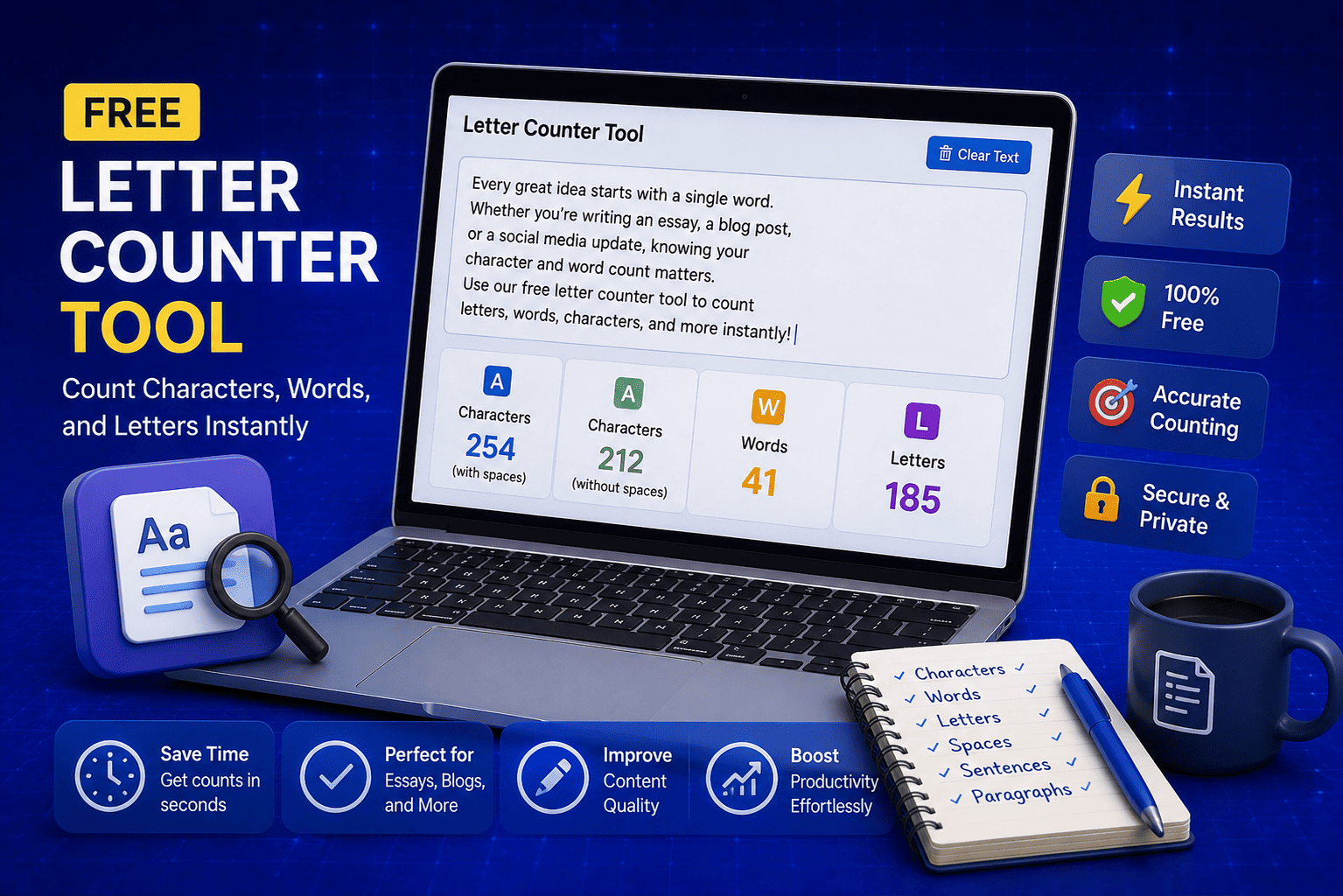
Free Letter Counter Tool: How to Count Characters, Words, and Letters Instantly
Most people do not think about character counts until they absolutely have to. Your tweet gets rejected for being too long. Your Meta description gets cut off in Google search results. Your college application essay goes over the limit and you have no idea by how much. These are the moments when a free letter counter tool becomes genuinely useful. The good news is you do not need a complicated piece of software or a paid subscription to count letters, characters, and words accurately. A free online tool does it all instantly, in real time, right in your browser. In this guide, I am going to show you exactly what a letter counter tool does, who needs it, and how to use it to get accurate text statistics in seconds.
Read Article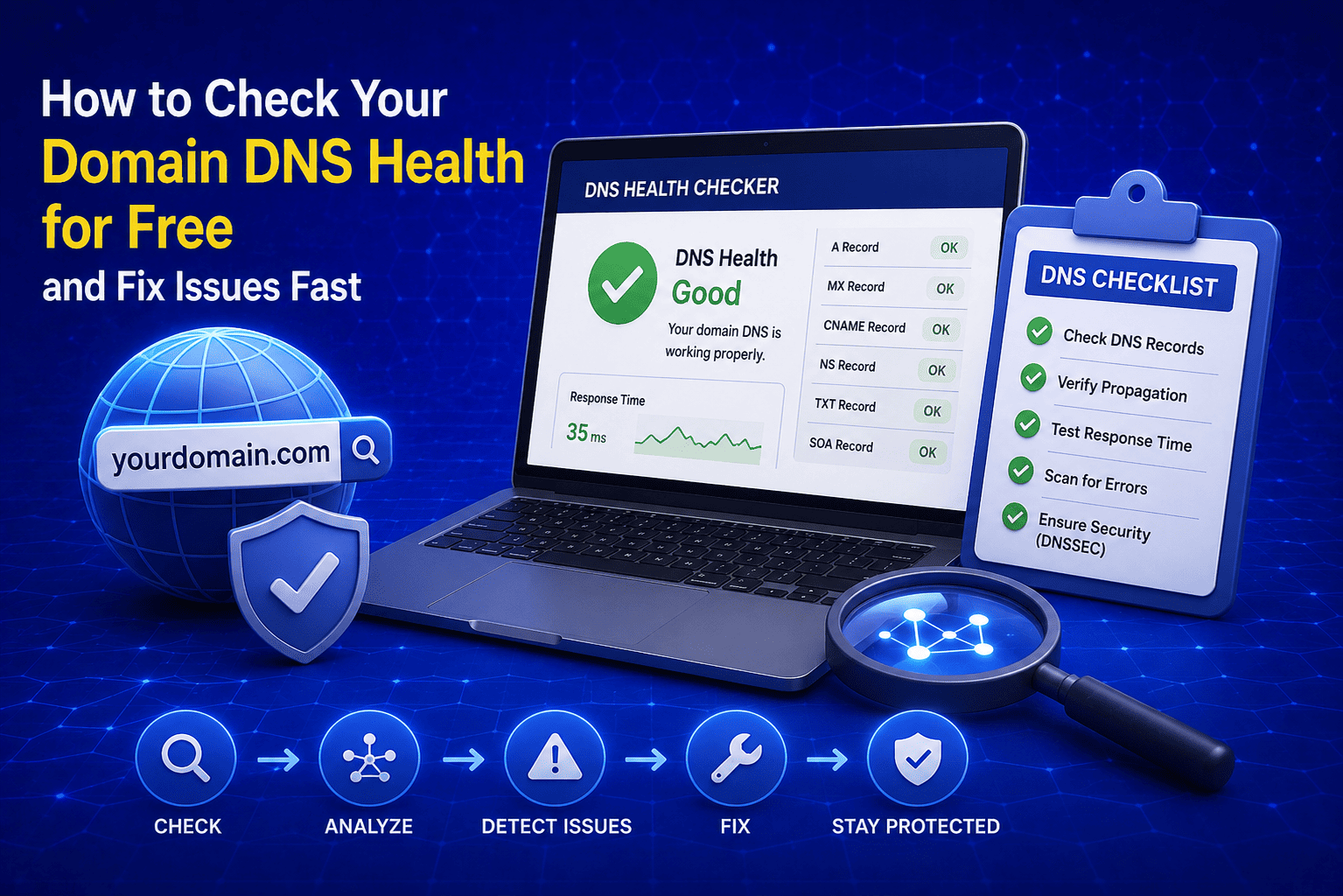
How to Check Your Domain DNS Health for Free and Fix Issues Fast
Most website owners set up their domain once and never look at the DNS settings again. Everything seems fine until emails stop delivering, the website goes down after a hosting change, or Google flags the domain for missing security records. By that point the damage is already done. A quick domain DNS health check takes less than thirty seconds and tells you exactly whether your DNS records are correctly configured or quietly causing problems you have not noticed yet. In this guide I am going to show you exactly how to run a free DNS health check on any domain, what the results mean, and what to do if something needs fixing.
Read Article
How to Create a Fake Instagram Post Online Without Any App or Software
If you have ever searched for a way to create a fake Instagram post online, you already know how hard it is to find a tool that actually works well. Most options are either too complicated, full of watermarks, or ask you to download software you never wanted in the first place. The good news is you do not need any of that. A free online fake Instagram post generator lets you create a realistic looking Instagram post right in your browser, in under two minutes, with no app, no login, and no design skills required. Whether you need it for a school project, a marketing mockup, or just for fun with friends, this guide will show you exactly how to do it step by step.
Read Article