
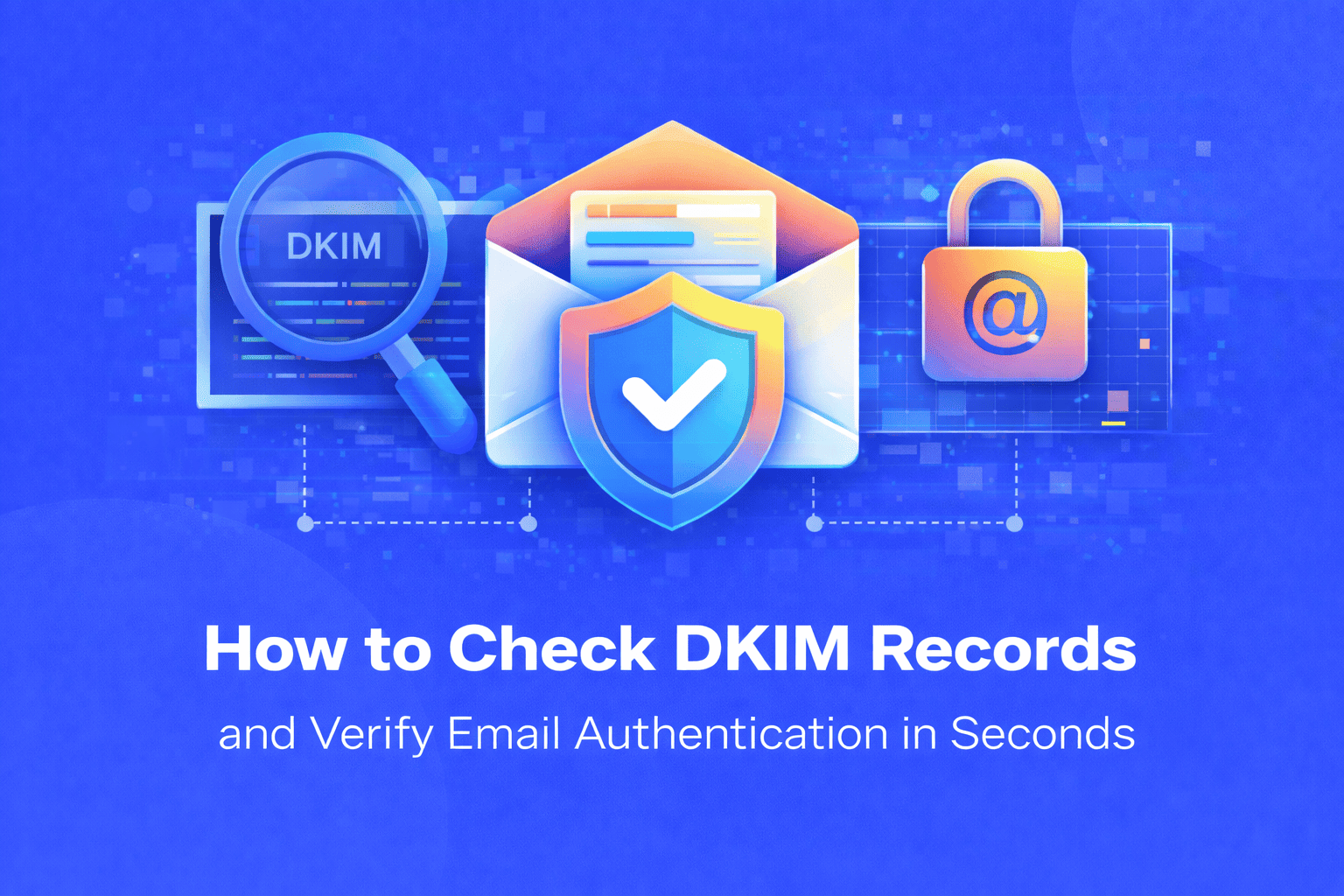
How to Check DKIM Records and Verify Email Authentication in Seconds
Worried about email deliverability or getting flagged as spam? Our free DKIM Checker instantly validates your domain's DKIM record to ensure your emails are properly authenticated, improving inbox placement and protecting your sender reputation from spoofing attacks.
Why Email Authentication Matters for Your Business
Every day, millions of legitimate emails land in spam folders or get rejected entirely. If you're sending marketing campaigns, transactional emails, or business communications, there's a good chance your messages aren't reaching their intended recipients. The culprit? Missing or misconfigured DKIM (DomainKeys Identified Mail) records.
DKIM is an email authentication protocol that proves your emails genuinely come from your domain and haven't been tampered with during transit. Without proper DKIM authentication, email providers like Gmail, Outlook, and Yahoo have no way to verify your identity, leading to poor deliverability, damaged sender reputation, and lost business opportunities.
The Problem with Manual DKIM Verification
Checking DKIM records manually is complex and time-consuming. You need to locate your DKIM selector in email headers, query DNS records using command-line tools, understand cryptographic signatures, and interpret technical error messages. For most marketers, developers, and business owners, this process is overwhelming and prone to mistakes.
Traditional methods require:
- Access to DNS management systems
- Knowledge of DNS query syntax
- Understanding of public/private key cryptography
- Time to troubleshoot configuration errors
- Technical expertise to interpret results
Even a small mistake in your DKIM record a missing tag, incorrect selector, or syntax error—can cause all your emails to fail authentication, severely impacting your email deliverability and business operations.
The Solution: Free Online DKIM Checker Tool
Our DKIM Checker tool eliminates the complexity of email authentication verification. Simply enter your domain name and DKIM selector, and our tool instantly queries your DNS records, validates your DKIM configuration, and provides clear, actionable results in seconds.
This free online tool performs comprehensive DKIM record validation, checking for proper syntax, valid public keys, correct tag formatting, and DNS publication errors. Whether you're setting up DKIM for the first time or troubleshooting deliverability issues, our checker gives you immediate visibility into your email authentication status.
How to Use the DKIM Checker Tool
Step 1: Locate Your DKIM Selector Your DKIM selector is found in the email headers of messages sent from your domain. Open any email you've sent, view the full headers (usually under "Show Original" or "View Source"), and look for the "DKIM-Signature" field. The selector appears after the "s=" tag (for example, s=selector1).
Step 2: Enter Your Domain Name In the DKIM Checker tool, input your sending domain (example: yourdomain.com). This is the domain from which you send emails, not necessarily your website domain if they're different.
Step 3: Enter Your DKIM Selector Type the selector you found in step 1 into the selector field. Common selectors include "default," "google," "selector1," or "selector2," depending on your email service provider.
Step 4: Run the Check Click the "Check DKIM" button. The tool will query your domain's DNS records and retrieve your DKIM public key within seconds.
Step 5: Review Your Results The tool displays whether your DKIM record is valid, properly formatted, and correctly published. If issues are detected, you'll receive specific error messages explaining what needs to be fixed, such as missing selectors, syntax errors, or key mismatches.
Step 6: Fix Issues and Retest If problems are found, update your DNS records through your domain registrar or DNS provider, wait a few minutes for propagation, then recheck using our tool to confirm your fixes worked.
Key Benefits of Using Our DKIM Checker
- Instant Verification: Get results in seconds without complex command-line tools or technical knowledge required.
- 100% Free: No signup, no credit card, no hidden fees unlimited DKIM checks whenever you need them.
- Beginner-Friendly Interface: Clear, simple design that anyone can use, regardless of technical background.
- Comprehensive Validation: Checks DKIM record syntax, public key validity, tag formatting, protocol version, and DNS publication status.
- Accurate Diagnostics: Identifies specific errors like missing selectors, key mismatches, expired records, and formatting issues with actionable solutions.
- Secure and Private: Your domain information is never stored or shared all checks happen in real-time and privately.
- Fast Performance: Lightning-fast DNS queries deliver results instantly, saving you valuable time.
- Mobile-Friendly: Works perfectly on any device desktop, tablet, or smartphone.
Real-World Use Cases
- Email Marketers: Before launching campaigns, verify DKIM authentication to maximize inbox placement and protect sender reputation scores that directly impact ROI.
- Web Developers: Quickly troubleshoot email delivery issues for client websites without diving into complex DNS configurations or waiting for support tickets.
- Small Business Owners: Ensure transactional emails (receipts, confirmations, password resets) reach customers reliably without technical headaches.
- IT Administrators: Monitor DKIM records across multiple domains, detect configuration drift, and maintain email security standards effortlessly.
- Email Service Providers: Validate DKIM setup during onboarding processes and provide customers with instant verification tools.
- Security Teams: Audit email authentication protocols to prevent domain spoofing, phishing attacks, and brand impersonation.
- Developers Integrating Email: Test DKIM configuration during development and staging before pushing to production environments.
Understanding Your DKIM Check Results
When you run a DKIM check, you'll see several important details about your record configuration. A valid DKIM record means your public key is properly published, your selector is correct, and receiving servers can verify your emails. This results in better deliverability and stronger sender reputation.
Common issues our checker identifies include missing selectors (when your DNS doesn't have the DKIM record published), syntax errors (improperly formatted TXT records), key mismatches (when public and private keys don't correspond), and DNS propagation delays (when recent changes haven't spread across all DNS servers yet).
Why DKIM Authentication Is Critical
DKIM helps domain owners take control of messages, confirming that each comes from the reported domain and has not been altered in transit.
Major email providers increasingly require DKIM authentication. Gmail, Yahoo, and Outlook prioritize properly authenticated emails, while unmarked messages face higher spam filtering. Implementing DKIM isn't optional anymore it's essential for maintaining professional email communications.
Complete Your Email Security Setup
For comprehensive email authentication, consider using complementary tools like the SPF Record Checker and DMARC Checker to verify all three layers of email security, along with the DMARC Generator to create properly formatted records for your domain.
Take Control of Your Email Deliverability Today
Don't let misconfigured DKIM records cost you customers, revenue, or reputation. Our free DKIM Checker gives you instant visibility into your email authentication status, helping you identify and fix issues before they impact your business.
Verify your DKIM record now it takes less than 30 seconds. Enter your domain and selector, click check, and get the peace of mind that comes from knowing your emails are properly authenticated and ready to reach their destination. Start checking your DKIM configuration today and take the first step toward better email deliverability.
Share this article:
Frequently Asked Questions
A DKIM checker is a tool that verifies whether your domain has a properly configured DKIM record published in DNS. You need it to ensure your emails are authenticated, which improves deliverability, prevents spoofing, and protects your sender reputation. Without valid DKIM, your emails may be flagged as spam or rejected entirely by receiving servers.
Your DKIM selector is located in the email headers of messages sent from your domain. Open any email you've sent, select "Show Original" or "View Source" from the menu, and search for "DKIM-Signature." The selector appears after the "s=" tag. Common selectors include "default," "google," "selector1," or names specific to your email service provider.
Yes, our DKIM Checker is completely safe. It only performs DNS queries to retrieve publicly available information from your domain records. No private data is accessed, stored, or shared. All checks are performed in real-time, and your domain information remains completely private and secure throughout the process.
If your DKIM check fails, first verify you're using the correct domain and selector. Common issues include missing DKIM records in DNS, incorrect selector names, syntax errors in the TXT record, or recent DNS changes that haven't propagated yet. Check your DNS settings through your provider, ensure the DKIM record is published correctly, wait 10-15 minutes for propagation, then retest with our tool.
Check your DKIM records immediately after initial setup, after any DNS changes, when troubleshooting email deliverability issues, or periodically (monthly or quarterly) as part of email security maintenance. If you notice sudden drops in email open rates or increased spam complaints, run a DKIM check to rule out authentication problems.
No technical expertise is required. Our DKIM Checker is designed for beginners, marketers, and non-technical users. Simply enter your domain and selector, click check, and review the results. The tool provides clear explanations of any issues found and actionable steps to fix them, making email authentication accessible to everyone regardless of technical background.

Related Articles
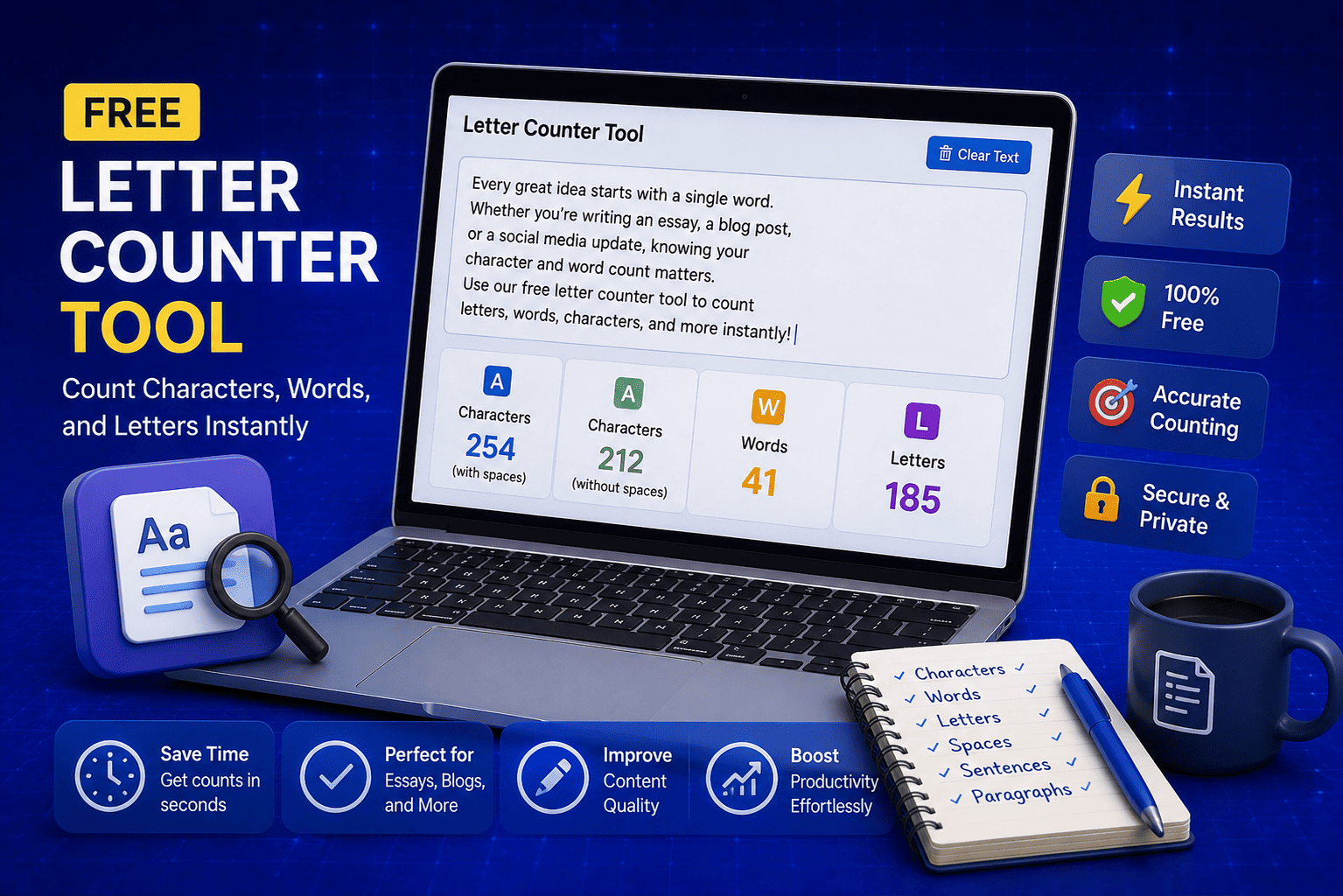
Free Letter Counter Tool: How to Count Characters, Words, and Letters Instantly
Most people do not think about character counts until they absolutely have to. Your tweet gets rejected for being too long. Your Meta description gets cut off in Google search results. Your college application essay goes over the limit and you have no idea by how much. These are the moments when a free letter counter tool becomes genuinely useful. The good news is you do not need a complicated piece of software or a paid subscription to count letters, characters, and words accurately. A free online tool does it all instantly, in real time, right in your browser. In this guide, I am going to show you exactly what a letter counter tool does, who needs it, and how to use it to get accurate text statistics in seconds.
Read Article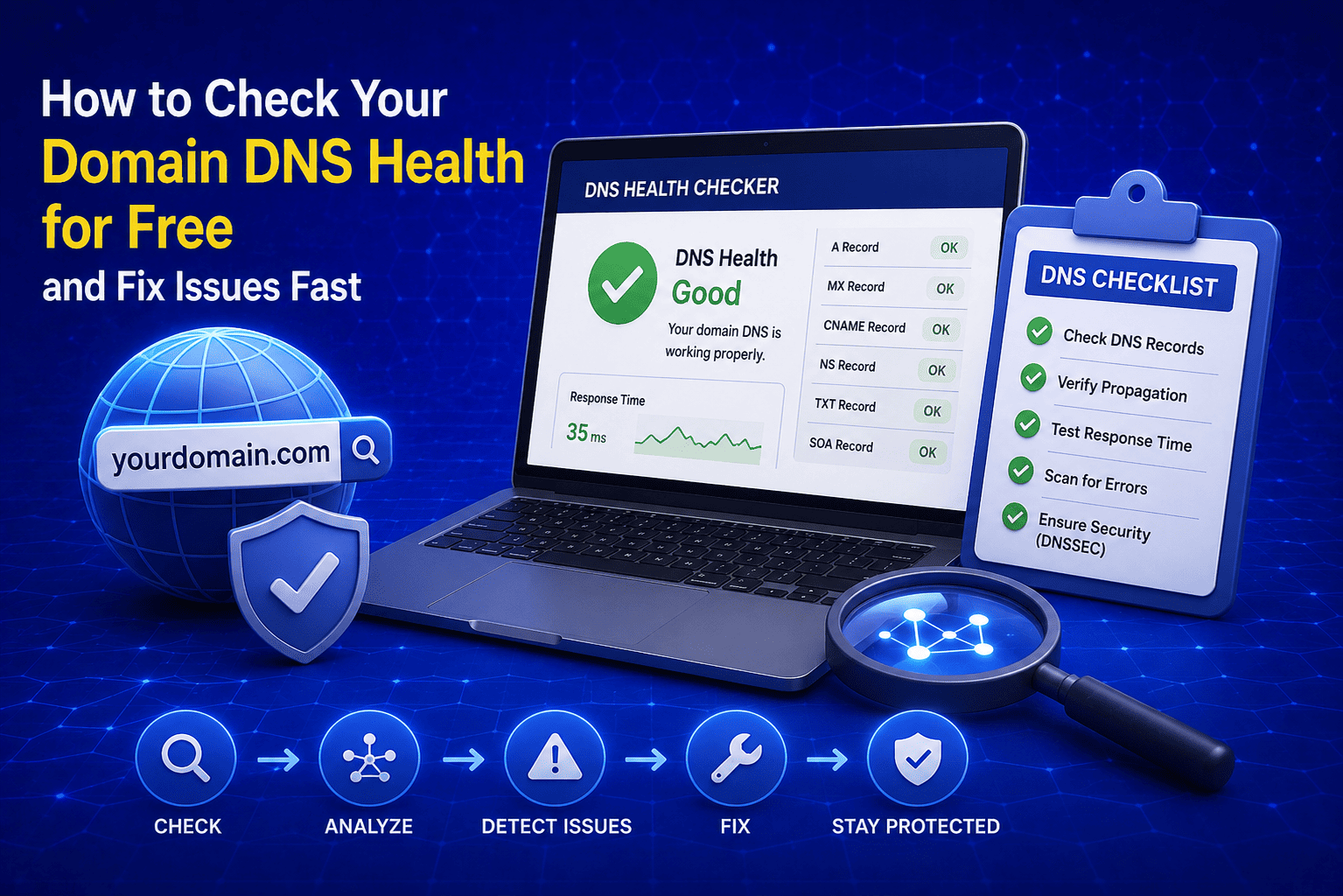
How to Check Your Domain DNS Health for Free and Fix Issues Fast
Most website owners set up their domain once and never look at the DNS settings again. Everything seems fine until emails stop delivering, the website goes down after a hosting change, or Google flags the domain for missing security records. By that point the damage is already done. A quick domain DNS health check takes less than thirty seconds and tells you exactly whether your DNS records are correctly configured or quietly causing problems you have not noticed yet. In this guide I am going to show you exactly how to run a free DNS health check on any domain, what the results mean, and what to do if something needs fixing.
Read Article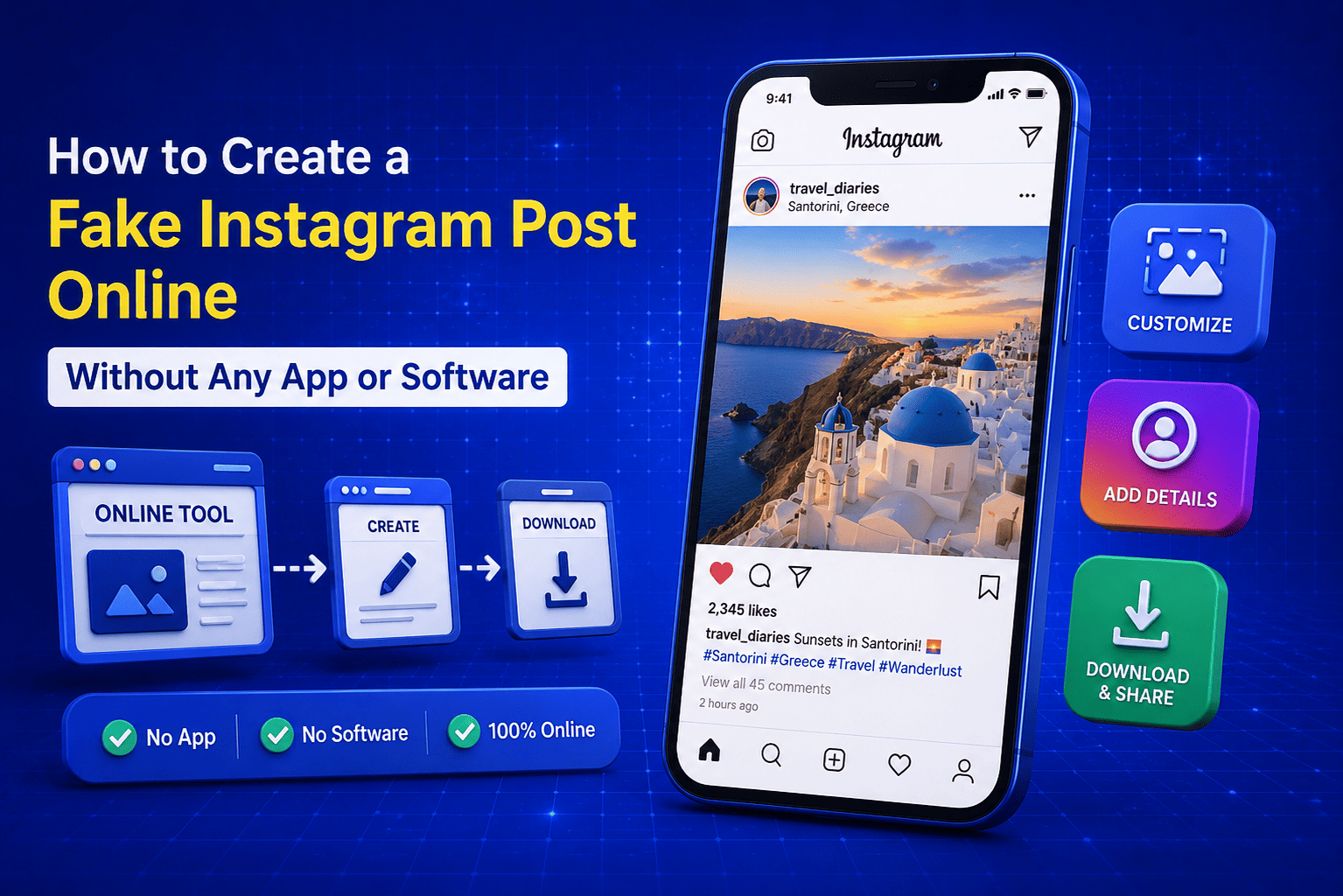
How to Create a Fake Instagram Post Online Without Any App or Software
If you have ever searched for a way to create a fake Instagram post online, you already know how hard it is to find a tool that actually works well. Most options are either too complicated, full of watermarks, or ask you to download software you never wanted in the first place. The good news is you do not need any of that. A free online fake Instagram post generator lets you create a realistic looking Instagram post right in your browser, in under two minutes, with no app, no login, and no design skills required. Whether you need it for a school project, a marketing mockup, or just for fun with friends, this guide will show you exactly how to do it step by step.
Read Article