
Master Color Conversion and Design: Essential Tools for Web Developers
Discover essential color tools for web development including RGBA to HEX conversion, HEX to RGBA conversion, and color shades generation to streamline your design workflow.
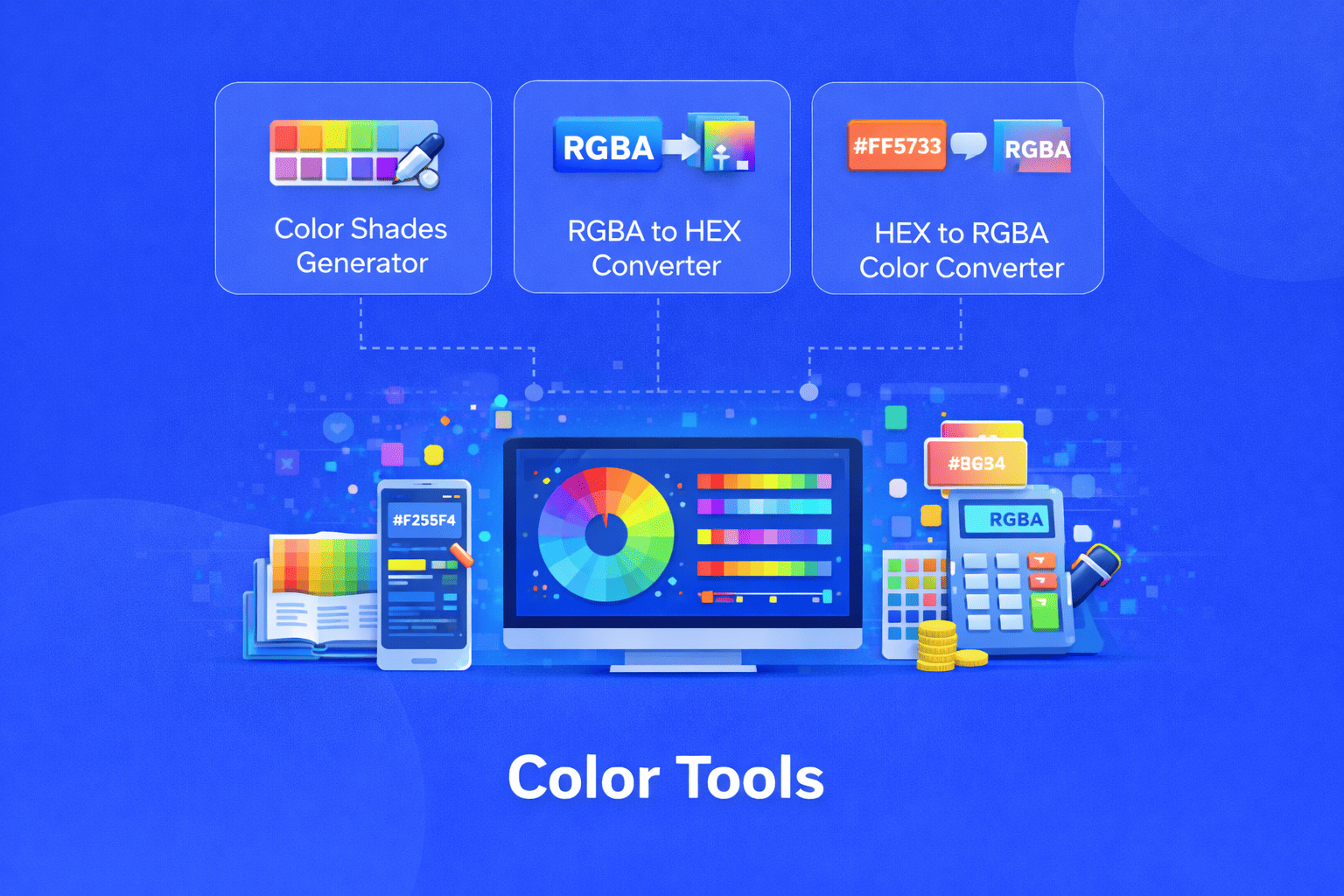
Color is one of the most critical elements in web design and development. Whether you're building a brand-new website, refining an existing interface, or ensuring accessibility compliance, working with different color formats efficiently can save you hours of manual calculations. Understanding how to convert between color formats and generate harmonious color schemes is essential for any modern developer or designer.
Understanding Color Formats in Web Development
Before diving into specific tools, it's important to understand the two most common color formats used in CSS and web design HEX and RGBA.
HEX (Hexadecimal) represents colors using a six-character code preceded by a hash symbol. Each pair of characters represents red, green, and blue values respectively (e.g., #FF5733). The format can also include an eight-character variant where the last two characters represent the alpha channel for transparency. HEX is compact, widely supported across all browsers, and remains the most popular format in web development.
RGBA (Red, Green, Blue, Alpha) uses four numerical values to define colors. The first three values range from 0 to 255 for red, green, and blue, while the fourth alpha value ranges from 0 to 1, representing opacity. For example, rgba(255, 87, 51, 0.8) creates a semi-transparent orange color. RGBA provides more intuitive control over transparency compared to HEX.
Each format has its advantages. HEX offers brevity and universal compatibility, while RGBA provides clearer transparency control and more readable syntax for those unfamiliar with hexadecimal notation.
Why Color Conversion Tools Matter
Designers and developers often work across multiple platforms, design software, and frameworks. A color picker in Photoshop might give you an RGBA value, but your CSS framework prefers HEX. Your brand guidelines specify colors in HEX, but you need to add transparency for an overlay effect, requiring RGBA.
Manual conversion between these formats is not only time-consuming but also prone to errors. A single miscalculation can result in colors that don't match your design specifications, leading to inconsistent branding and visual experiences. Professional color conversion tools eliminate these risks while dramatically speeding up your workflow.
RGBA to HEX Converter: Simplifying Transparency
The RGBA to HEX converter is invaluable when you need to transform RGBA color values into hexadecimal format. This tool handles all RGBA values, including those with alpha channels, and instantly provides the corresponding HEX code.
When you work with design tools like Figma or Adobe XD, you often receive colors in RGBA format. However, many CSS frameworks and older codebases primarily use HEX notation. Converting manually requires understanding how decimal RGB values translate to hexadecimal pairs a process that's both tedious and error-prone.
The converter streamlines this by accepting any valid RGBA input and outputting clean HEX code ready for immediate use in your stylesheets. For colors with transparency, it generates the eight-character HEX format (including the alpha channel), ensuring your transparency settings transfer accurately. This is particularly useful when working on modern web interfaces where subtle transparency effects create depth and visual hierarchy.
HEX to RGBA Converter: Unlocking Transparency Control
While HEX format is excellent for solid colors, adding transparency can be cumbersome. The HEX to RGBA converter solves this by transforming any hexadecimal color code into RGBA format, making it easy to adjust opacity values.
This tool accepts various HEX formats three character shorthand (#FFF), six-character standard (#FFFFFF), and eight-character with alpha (#FFFFFFFF) and instantly provides the RGBA equivalent. This flexibility means you don't need to worry about formatting your input; the converter intelligently processes whatever HEX code you provide.
The practical applications are numerous. Perhaps you're implementing a modal overlay that needs 80% opacity, or creating hover effects that subtly change transparency. With RGBA, you can fine-tune these opacity values without affecting the RGB color channels. The converter gives you this control by transforming your existing HEX colors into a format where transparency adjustments are straightforward.
For developers working with CSS in JS libraries or modern frameworks that prefer RGBA syntax, this tool ensures seamless conversion of legacy HEX values without manual calculation.
Color Shades Generator: Creating Cohesive Palettes
Perhaps the most creative of the three tools, the color shades generator helps designers and developers create comprehensive color palettes from a single base color. This tool generates multiple shades, tints, and tones, providing a full spectrum of variations you can use throughout your design.
Enter any color value whether in RGB, HEX, HSL, or HSV format and the generator produces a range of related colors. You can adjust the number of shades generated, typically from 2 to 25, depending on your needs. Each generated shade comes with values in multiple formats, allowing you to copy the exact code you need for your project.
This tool proves invaluable when establishing a design system or component library. Rather than manually lightening or darkening colors and hoping they look harmonious, the generator uses consistent algorithms to create mathematically related shades. These systematic variations ensure visual consistency across your interface.
For example, you might use the darkest shade for text, medium shades for primary buttons and accents, and lighter shades for backgrounds and hover states. The generator provides all these variations instantly, complete with accessible color values you can copy directly into your code.
Practical Workflow Integration
These color tools work best when integrated into your daily development workflow. When starting a new project, use the color shades generator to create your complete palette from your brand's primary colors. Export these values into CSS variables or your design system documentation.
During development, keep the converters readily available for quick transformations. When implementing designs, you'll frequently encounter situations where you need to switch between formats overlay effects, gradient definitions, or framework requirements. Having instant conversion eliminates context switching and maintains your development momentum.
Many developers bookmark these tools or integrate them into their development environment for quick access. The time saved accumulates significantly over the course of a project, especially when working with complex designs that require numerous color variations and transparency effects.
Best Practices for Color Management
While these tools simplify color conversion, following best practices ensures your color implementations remain maintainable and accessible. Store your converted colors as CSS variables or in a centralized configuration file. This creates a single source of truth that makes global color changes effortless.
Consider accessibility from the start. Use the generated color palettes to ensure sufficient contrast ratios between text and backgrounds, meeting WCAG guidelines for readable interfaces. The systematic shades from the color generator often provide built-in contrast variations that work well for accessibility.
Document your color system comprehensively. Note which colors serve which purposes (primary actions, warnings, errors, backgrounds) and their acceptable use cases. This documentation, combined with your color tools, enables consistent implementation across teams.
Conclusion
Mastering color tools elevates your web development capabilities and design consistency. The RGBA to HEX converter, HEX to RGBA converter, and color shades generator form a powerful toolkit that addresses the most common color-related challenges in web development. These tools eliminate manual calculations, prevent conversion errors, and accelerate your design-to-development workflow.
Whether you're a seasoned developer optimizing your process or a designer learning to implement your own designs, these color tools provide the precision and efficiency modern web projects demand. By understanding when and how to use each tool, you'll create more consistent, accessible, and visually appealing web experiences with significantly less effort.
Share this article:
Frequently Asked Questions
HEX uses hexadecimal notation with six or eight characters to represent colors, making it compact and widely supported. RGBA uses four numerical values for red, green, blue, and alpha (transparency), offering more intuitive transparency control and human-readable syntax. HEX is ideal for solid colors and legacy compatibility, while RGBA excels when you need fine-tuned opacity adjustments.
Yes, eight-character HEX codes (like #FF5733AA) include alpha channel information and can be converted to RGBA format. The last two hexadecimal characters represent the opacity level, which translates to the alpha value in RGBA. Standard six-character HEX codes convert to RGBA with full opacity (alpha value of 1).
Color shades generators use color theory algorithms to systematically adjust lightness, saturation, and hue values. By modifying these properties in consistent increments, the tool creates harmonious variations that maintain visual relationships. This ensures your darker and lighter shades feel cohesive rather than arbitrary.
Both formats work perfectly in modern CSS. HEX offers brevity and universal browser support, making it ideal for solid colors. RGBA provides clearer transparency control and is preferable when working with opacity effects, overlays, or gradients. Many developers use HEX for base colors and RGBA when transparency is needed.
While color converters and generators don't directly check accessibility, they help you implement accessible color choices. Use the color shades generator to create systematic variations that provide different contrast levels. You can then test these generated colors with accessibility checkers to ensure they meet WCAG contrast ratio requirements for text readability.
No, that's precisely why these tools exist. While understanding hexadecimal can be helpful, the converters handle all the complex mathematics automatically. You simply input your color in one format and receive the accurate conversion in another, without needing to manually calculate hexadecimal values or RGB translations.

Related Articles
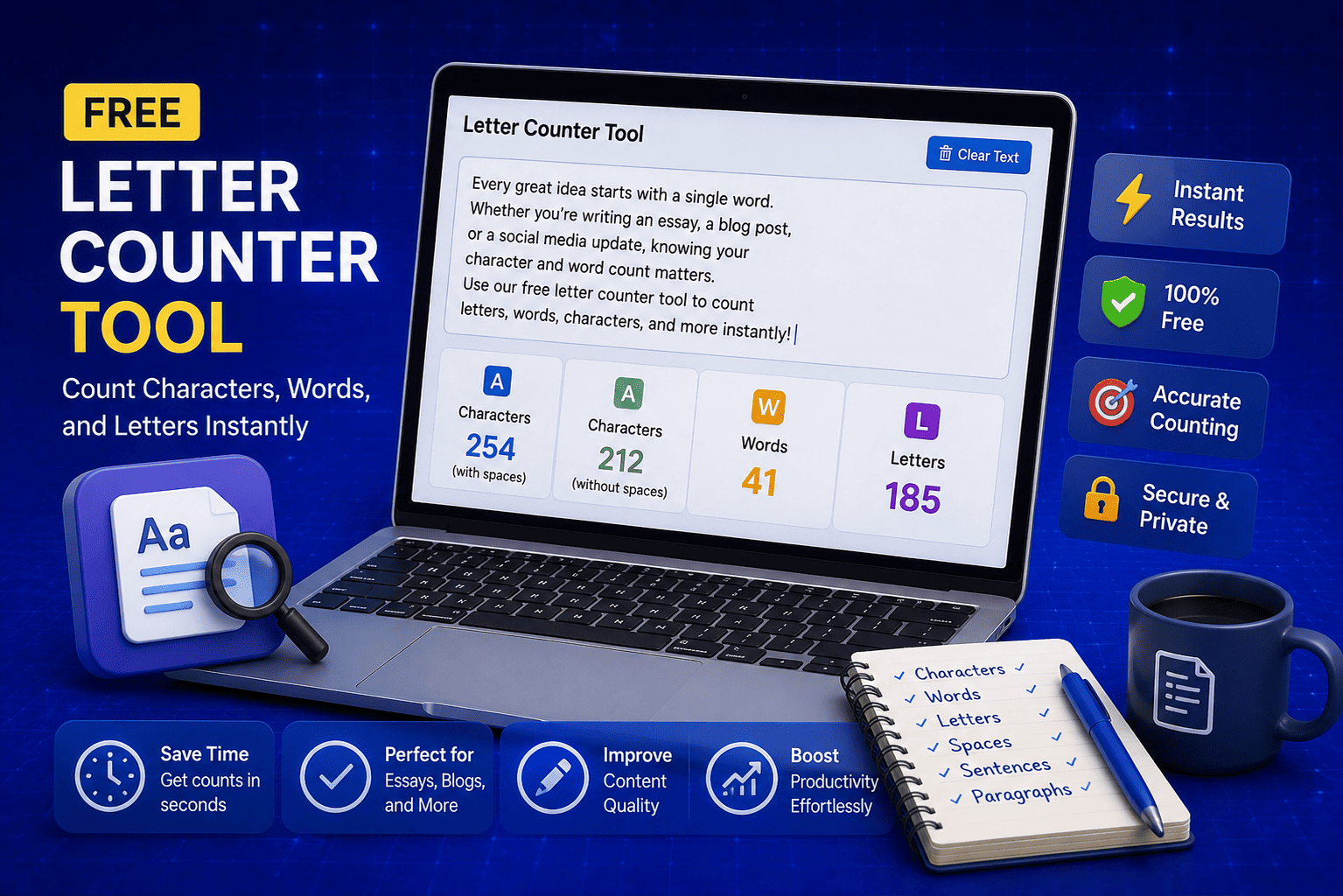
Free Letter Counter Tool: How to Count Characters, Words, and Letters Instantly
Most people do not think about character counts until they absolutely have to. Your tweet gets rejected for being too long. Your Meta description gets cut off in Google search results. Your college application essay goes over the limit and you have no idea by how much. These are the moments when a free letter counter tool becomes genuinely useful. The good news is you do not need a complicated piece of software or a paid subscription to count letters, characters, and words accurately. A free online tool does it all instantly, in real time, right in your browser. In this guide, I am going to show you exactly what a letter counter tool does, who needs it, and how to use it to get accurate text statistics in seconds.
Read Article
How to Check Your Domain DNS Health for Free and Fix Issues Fast
Most website owners set up their domain once and never look at the DNS settings again. Everything seems fine until emails stop delivering, the website goes down after a hosting change, or Google flags the domain for missing security records. By that point the damage is already done. A quick domain DNS health check takes less than thirty seconds and tells you exactly whether your DNS records are correctly configured or quietly causing problems you have not noticed yet. In this guide I am going to show you exactly how to run a free DNS health check on any domain, what the results mean, and what to do if something needs fixing.
Read Article
How to Create a Fake Instagram Post Online Without Any App or Software
If you have ever searched for a way to create a fake Instagram post online, you already know how hard it is to find a tool that actually works well. Most options are either too complicated, full of watermarks, or ask you to download software you never wanted in the first place. The good news is you do not need any of that. A free online fake Instagram post generator lets you create a realistic looking Instagram post right in your browser, in under two minutes, with no app, no login, and no design skills required. Whether you need it for a school project, a marketing mockup, or just for fun with friends, this guide will show you exactly how to do it step by step.
Read Article