Text Tools - Free Online Text Manipulation & Formatting Tools
Transform, format, and manipulate text instantly with our comprehensive collection of free online text tools. Convert case, remove duplicates, count words, encode text, and perform 50+ text operations without downloading software.
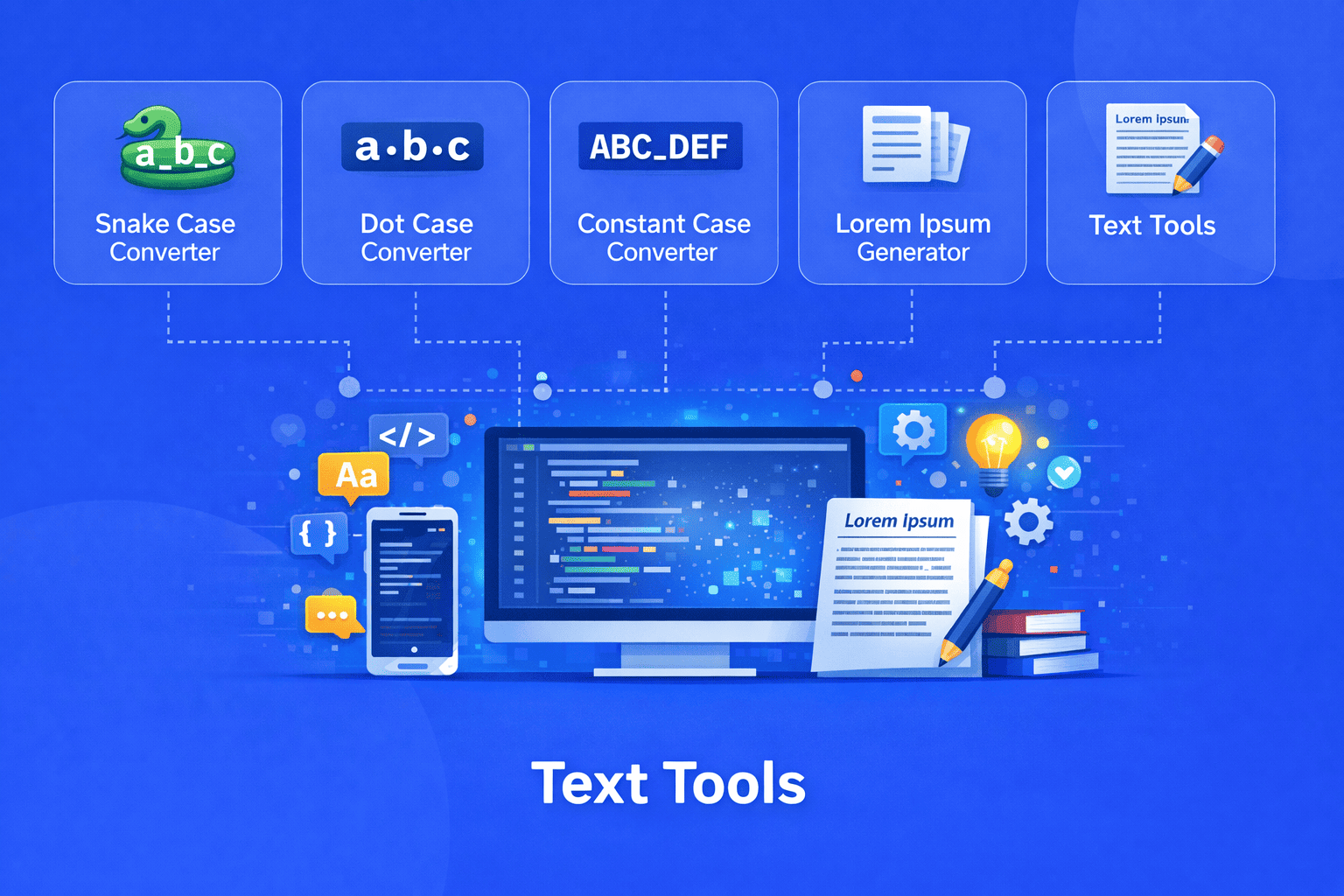
Welcome to EveryWebTool's Text Tools section your ultimate destination for powerful, browser-based text manipulation utilities. Whether you're a developer, writer, content creator, SEO specialist, or student, our free online text tools help you process, format, and transform text efficiently without the need for complex software installations.
Our text processing toolkit includes everything from basic formatting operations like case conversion and line break removal to advanced functions such as base64 encoding, URL escaping, and text comparison. All tools work directly in your browser, ensuring your data remains private and secure on your device.
What Makes Our Text Tools Special
Instant Processing - Get results immediately without waiting for uploads or server processing. All operations happen locally in your browser for lightning-fast performance.
Privacy-First Approach - Your text never leaves your device. We don't store, transmit, or analyze any data you process with our tools, ensuring complete confidentiality for sensitive information.
No Installation Required - Access professional grade text manipulation tools instantly through any modern web browser. No downloads, no registration, no hidden fees.
Developer-Friendly Features - Purpose built tools for programmers including case converters (camelCase, PascalCase, snake_case), code formatters, escape/unescape utilities, and encoding/decoding functions.
Writer & Editor Tools - Professional text editing utilities including word counters, duplicate removers, text comparers, find and replace, and formatting cleaners that save hours of manual work.
Bulk Text Operations - Process large volumes of text efficiently with tools designed to handle substantial inputs, perfect for data cleaning and text preprocessing tasks.
Cross-Platform Compatibility - Works seamlessly on Windows, Mac, Linux, tablets, and smartphones. If you have a browser, you have access to our complete text toolkit.
Popular Text Tool Categories
Case conversion tools transform text between Camel Case, Constant Case, Dot Case and Snake Case formats. Line manipulation utilities add, remove, or modify line breaks, number lines, sort alphabetically, and remove duplicate or blank lines. Encoding and decoding tools handle base64, URL encoding, HTML entities, binary, hexadecimal, and other format conversions.
Text analysis features Letter Counter, characters, sentences, paragraphs, and calculate readability scores. Find and replace functionality offers powerful search capabilities with regex support for complex pattern matching. Whitespace management tools trim spaces, normalize spacing, and convert between tabs and spaces.
List processing utilities sort, randomize, merge, split, and format lists with various delimiters. Text generation tools create dummy text, random words, passwords, and placeholder content. Special character operations add or remove prefixes/suffixes, escape special characters, and clean unwanted symbols.
Who Uses Our Text Tools
Web developers use our tools for formatting code, converting naming conventions, and processing data. Content writers and bloggers rely on word counters, case converters, and text cleaners for professional content creation. SEO specialists analyze keyword density, count characters for meta descriptions, and format content.
Data analysts clean and preprocess text data, remove duplicates, and standardize formats. Students format assignments, check word counts, and cite references properly. Digital marketers prepare social media posts, email campaigns, and advertising copy.
Programmers convert text between different encoding formats, escape special characters, and format JSON or XML data. Translators process multilingual content and maintain consistent formatting across languages.
Why Choose EveryWebTool for Text Processing
Our commitment to creating the most user-friendly, efficient, and comprehensive text tool collection sets us apart. We continuously update our toolkit based on user feedback and emerging needs in the digital workspace. Each tool is carefully designed with intuitive interfaces that require no learning curve simply paste your text, click the button, and get results.
The tools are optimized for performance, capable of handling everything from small snippets to large documents containing thousands of lines. We support keyboard shortcuts for power users, provide copy-to-clipboard functionality for convenience, and maintain clean, ad-free interfaces that let you focus on your work.
Start using our free text tools today and experience the difference that professional-grade text processing utilities can make in your daily workflow. Bookmark this page to always have instant access to the most comprehensive collection of online text manipulation tools available anywhere on the web.
Share this article:
Frequently Asked Questions
Text tools are online utilities that help you manipulate, format, and transform text data quickly and efficiently. They work directly in your web browser using JavaScript, processing your text locally on your device without sending data to external servers. Simply paste or type your text, select the desired operation (like case conversion, word counting, or duplicate removal), and get instant results. These tools eliminate the need for complex software installations and are completely free to use.
Yes, all text tools on EveryWebTool are completely free to use with no hidden charges, subscriptions, or registration requirements. You can access unlimited text processing operations without any restrictions. We believe in providing professional-grade tools accessible to everyone, whether you're a student, developer, writer, or business professional. There are no usage limits, watermarks, or premium tiers every feature is available to all users at no cost.
Absolutely! Your data security and privacy are our top priorities. All text processing happens locally in your browser using JavaScript your text never leaves your device or gets transmitted to our servers. We don't collect, store, or analyze any text you input into our tools. This client-side processing ensures complete confidentiality, making our tools safe even for sensitive or confidential information. You can use our text tools with confidence knowing your data remains entirely under your control.
Yes, all our text tools are fully responsive and work seamlessly on mobile devices, tablets, and smartphones. The tools are optimized for touchscreen interfaces and smaller screens, ensuring you have the same powerful text manipulation capabilities whether you're on a desktop computer, laptop, iPad, or phone. You can process text on-the-go without compromising functionality or performance, making it convenient to work from anywhere.
Our text tools support all standard text formats and encodings including UTF-8, ASCII, and Unicode. You can work with plain text, CSV files, JSON, XML, HTML, markdown, and other text-based formats. The tools handle special characters, emojis, multilingual content, and various line ending conventions (Windows CRLF, Unix LF, Mac CR). Whether you're working with English text or content in other languages with special characters, our tools process your data accurately.
Developers benefit immensely from text tools for various coding tasks. Case converters help maintain consistent naming conventions (camelCase for JavaScript, snake_case for Python, PascalCase for classes). Encoding/decoding tools handle base64, URL encoding, HTML entities, and escape sequences. Text comparison tools identify code differences, while formatters clean up JSON and XML. Line manipulation utilities process log files, and bulk operations help with data migration and preprocessing. These tools integrate seamlessly into development workflows, saving significant time on repetitive text processing tasks.